How to Use Mind Maps in Notion
Three ways to create mind maps in Notion: Draw.io, Whimsical, and Coggle.
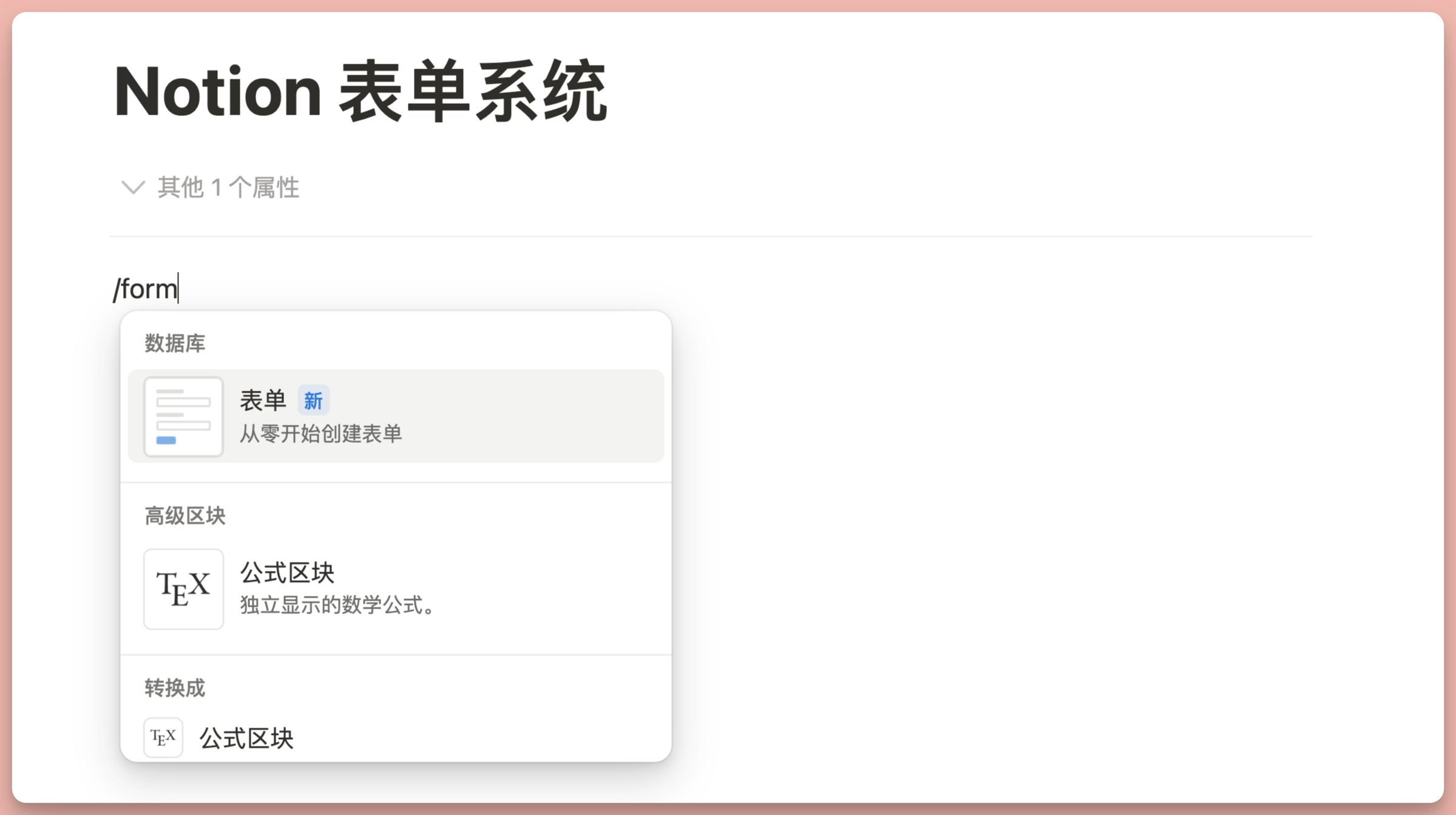
Notion Forms Launch & AI Feature Updates
Notion launches a new Forms feature with one-click sharing that needs no login, alongside AI updates including @ mentions for pages and voice input.
How Many Guests Can a Notion Workspace Invite? Guest Limits for Each Plan Explained
A detailed breakdown of Notion workspace guest limits by plan: Free 10, Plus, Business, and Enterprise now support unlimited guests (updated March 2026).
How to Create a Random Quotes Display with Notion Database
Use a Notion database combined with Formula functions to display random quotes, showing a different quote each time you refresh the page.
How to Show Only the Latest Entry in a Notion Database
Use Relation + Formula to display only the last updated record in a Notion database, ideal for project status tracking, client management, and more.
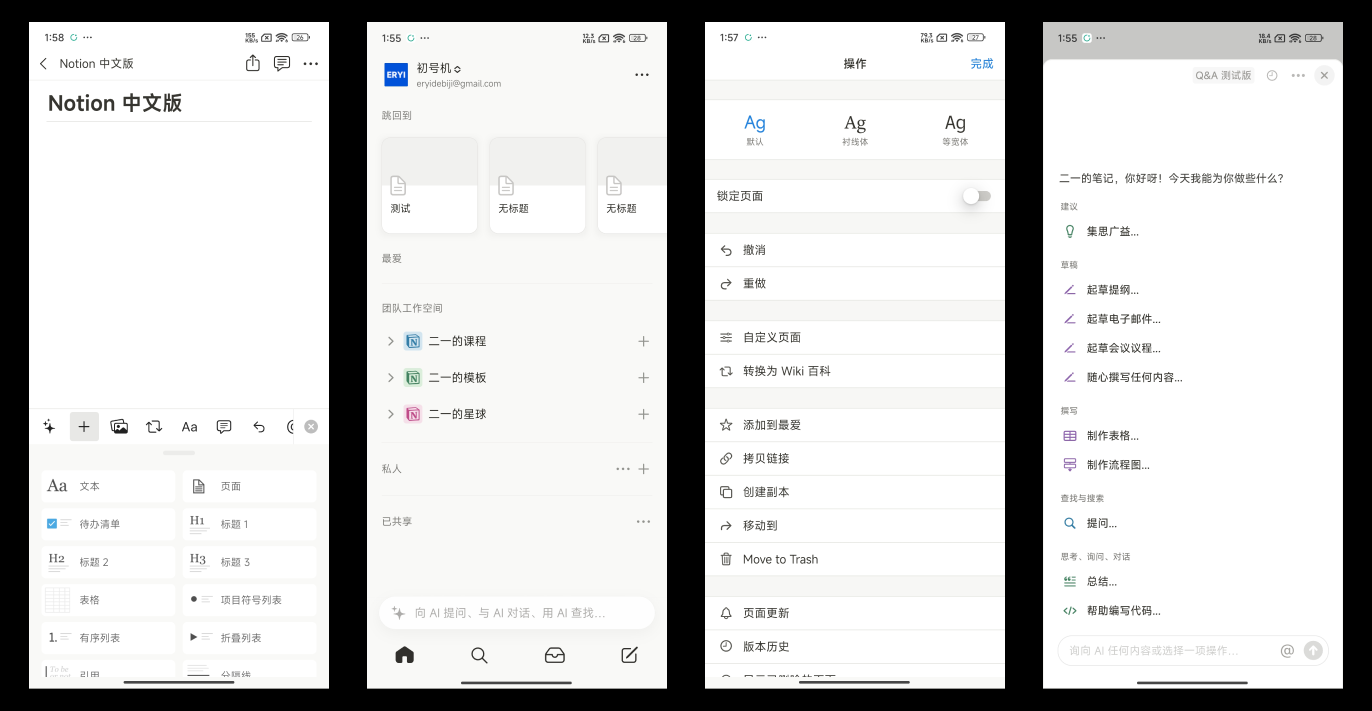
Notion Chinese Version and Charts Feature: Full Launch
Notion officially launches its Chinese version with a fully localized interface, plus a new Charts feature supporting bar, line, and donut charts.
How to Implement Random Review in Notion Using Formulas
Learn to generate pseudo-random numbers with Notion formulas to randomly sort and browse database content, showing a new order each time you refresh the page.
Notion Database Charts: What Are They and How to Use Them?
A complete guide to Notion database charts: 4 chart types, grouping, filtering, cumulative mode — visualize your data at a glance.
Notion Chinese Version Preview: Full UI Localization and AI Upgrade
A preview of the Notion Chinese version Android beta, covering block and database field localization, Chinese Formula descriptions, and AI localization.
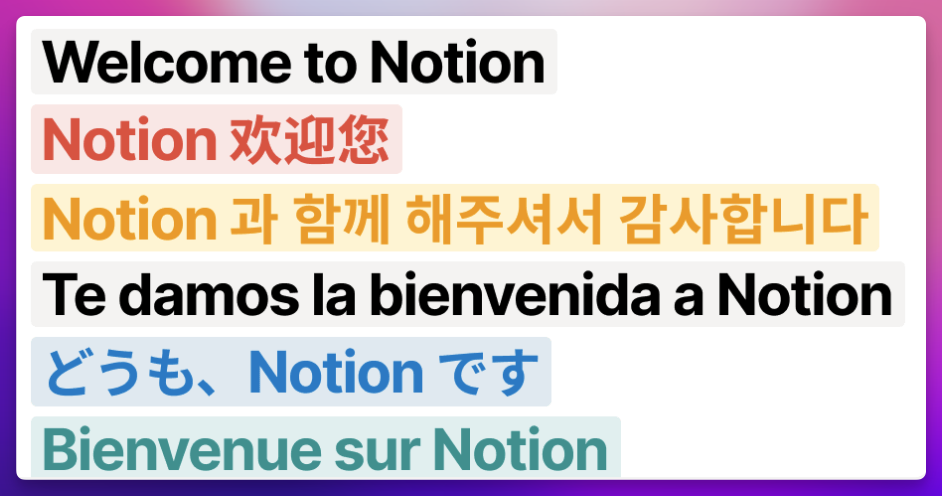
Notion Chinese Version Coming Soon? AI Features Get an Update
Notion is expected to launch an official Chinese version in August 2024, while Notion AI upgrades to GPT-4o with chat history and Calendar reaches Android.
Write WordPress Blog Posts with Notion
Use the WP Sync for Notion plugin to publish Notion content to your WordPress blog, with a step-by-step guide to configuring the API and plugin.
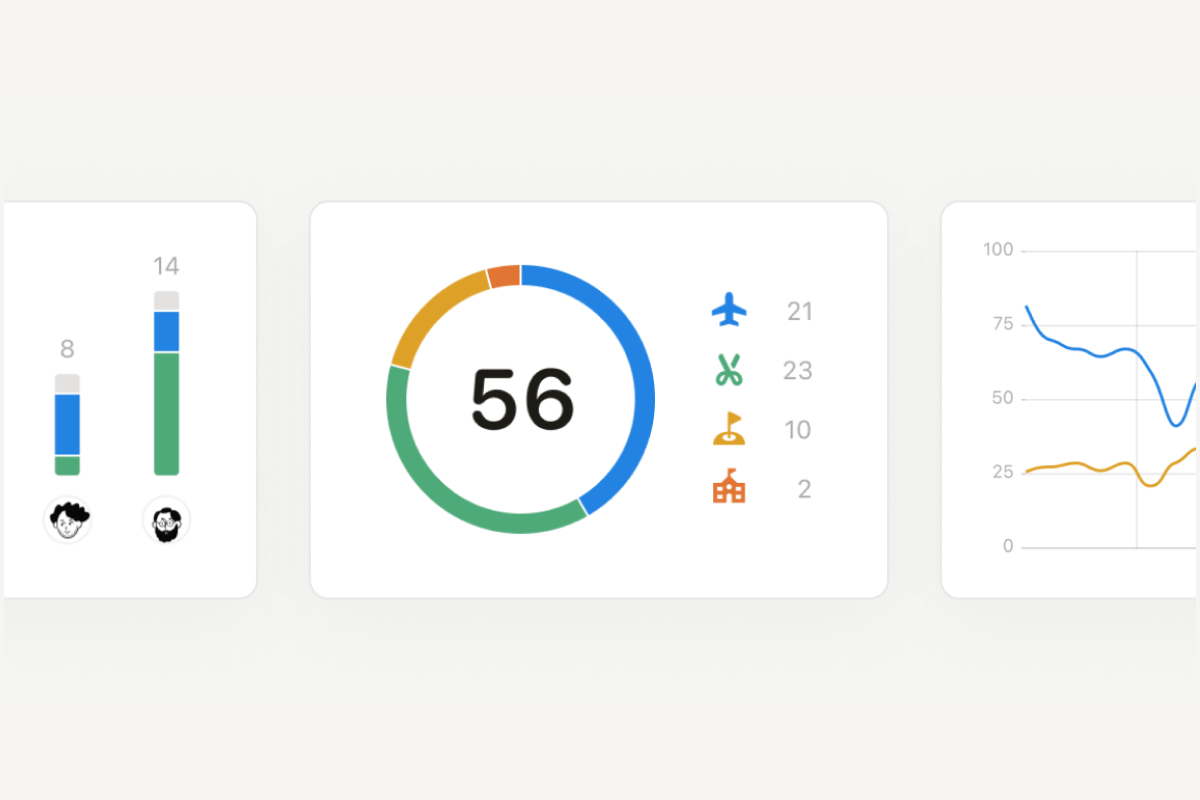
Notion Database Charts Are Finally Coming: Charts, Sites, and More New Features
A roundup of major Notion updates: the database Charts preview, the Notion Sites launch, in-page find and replace, AI cross-app search, and Plus plan pricing.
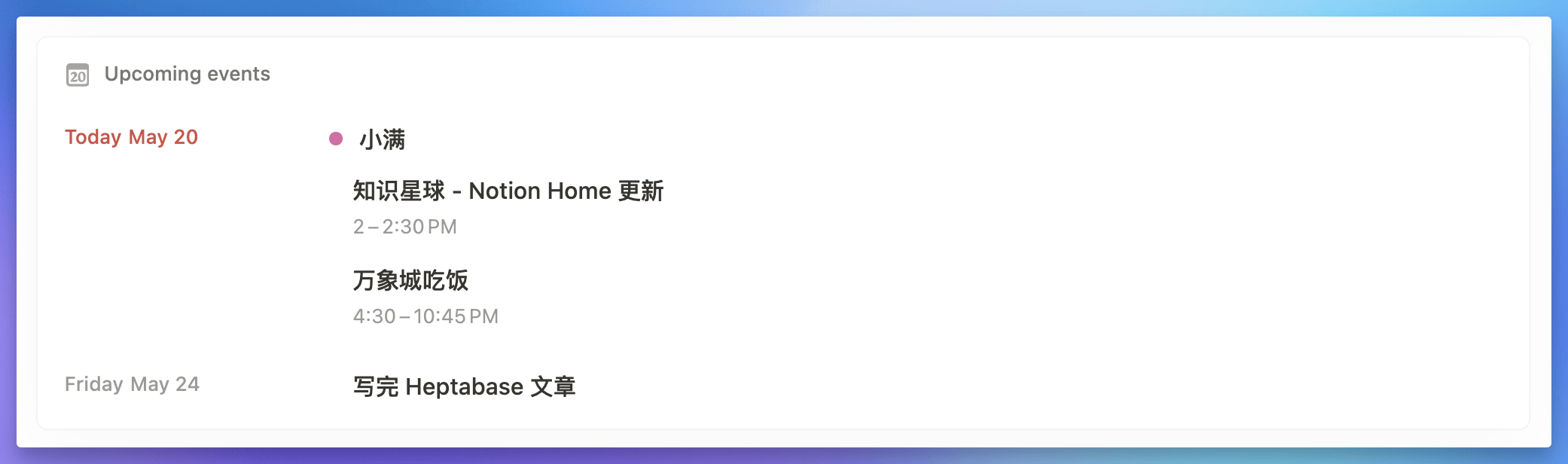
Notion Home View: New Features and Detail Improvements
Notion's Home view adds Calendar integration and database linked views, plus sidebar sorting and filtering improvements and desktop window pinning.
How to Merge Multiple Calendar Databases in Notion?
Two methods to merge multiple Notion database calendars into one view: linked views and Home view.
What Is Notion Wiki Used For?
Explains the core purpose of Notion Wiki, helping you decide whether to switch from a database to Wiki.
Notion Extension Recommendation: Search Your Notion Notebook via Google
The AtMyNotion browser extension searches your Notion database as you use Google and shows results in the sidebar. It works on Chrome and Edge.
How to Auto-Expand Database Sub-Items in Notion
Fix Notion database sub-items that collapse after every page refresh by adding a Parent item filter condition that keeps sub-items expanded.
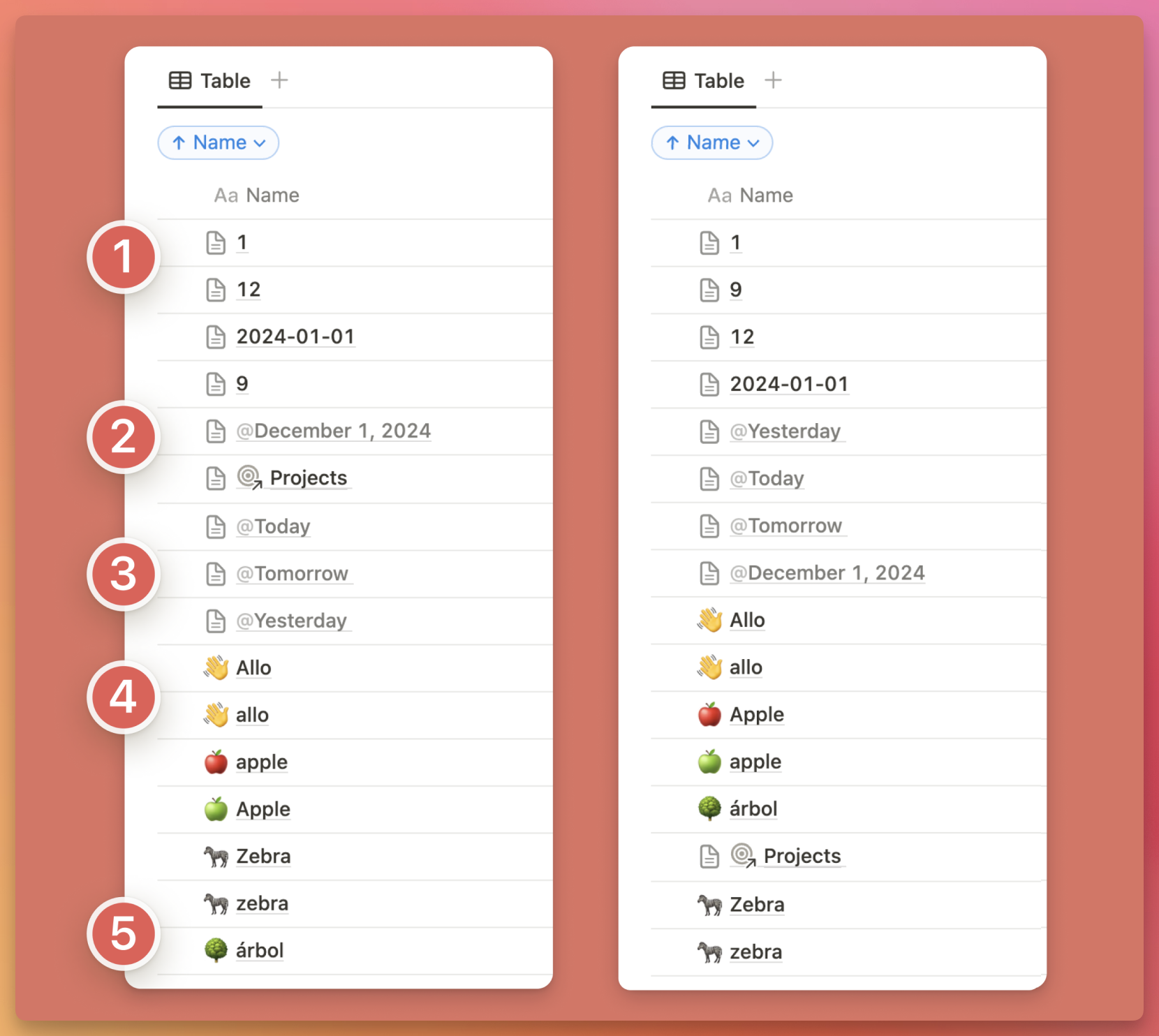
Notion 3.0 Is Coming: Database Sorting Improvements, Image Cropping & Tons of Detail Updates
A roundup of the Notion 3.0 preview and recent updates: database sorting, List view field reordering, Calendar enhancements, PDF import, and image cropping.

Notion Adds 3 Useful Functions: today, median, mean & Tons of UI Improvements
Notion adds three new functions — today(), median(), and mean() — plus sidebar improvements, image Alt text, and a table of contents preview.
How to Remove the Database Scrollbar in Notion (Mac & Windows Guide)
Seeing an ugly gray scrollbar in your Notion database? Learn how to remove the Notion database scrollbar on both Mac and Windows, with no plugins required.