This month, Notion brings several practical updates, including three new functions (today, median, mean) that greatly simplify date and data calculations. The sidebar tabs have also been improved, along with numerous UI enhancements.
Notion Adds New Functions: today, median, mean
This month, Notion introduced three new functions (the last major function update was Formula 2.0). Here are their names and what they do:
median(): Returns the Median of an Array
mean(): Returns the Arithmetic Mean of an Array
today(): Returns Today's Date
This function solves many minor issues that frequently appeared in past formula examples.
Before the today() function existed, only the now() function was related to the concept of "the present." However, now() not only returns today's date but also the exact current time. This caused problems when calculating countdowns or time differences, as the extra "time" component required a lot of additional workarounds.
With the help of the today() function, calculating time differences is as simple as this:
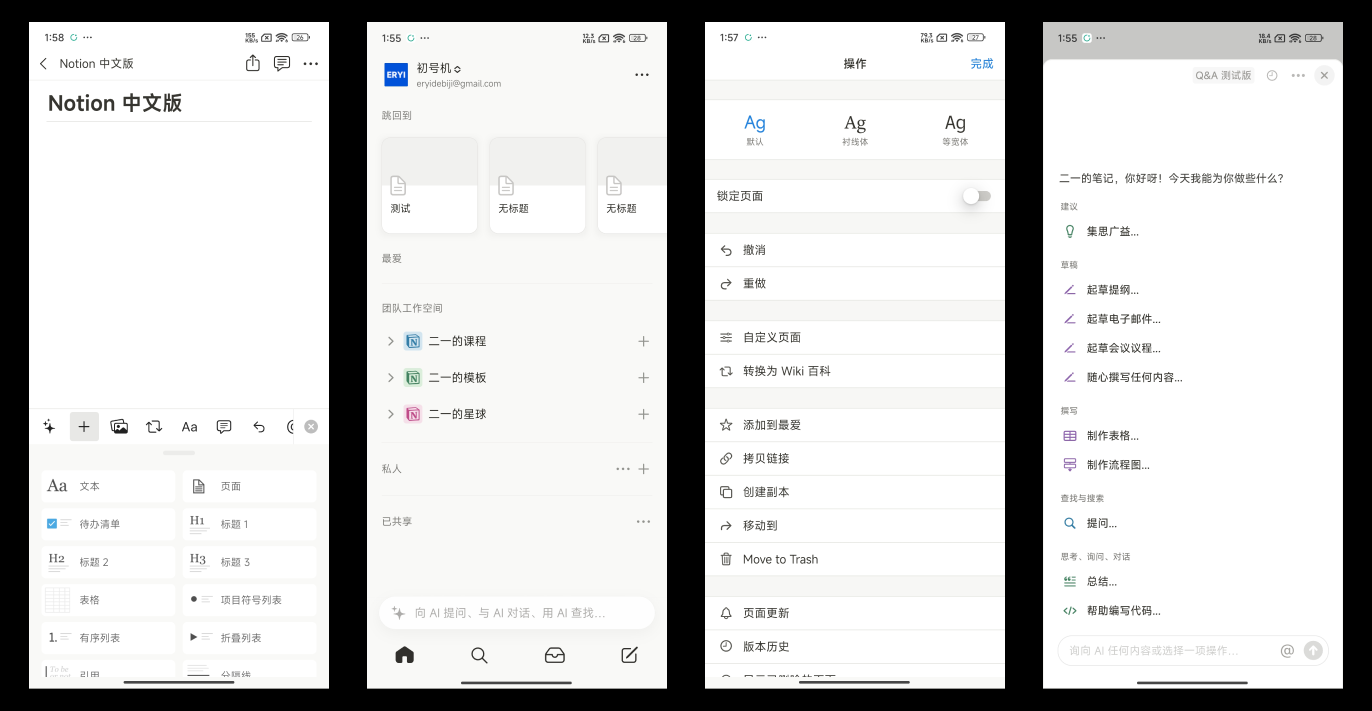
Sidebar Tab Updates: Inbox & Home
Inbox Update
In Notion's sidebar tabs, the new Inbox has replaced the former Updates tab. The options within Inbox are now more intuitive and clear, and a new "pinned mode" has been added, which allows Inbox to stay fixed in the sidebar.
Home View
The Home feature still hasn't been rolled out to all users (it has since been fully released; see the Home view new features). However, there's a workaround — you can invite a member to your workspace, and then the Home tab will appear.
To have your database tasks show up in the Home view, you need to configure your existing database:
After clicking the Turn into task database button, Notion will ask you to create (or assign) Status, Person, and Date properties in the database. Only then can the database be converted into a Task database.
Note that the Assignee property cannot be empty, otherwise the task will not appear in the Home tab:
UI Detail Updates
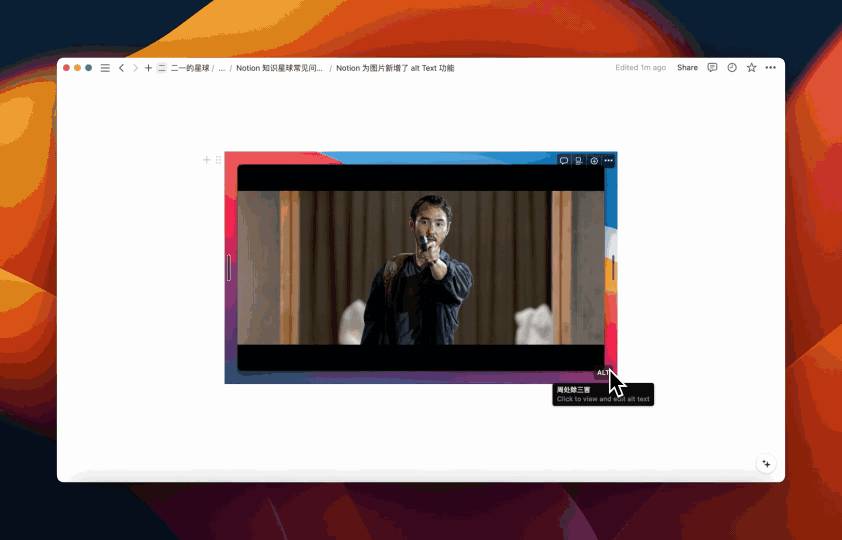
1. New Image Alt Text Feature
Notion has added an Alt text feature for images, allowing you to add more detailed descriptions to images. This helps visually impaired or blind users understand image content through screen readers.
2. Blank Page UI Redesign
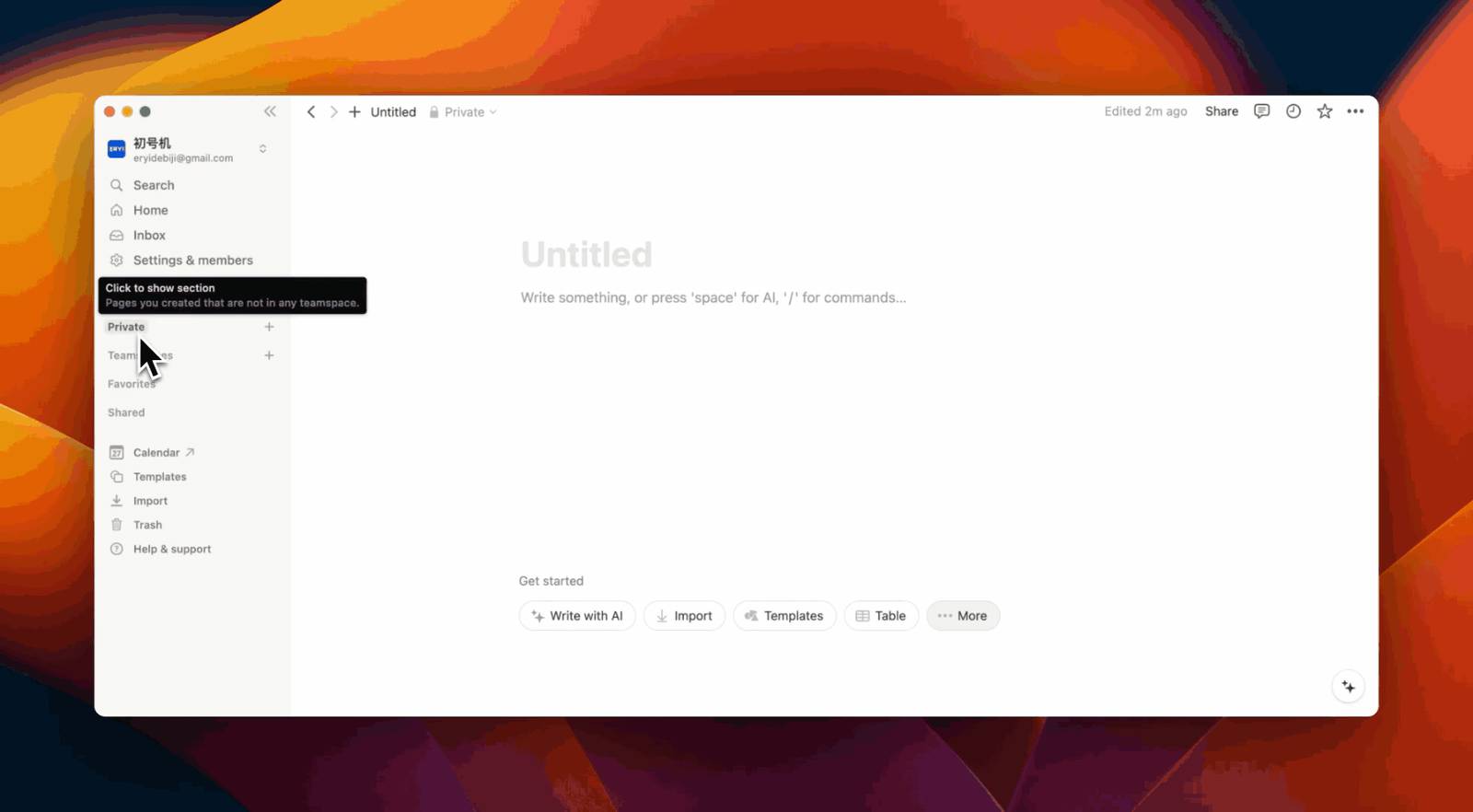
New shortcut action buttons have been added at the bottom of blank pages.
3. Draggable Navigation Modules in Sidebar
4. Page Top Comment Section Update
- Cleaner comment timestamps
- Larger, more intuitive images in comments
- Different attachment formats now have distinct icons
- New thread lines added to comments
If the comment feature doesn't appear at the top of your page, click the three dots in the upper right corner, then find "Top-level page discussions" under "Customize page" and set it to "Expanded."
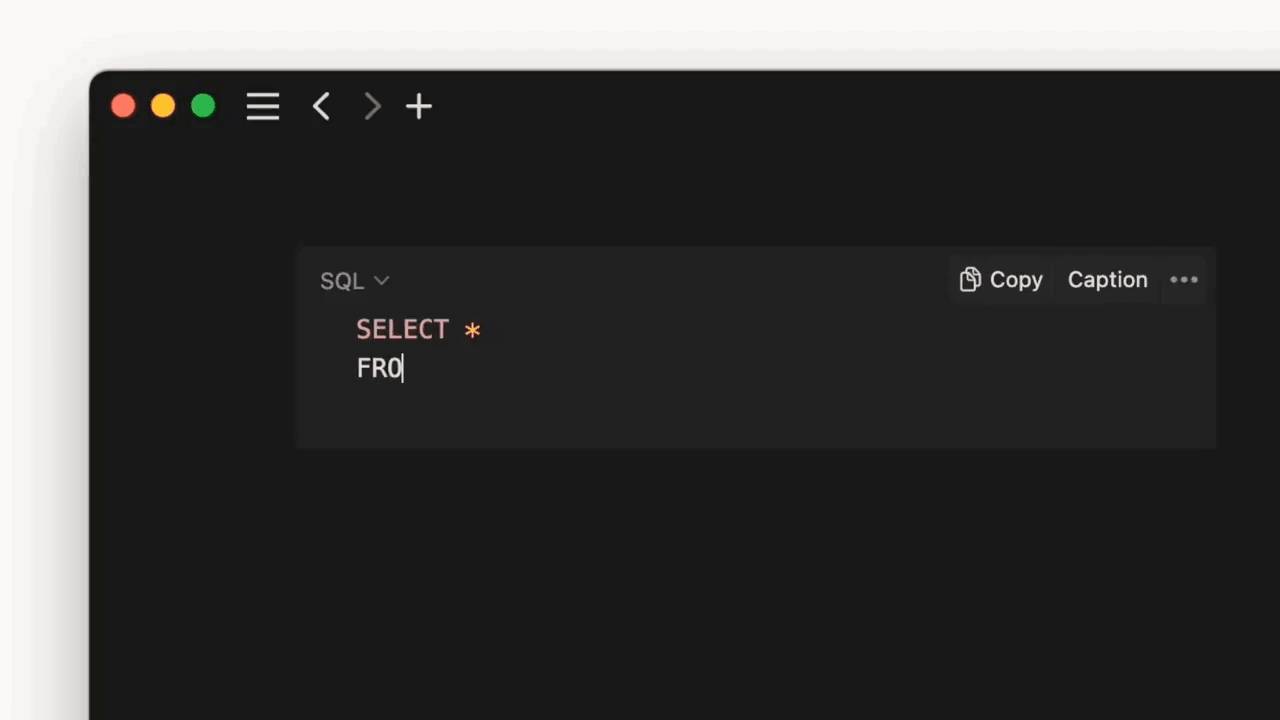
5. Code Block Auto-Indentation Support
Sidebar Table of Contents Development Progress
Notion CEO Ivan Zhao confirmed on Twitter that Notion is developing a native sidebar table of contents feature.
Additionally, Ivan Zhao also confirmed that Notion plans to shorten the current page URL length, since overly long links look quite ugly when shared.
📘 FLO.W — Notion Personal Management System
FLO.W is a Notion-based personal management template that integrates tasks, notes, projects, habits, and more, complete with comprehensive tutorials.