 FLO.W Docs
Docs Guide
Explore the FLO.W Notion template feature set: task management, note-taking, project tracking, lifestyle modules, and automation for a productive workflow.
FLO.W is a Notion template that puts tasks, projects, notes, areas and life logs in one workspace, with the links between them already set up. After purchase, duplicate it into your own Notion workspace and start using it. The core features work on Notion's free personal plan.
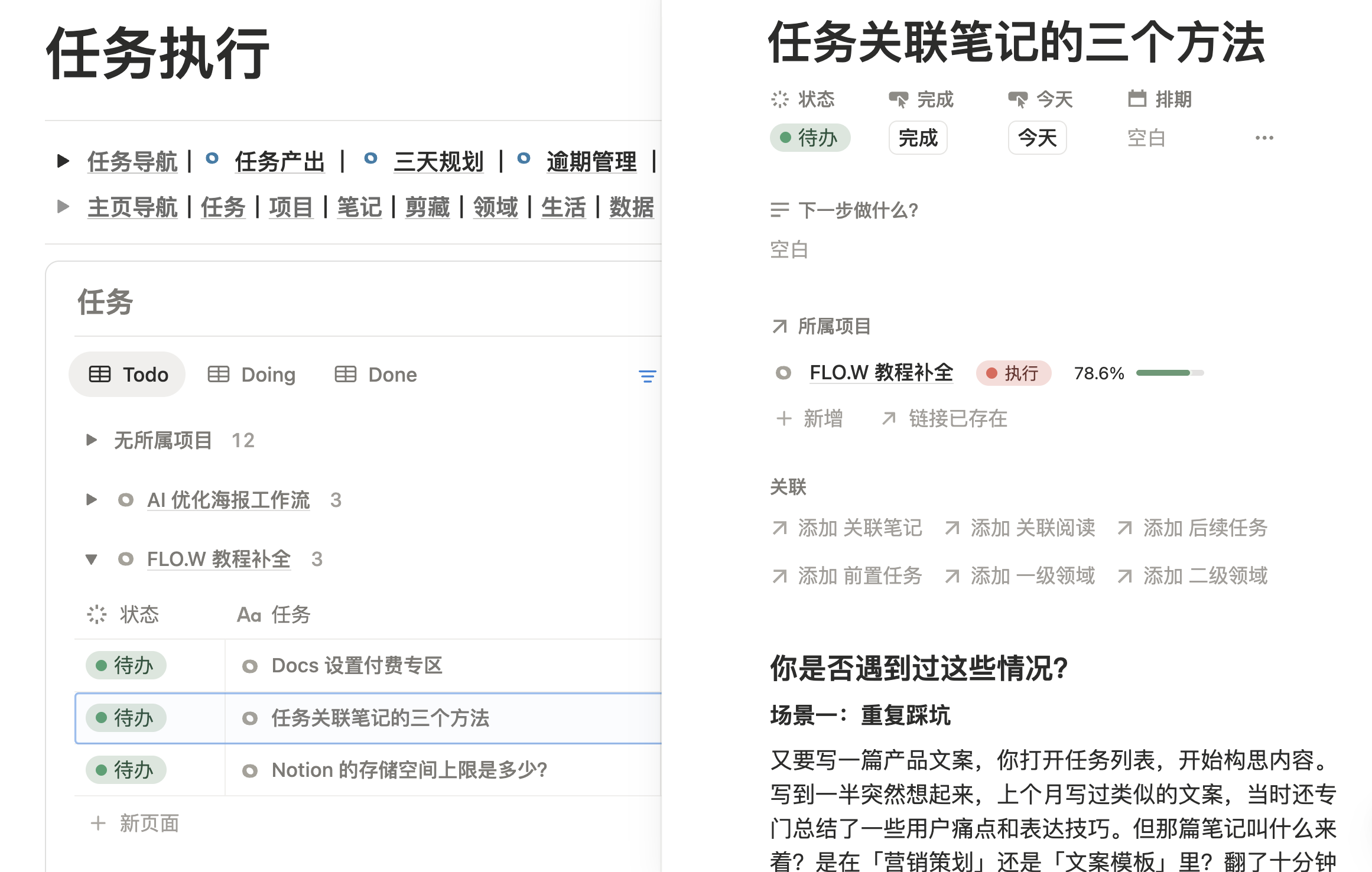
About FLO.W
If you are still deciding whether FLO.W fits you, start with these pages:
Template Overview
What the template solves, how it is structured, and where to start
Purchase Guide
Who it is for, how the two plans differ, and pricing
Before You Buy
Free plan compatibility, payment, refunds and support
Use Case Index
Concrete setups for study, creative work, career and life
How to Read These Docs
These docs follow the order in which you use the FLO.W Notion template. Import the template first, then learn the core modules (Homepage, Notes, Tasks, Projects and Areas), and finally explore life logs, automation, Notion AI and formulas as needed.
If you already know what you want to solve, start here:
| Your goal | Read first |
|---|---|
| Deciding to buy | Purchase Guide, Before You Buy |
| Just bought the template | Notion Download, Template Import Guide |
| Want to get started quickly | Template Overview, Homepage Navigation |
| Ready for daily use | Note System, Task Management |
| Organizing bigger goals | Project Management, Area Management |
| Stuck on a specific problem | The FAQ section covers purchase, onboarding, customization, troubleshooting and upgrades |
If you are new to FLO.W, read in this order: After Purchase → Core Features → FAQ. For the reasoning behind the design, see System Design.
After Purchase
Once you have the template, start with these steps:
Notion Download
Download and install the Notion app
Template Import Guide
Duplicate the template into your workspace
Quick Start
Intro video and tips for your first three days
Core Features
Master FLO.W's core features and get started quickly:
Homepage Navigation
Learn to use the Template's Homepage and navigation module
Note System
Use note-taking functionality
Task Management
Master the task management system
Project Management
Manage your projects
Area Management
Organize different life Areas
Web Clipper
Save web content
Lifestyle Tracking
Use FLO.W to record and manage your life:
Movie Tracker
Record movie viewing experience and ratings
Habits Tracker
Build good lifestyle habits
Assets Inventory
Manage personal assets and items
Gaming Tracker
Record game progress and ratings
Subscription Tracker
Manage various subscription services
Advanced Usage
Explore FLO.W's advanced features:
Notion AI
Use AI features to boost efficiency
Database Automation
Configure automated workflows
Formula Application
Master Notion formula usage
iPhone Shortcuts
Capture to Notion quickly from your phone
Property Reference
Learn about the configuration and usage of various Database Properties:
Note Properties
Configure various Properties for Notes
Task Properties
Set Property fields for Tasks
Project Properties
Configure Property fields for Projects
Clipper Properties
Learn more Property configurations
FAQ
Encountering problems? Check these common questions:
Getting Started
Onboarding and template import
Customization
Template modification and personalization
System Design
Understanding template design philosophy
Troubleshooting
Common issues and error fixes
Upgrade & Support
Version upgrade and technical support
Technical Support
If you need technical support, join our Lark community
Last updated on