Notion's Home view has received several updates. It now supports tight integration with Calendar and allows you to create linked views of any database. The sidebar has added sorting and filtering capabilities, making page management more efficient. Additionally, the desktop app now includes a window pinning (Pin) feature and a new floating toolbar design.
Latest update: In May 2026, Notion added Home to the top tab bar on mobile, so you can switch between Home, Chat, Meetings, and Inbox directly on your phone.
This round of updates focuses on improving the user experience, with numerous detail refinements that provide Notion users with a smoother workflow.
Home View Updates
Notion's Home view has recently been rolled out to all users. This month, the Home view also received a wave of small updates, detailed below.
1. New Notion Calendar Integration
You can now view Notion Calendar events directly within the Home view:
In this "Upcoming events" module, only upcoming events are displayed. The available time range options include today, today and tomorrow, within 3 days, and within a week.
As expected, the addition of this feature will genuinely increase how often users engage with Notion Calendar, as it creates a tighter connection with the Notion app itself. It also makes the Home view better aligned with its purpose — viewing all key content in one place.
2. Create Linked Views of Any Database in Home
In the Home view, you can click the "Select database" button to add any database to your Home view:
If you want to add more than one database, simply keep clicking the Add view button:
Sidebar Improvements
The Notion sidebar has added sorting and filtering features. Click the three dots to the right of Private or Shared to access these options.
- Under Sort, you can select Last edited to bring recently edited pages to the top
- Under Show, you can choose how many pages to display at once, with options of 5, 10, 15, 20, and all
When the number of sidebar pages exceeds the display limit you've set, the extra pages will be collapsed into the More tab:
Other Minor Updates
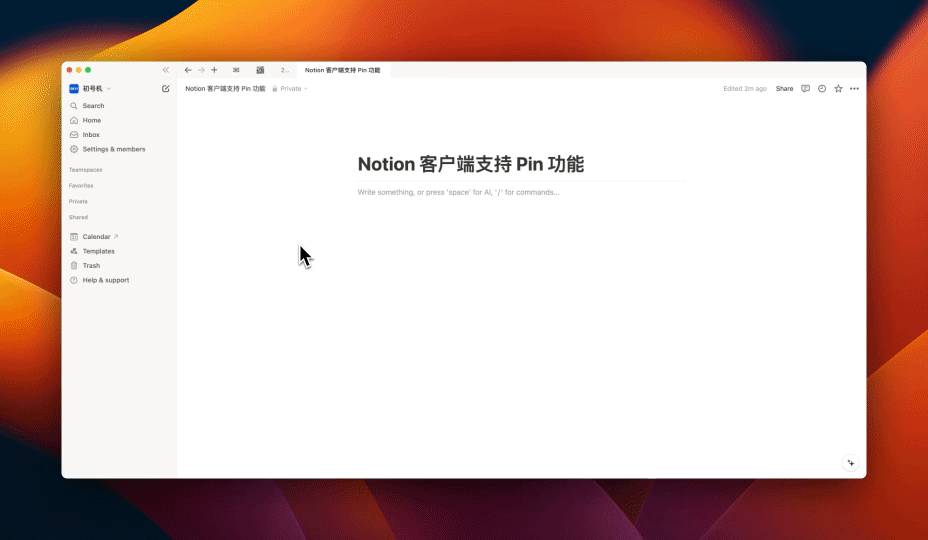
1. Desktop App Now Supports Window Pinning
Right-click to pin a note page at the top of the desktop app. If the pin tab option doesn't appear in your right-click menu, try updating to the latest version of the desktop app.
2. Notion Designed a New Toolbar
A new floating toolbar appears when you select text:
3. Q&A Feature Now Available to Everyone by Default
Notion AI is currently a subscription-based feature. The monthly subscription costs $10 (or $8 with annual billing). Once subscribed, you can ask questions across your entire workspace — for example, performing fuzzy searches for content you vaguely remember but can't recall the exact keywords for.
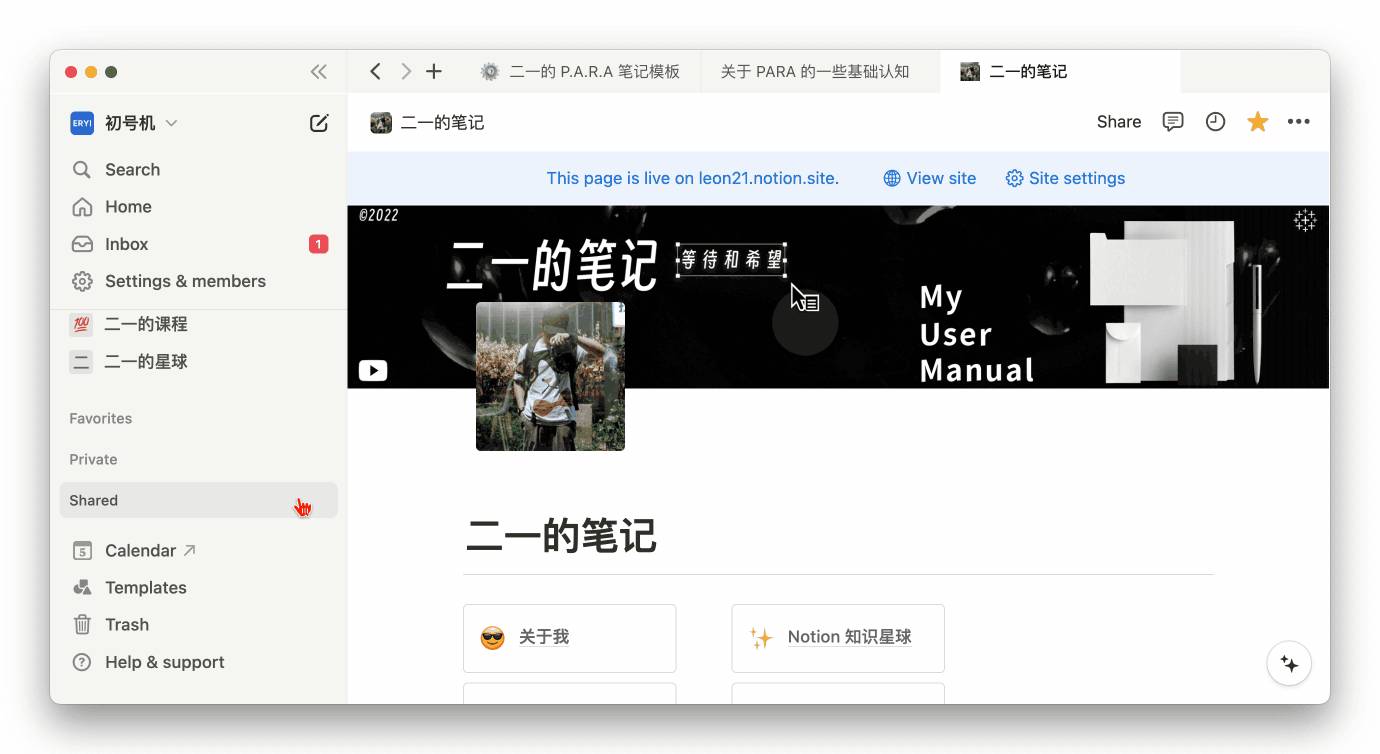
4. Trash Now Supports Filtering
As you can see, this month's update pace has slowed down somewhat, with most changes being refinements to existing feature details.
That wraps up all the updates for this month. See you next time.
📘 FLO.W — Notion Personal Management System
FLO.W is a Notion-based personal management template that integrates tasks, notes, projects, habits, and more, complete with comprehensive tutorials.