 FLO.W Docs
Notion Download
Current Notion installation guidance for Windows, Mac, and iPhone, plus Android fallback options, browser access, and localization setup tips.
This download guide is maintained by FLO.W, a ready-made Notion template you can duplicate once Notion is installed. To see what it looks like, read the Template Overview.
Notion Installation and Download
Windows
Method 1: Download Cloud Installation Package
Method 2: Visit Notion Official Website to Download
Apple Users
iPhone / iPad Users
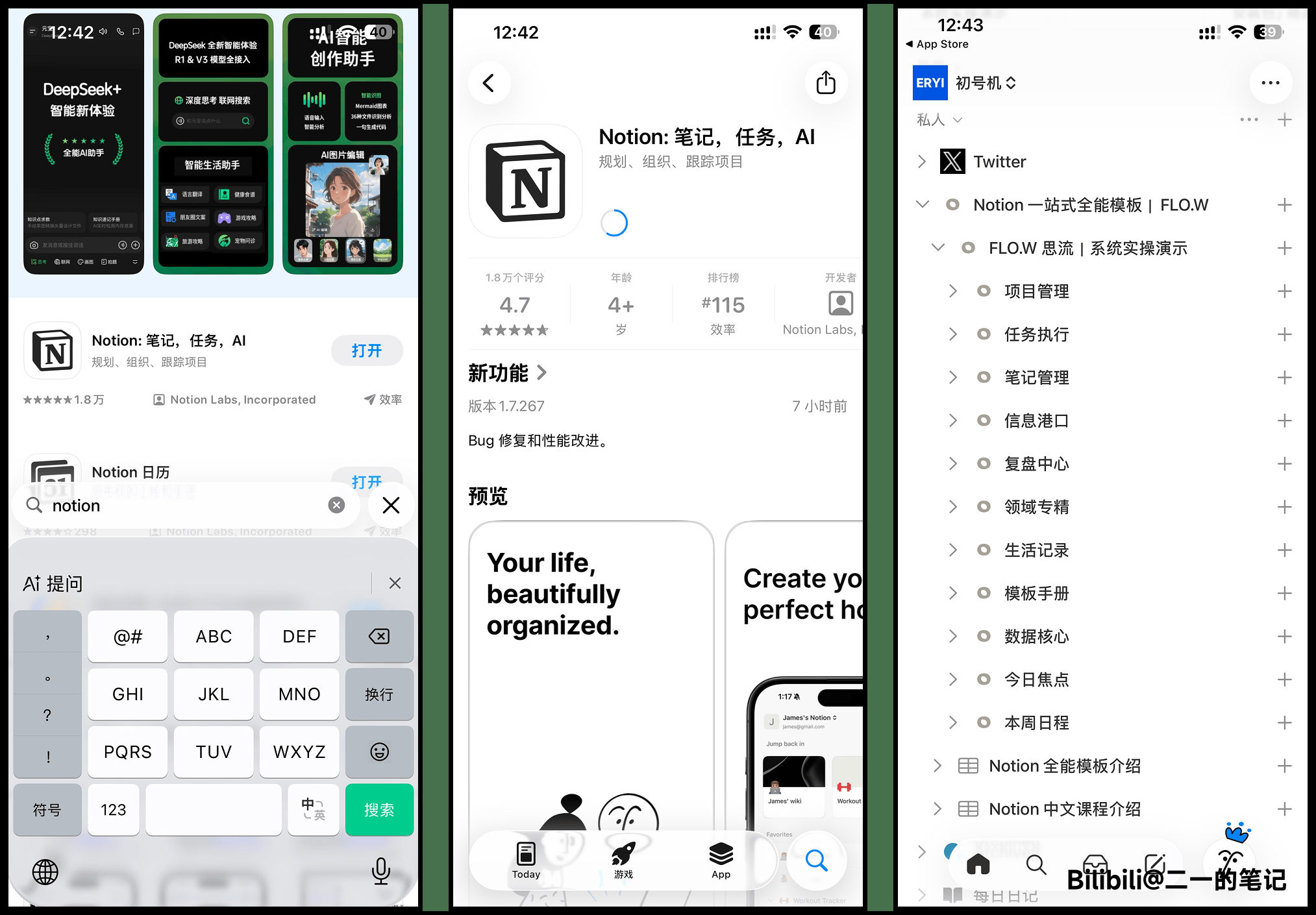
Search for Notion in the App Store and install
Mac Users
Method 1: Download Cloud Installation Package
Method 2: Visit Notion Official Website to Download
Android / Huawei Users
Notion's Android installation situation has changed. I'm keeping the historical installation methods below so you can try them if needed, but please note that they may no longer work on some devices. Whether installation succeeds can depend on your device model, system version, and current signature verification.
The more reliable option right now is still:
- Search for
Notionin Google Play and install it there - If Google Play is unavailable on your device for now, you can use Notion in the browser first
- For first-time login, we recommend choosing "Sign in with email". If you do not have an account yet, follow the registration guide below
Browser Direct Login
Notion not only supports mobile and desktop, but also direct browser login without installation. If other installation methods fail, try using the browser for faster access.
- Browser login URL: Click Here
Notion Account Registration
- Visit the official website: Click Here
- Click the [Login] button in the top right corner

- Follow the instructions below and click continue
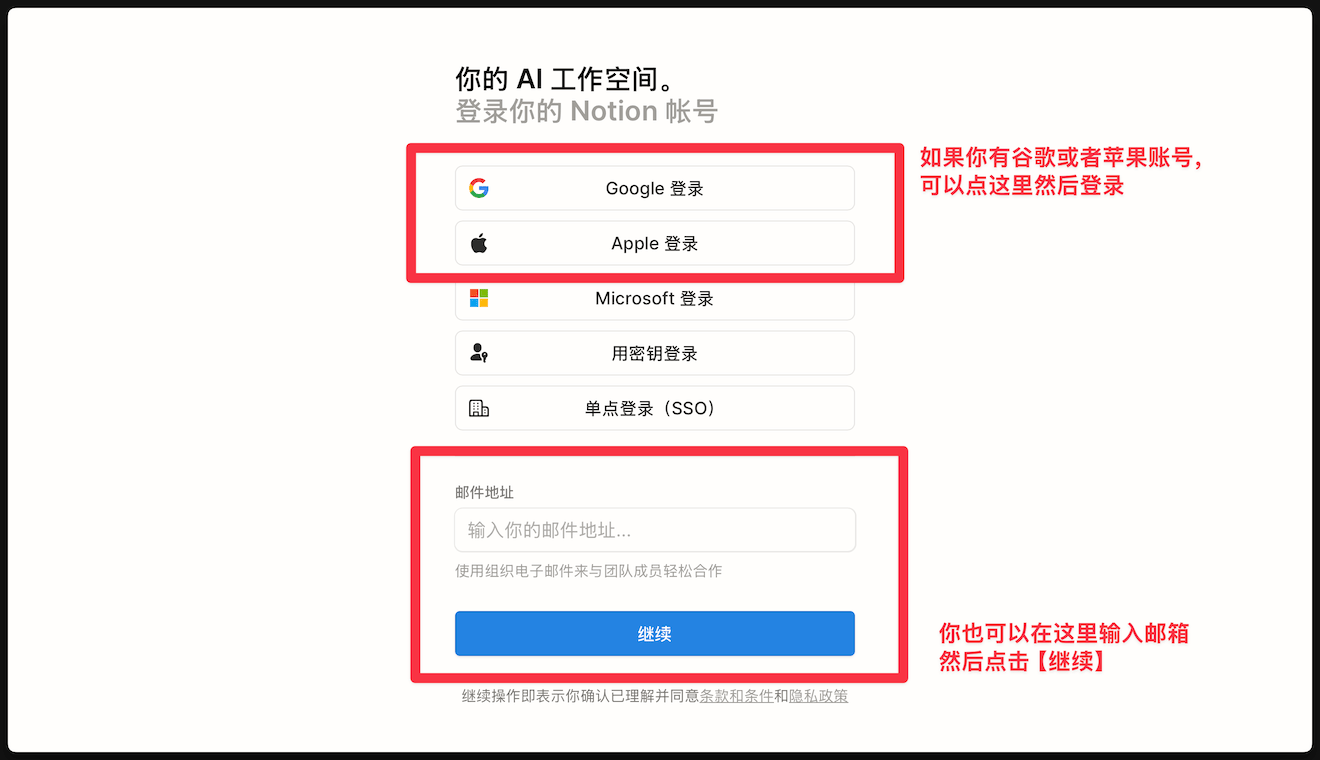
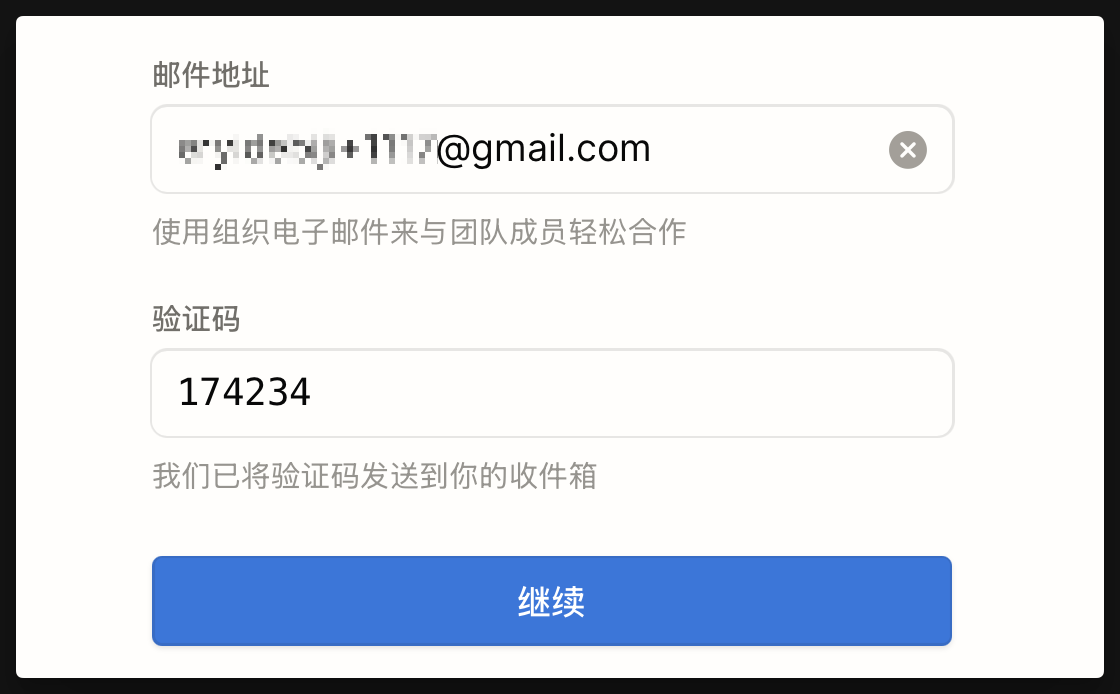
- Enter your email and click continue
- Notion will send a verification code to your email. Check your inbox for this code. If you can't find it, it might be in your [Spam] folder.
Reminder: If you don't receive the verification code, please check your spam folder or try again later.
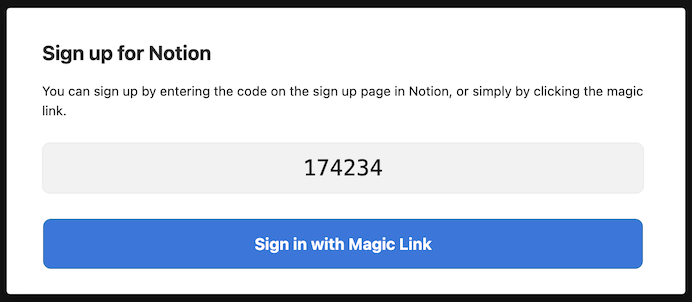
- Return to the registration page, enter the email verification code, then click [Continue] to log in
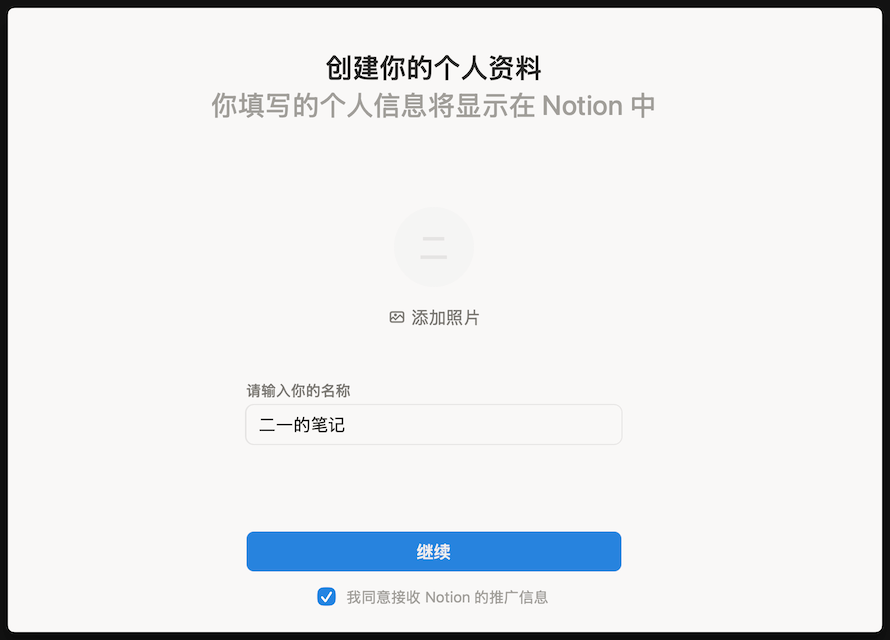
- Enter your custom name, then click [Continue]
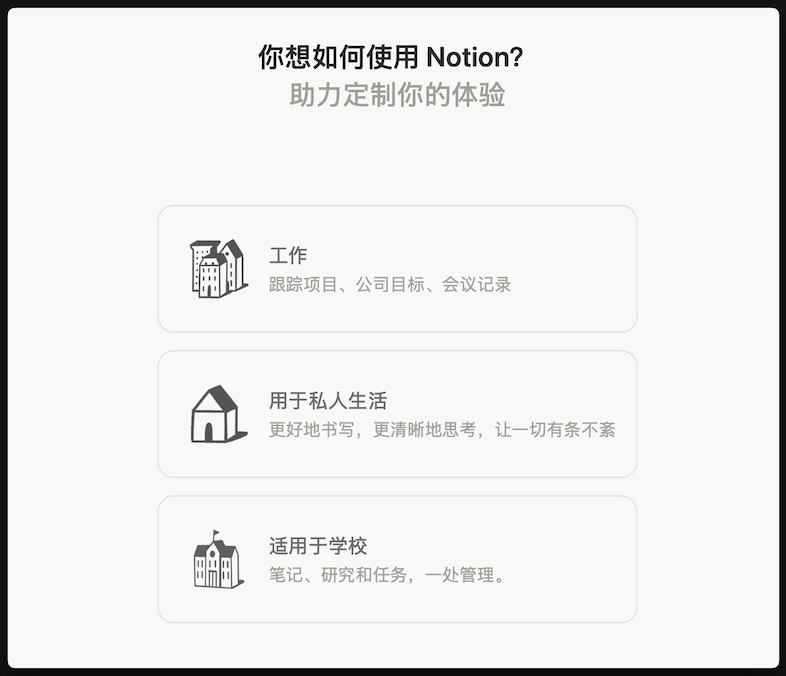
- Next, Notion will ask you which scenarios you plan to use it for. Choose according to your needs. Only one selection is allowed, but don't worry if you choose wrong - it won't affect subsequent usage.
- Next, Notion will recommend corresponding Templates based on your selected scenario. You can choose the Templates you need or click "Skip for now". After making your selection, click [Continue]

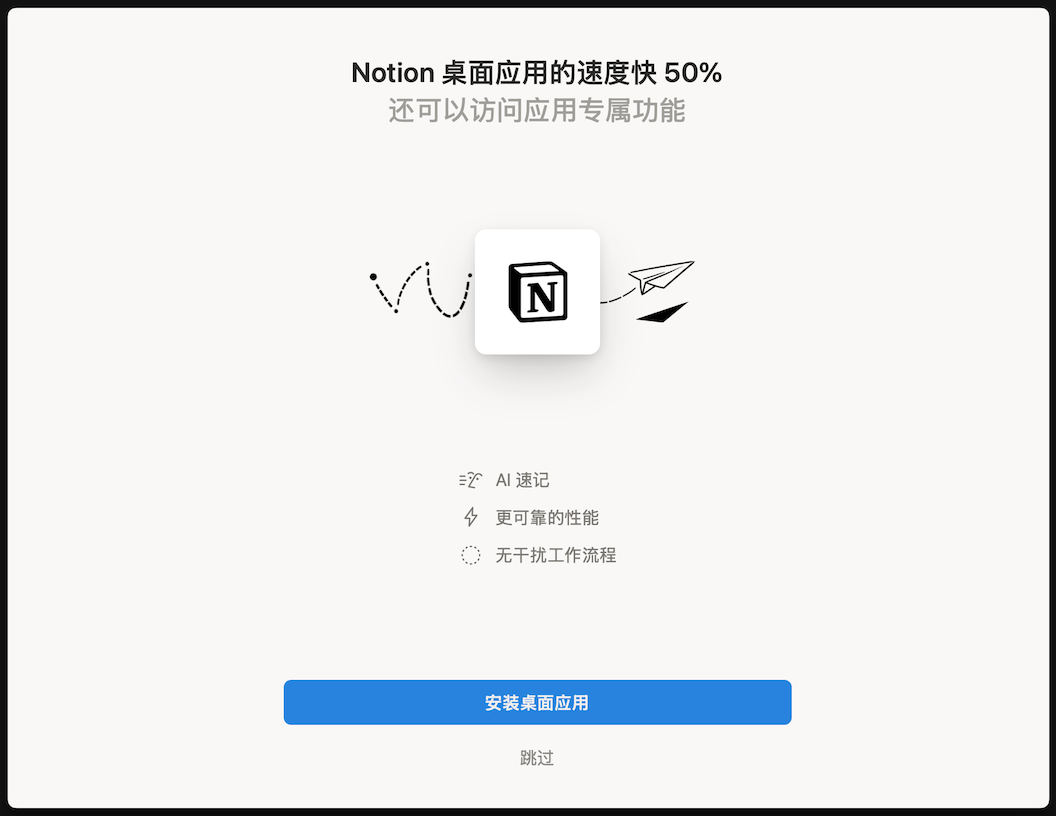
- Next, Notion will prompt you to download the desktop client. If you don't need the client, click [Skip] repeatedly until you can log in directly through the browser
- Successfully registered and logged into Notion
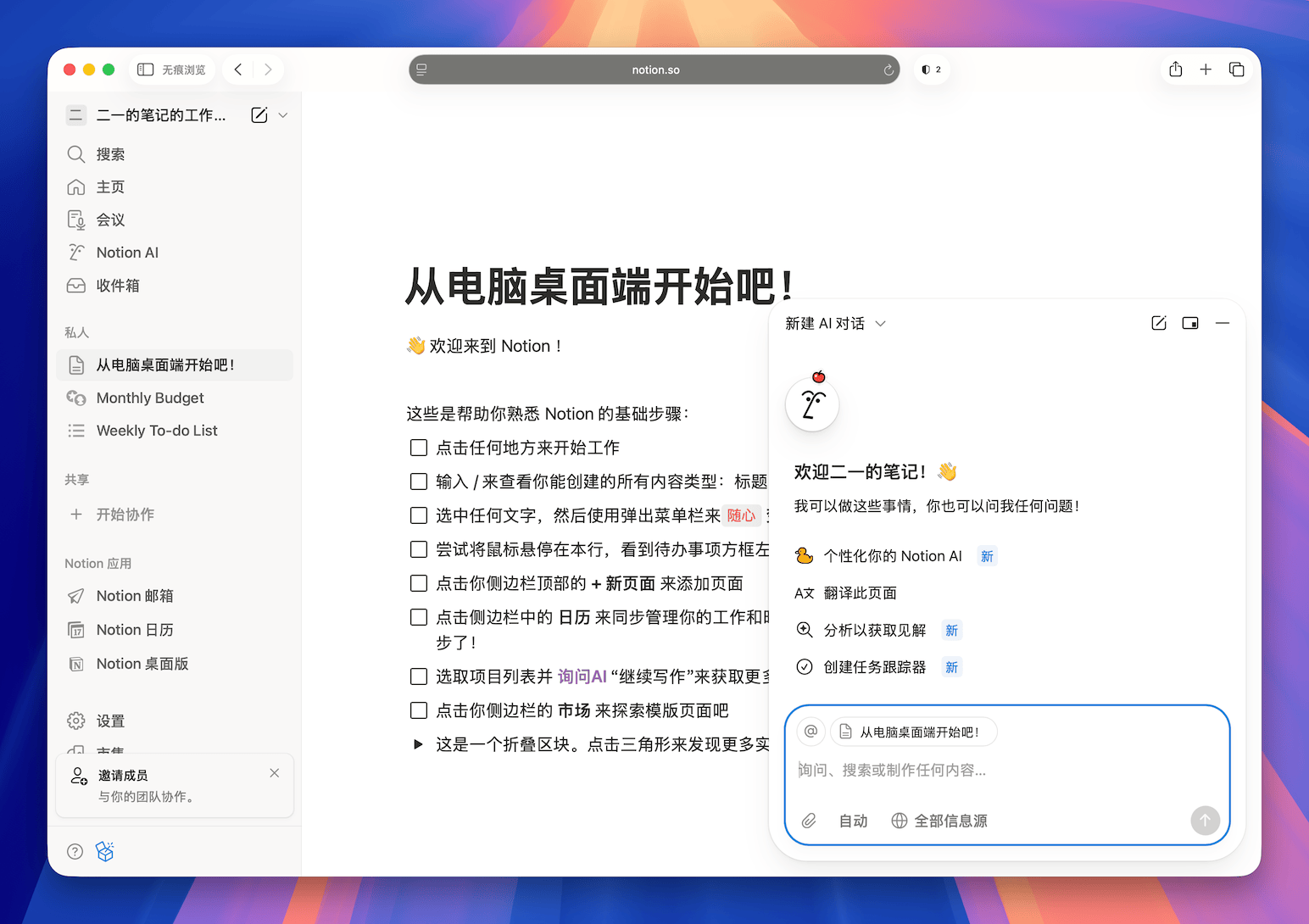
Notion Chinese Localization
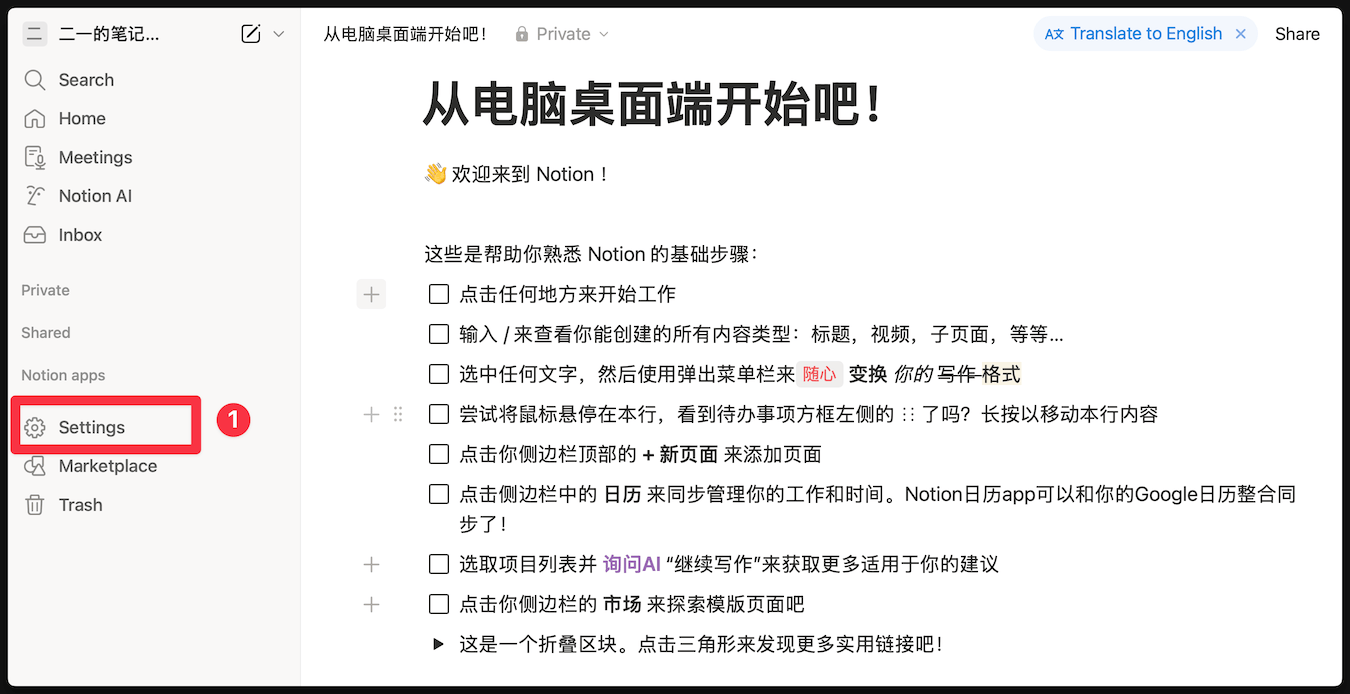
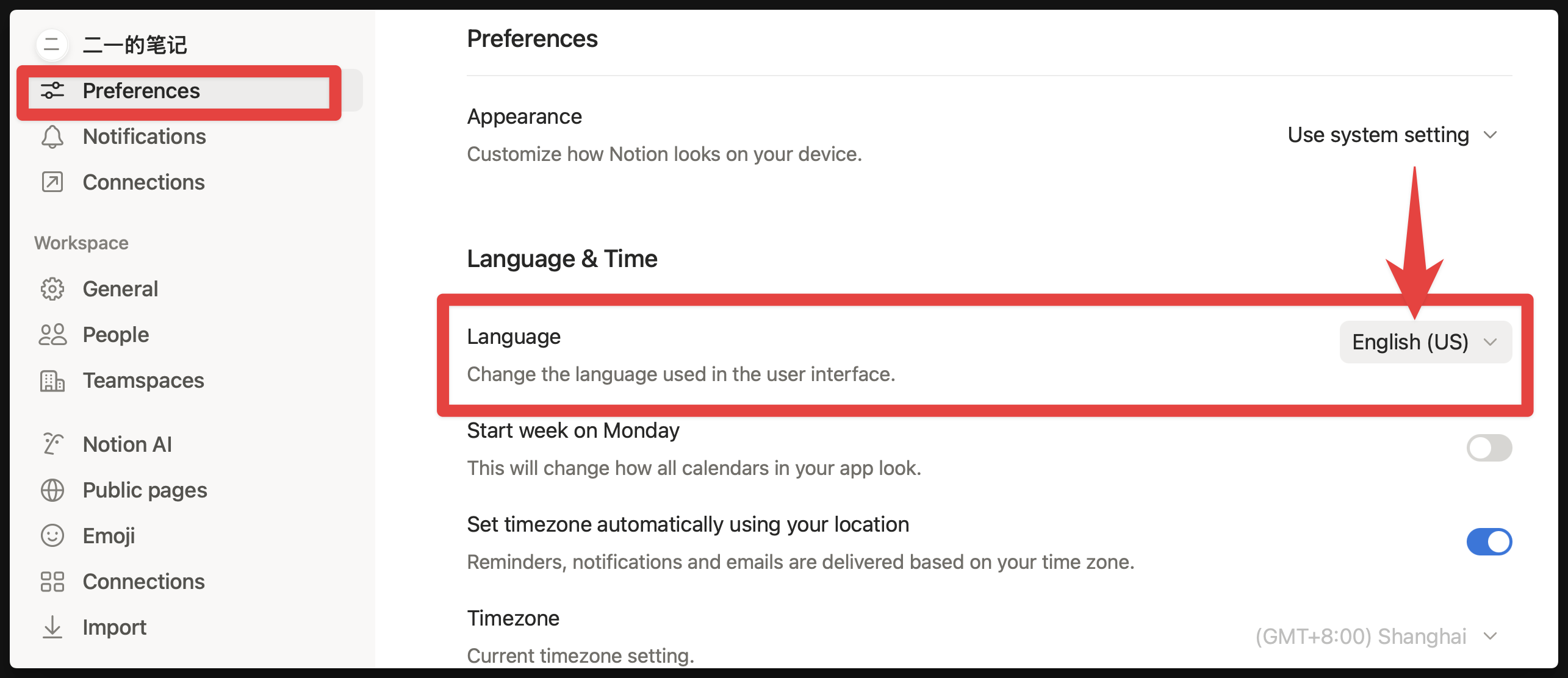
Currently, Notion includes official Chinese localization. If you find your Notion interface is in English, please follow the instructions below to modify it.
- Click [Settings] to enter settings
- Find the [Chinese] option at [Preferences] - [Language]
Notion Beginner Guide
Notion beginners often get lost in complex concepts and Templates. This article uses 5 practical Notion tips to help you quickly get through the adjustment period: start with simple daily recording, temporarily put off large-scale migration; use Inbox to gather scattered items and build a lightweight personal homepage; treat Databases as tools rather than goals, first use Notion as a great editor. After reading, you can establish a sustainable usage rhythm, avoid unnecessary trial and error, and let Notion truly serve you.
Recommended reading:
FAQ
- What to do if verification code is not received?
- First check your email's [Spam] or promotions category; if still not received, try again later or switch to a commonly used email (such as Gmail/QQ email).
- For more beginner questions, please refer to Notion Beginner FAQ
Last updated on
Use Case Index
Explore real-world examples of the FLO.W Notion template in action — from course learning and book reading to exam prep, annual reviews, and more
Template Import
Master FLO.W Notion template import: step-by-step tutorials with troubleshooting tips and a complete guide to safely migrating your existing notes.