 FLO.W Docs
Purchase Guide
FLO.W Notion template buying guide: who it fits, what to check before buying, what the Max plan includes, and where to find pricing and the pre-purchase FAQ.
FLO.W in One Minute
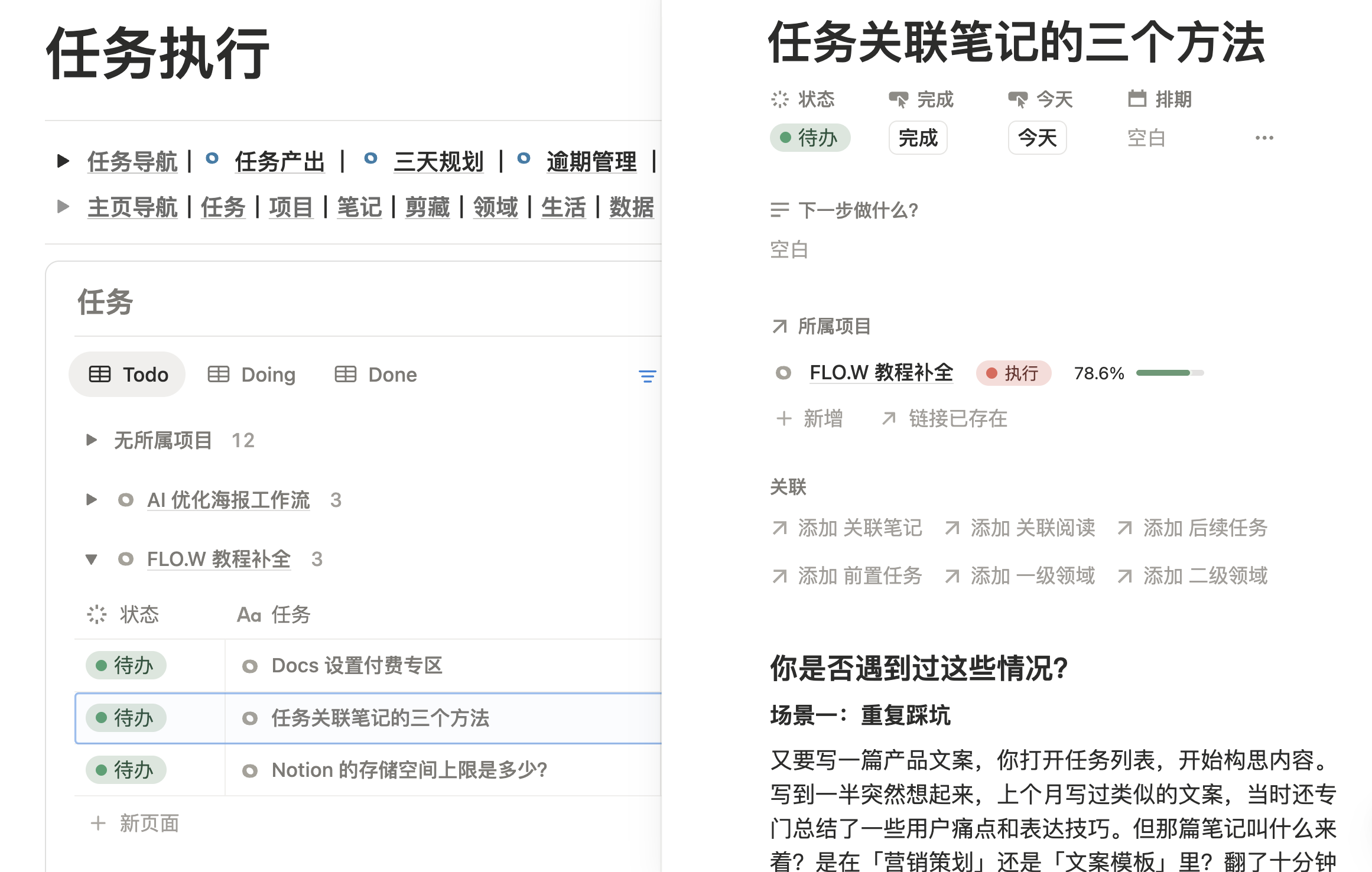
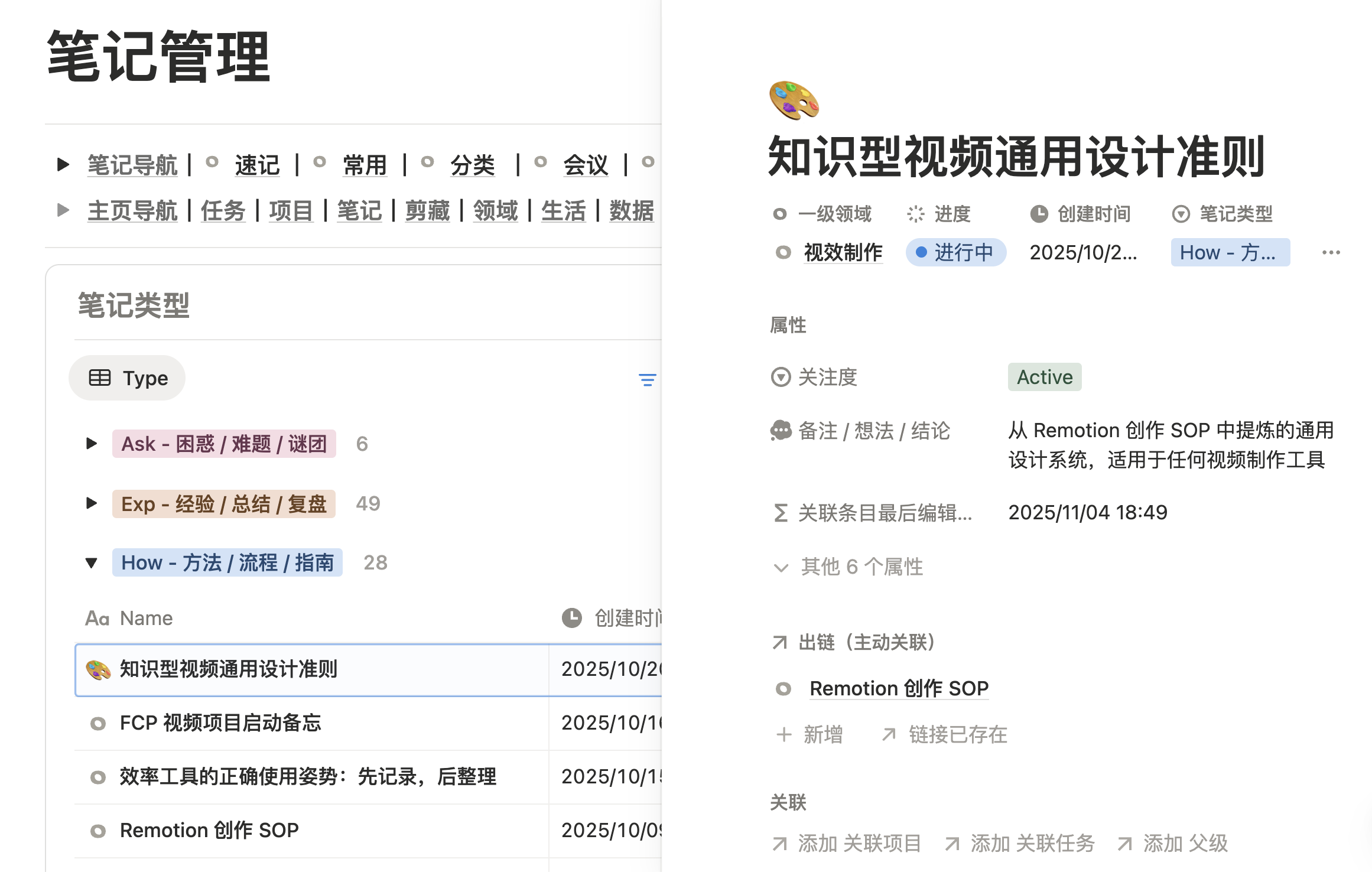
FLO.W is a Notion template made by Eryi's Notes for individuals who want to manage tasks, projects, notes, areas and life logs in one workspace.
It runs inside Notion. After purchase, you duplicate the template into your own Notion workspace and start using it. FLO.W has no monthly subscription and does not require a paid Notion plan. Almost all core features work on Notion's free personal plan.
This page answers three questions:
- Who FLO.W is for.
- What the Max plan includes.
- Where to check the remaining details before you buy.
To understand the template structure first, see the Template Overview. If you have already decided, go straight to the pricing page.
Who FLO.W Fits Best
FLO.W works best for these users:
- You are new to Notion and want to skip the trial and error of building a system yourself.
- You already use Notion for notes and tasks, but your pages keep getting scattered and you want a stable structure.
- You want work, study, creative projects and life logs in one system instead of switching between several tools every day.
- You want a working template first and are happy to learn the design ideas behind it over time.
If you only need a lightweight single-purpose template, such as a movie, subscription or habit tracker, FLO.W may feel like more than you need. It fits people who plan to run their personal workflow in Notion for the long term.
Check These Before You Buy
Before purchasing, please confirm the following:
- Requirements: FLO.W is a Notion template, so you need a Notion account.
- Getting started: after purchase, duplicate the template link into your own Notion workspace and follow the tutorials to set it up.
- Learning curve: the main structure is already built, but you still need some time to fit it to your own workflow.
- Refunds: a digital template cannot be taken back once delivered. See Before You Buy for the refund policy.
- Support: Max includes community support. See Upgrade & Support for details.
The Plan On Sale
Only the Max plan is on sale, as a one-time purchase. It includes the complete template, written and video tutorials, the Q&A community, iOS Shortcuts, the Notion AI template and long-term template updates. Basic is no longer sold to new customers; existing Basic owners keep their benefits.
Max
¥349one-time
The complete template, tutorials and every benefit, in one purchase
- Full v1.0 template
- Step-by-step docs and videos
- Private Q&A community
- iOS Shortcuts continuously updated
- Long-term template updates
- Notion AI template
Prices and benefits match the pricing page. Checkout on this site applies the current promotion automatically.
After you buy: treat FLO.W as your long-term workspace; future major versions are free. For how major-version updates work, see Upgrade & Support.
Still Have Questions?
Before buying, you can read Before You Buy. If you have already purchased and need help, see Upgrade & Support, or contact me here:
- Email: eryidebiji@gmail.com
- Discord: Join the Discord channel to connect with more Notion enthusiasts
- X: @eryidebiji
- Xiaohongshu: Eryi's Notes
- Bilibili: Eryi's Notes
- WeChat Official Account:
Last updated on
Template Overview
Overview of the FLO.W Notion template: the sorting problem it solves, its three-layer structure, the core modules to learn first, and a reading path for beginners.
Before You Buy
FLO.W Notion template pre-purchase FAQ: what the Max edition includes, free plan compatibility, payment methods, refunds, and beginner suitability.