This month, Notion rolled out several updates. The most notable is that Notion AI can now connect to GitHub repositories (following the earlier GitHub integration with another major upgrade). There are also UI refinements, database improvements, and a first look at Notion Mail.
Notion AI Can Now Access GitHub
Open the Notion AI button in the bottom-right corner, then click the "Connect GitHub" option in Notion AI settings. After that, authorize Notion AI to access GitHub in your browser.
According to Notion's official documentation, there are a few things to note about the Notion AI and GitHub connection:
- Once connected, Notion AI can index PRs and issues from the past year
- All markdown files and README files in repositories can be indexed regardless of creation date
- Notion AI may take up to 72 hours to complete the initial indexing
- Notion AI indexes new files at 30-minute intervals
- Notion AI does not use GitHub files to train the AI
Minor UI Refinements
Notion recently refined the UI for checkboxes and the text color menu. First, database checkboxes now feature rounded corners for a softer visual appearance. Second, the color picker menu that appears when selecting text has become more clean and intuitive.
New Databases No Longer Include the Default Tags Property
When creating a new database, Notion has finally removed the default Tags property. This change eliminates the hassle of manually deleting that property every time you create a new database.

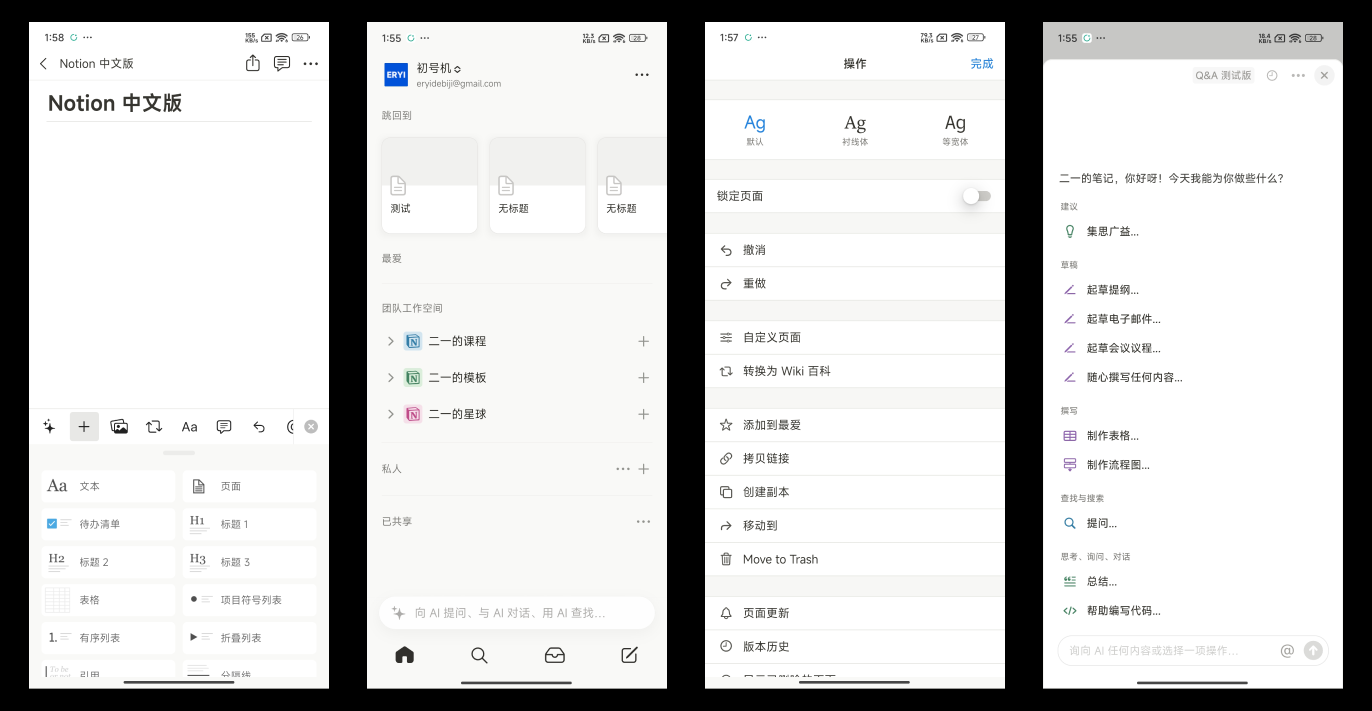
Four New Notion Shortcuts for iPhone
Notion has added several built-in commands to iPhone Shortcuts, bringing the total to five:
- Ask Notion AI
- Search
- Open a page
- Create a new page
- Append text to a page
Preview of Enhanced Permission Management
Notion is testing more advanced permission management features.
Currently, Notion's permission hierarchy is fairly simple — you can only set access permissions at the "entire page" or "entire database" level. This means if you want someone to access only a specific page within a database, you have to manually go into that page and add "Guest" permissions, which is quite cumbersome.
However, Notion has started working on improving this. They may introduce "page permissions" as a property within databases. For example, if you want to give someone access to a specific database page, you would simply invite them through the "Permissions" property on that page.
Note that this feature is still in testing, with no confirmed release date yet.
Notion Mail Preview
Notion Mail has not yet opened for beta access. Here is some information from early testers:
Database View Grouping
Notion Mail features database-style view grouping, making inbox organization much more efficient.
Autopilot Auto-Organization
Notion Mail lets you set up an Autopilot feature to automatically organize all your emails.
Snippets for Quick Replies
You can create frequently used reply snippets in the Snippets section and assign keyboard shortcuts to them.
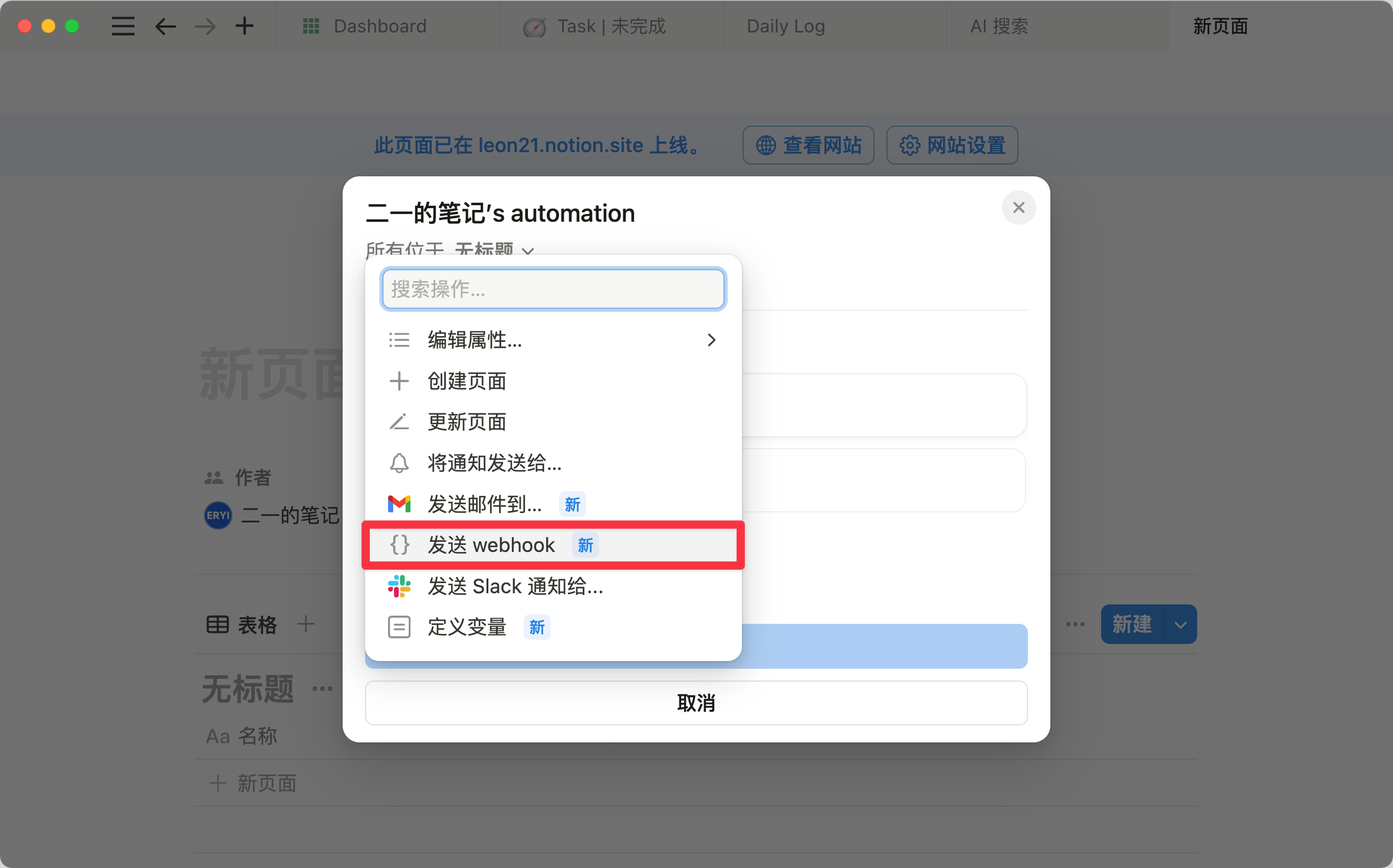
It's important to note that Notion Mail does not let you create an email account. You need to log in with an existing Gmail account, so it essentially serves as a third-party Gmail management system. For more on Notion automation's recently added webhook feature, that's also worth checking out.
📘 FLO.W — Notion Personal Management System
FLO.W is a Notion-based personal management template that integrates tasks, notes, projects, habits, and more, complete with comprehensive tutorials.