Notion Updates

Tracked by the FLO.W team

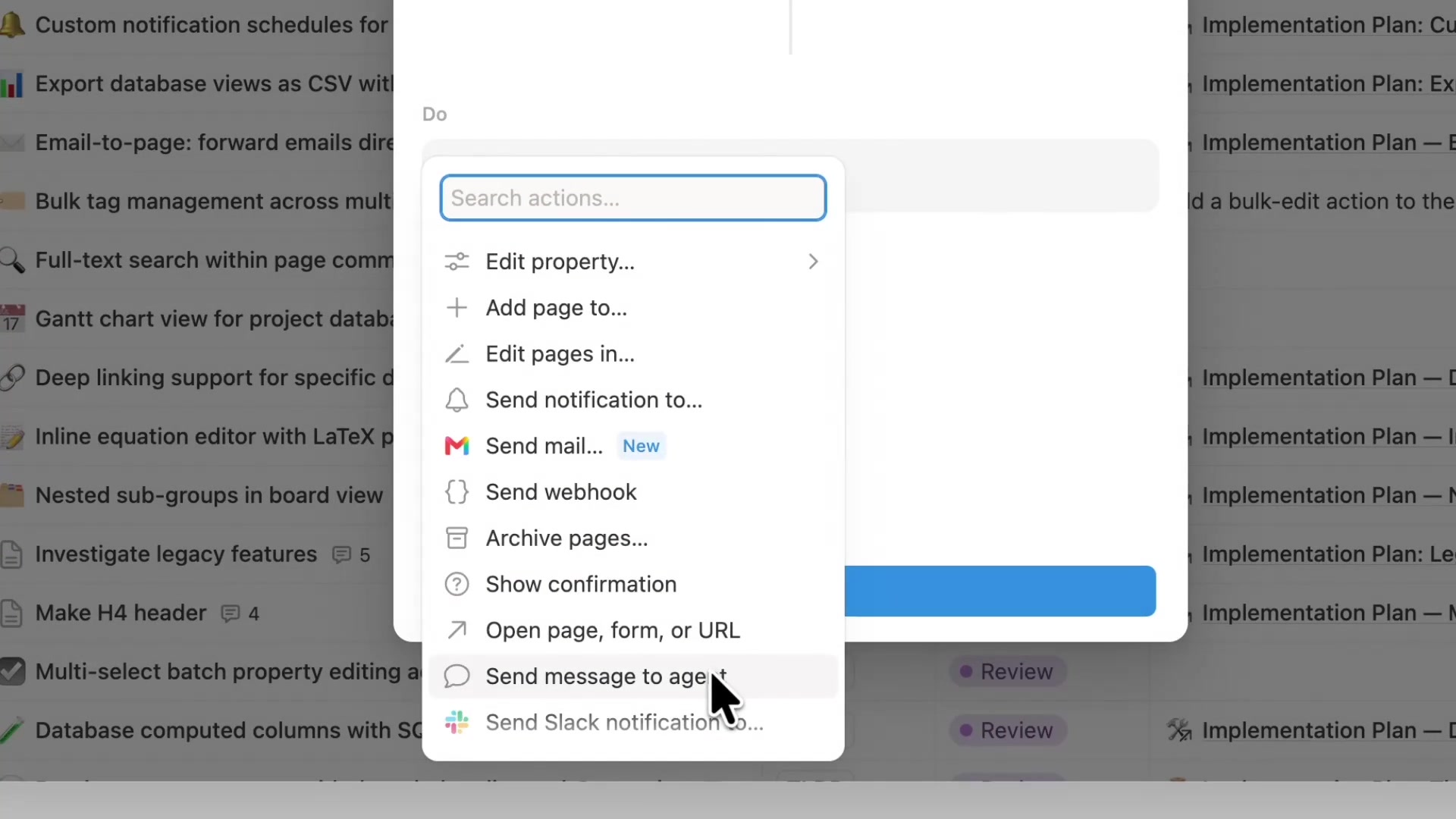
Notion Custom Agents can now call other Custom Agents as sub-agents.

Each sub-agent keeps its own instructions, context, access permissions, and model. The main agent hands off focused work, then brings the results back to finish.

How to use it:

  1. Open the main agent's Settings.
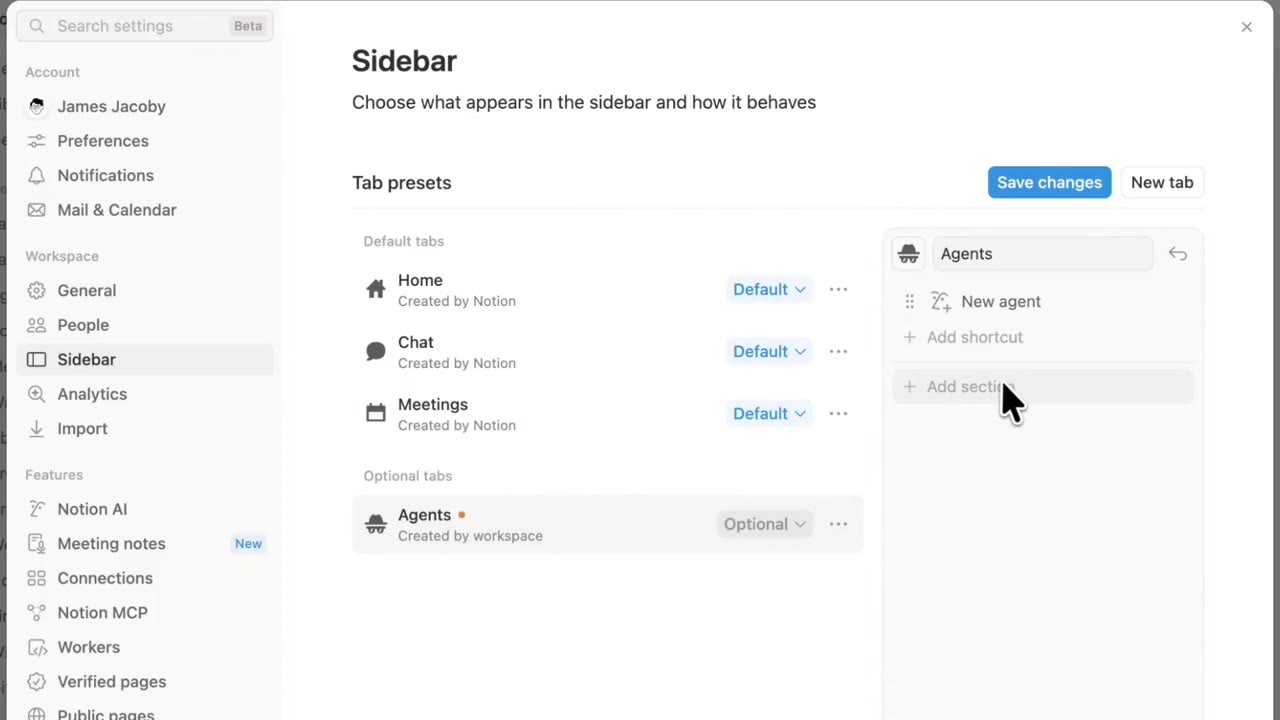
  2. In Tools and access, add the Agents it can call.
  3. In Instructions, spell out what to hand off and what each sub-agent should return.
  4. Give the coordinating main agent a stronger model, and give specialized sub-agents faster, lighter models.
  5. Start with 1–2 sub-agents, test each one on its own, then wire the full flow.
Tools and access in Custom Agent settings, where you can add callable sub-agents

Notion added workspace-level default Agent instructions.

You can write one set of house rules for the whole workspace. Agents in that workspace search, cite, and answer under those rules. It fits team workspaces with many connectors that need a consistent answer style.

How to use it: open default Agent instructions in workspace settings, spell out search scope, citation style, and what to do when connectors have no answer, then verify with real queries.

Workspace default Agent instructions settings

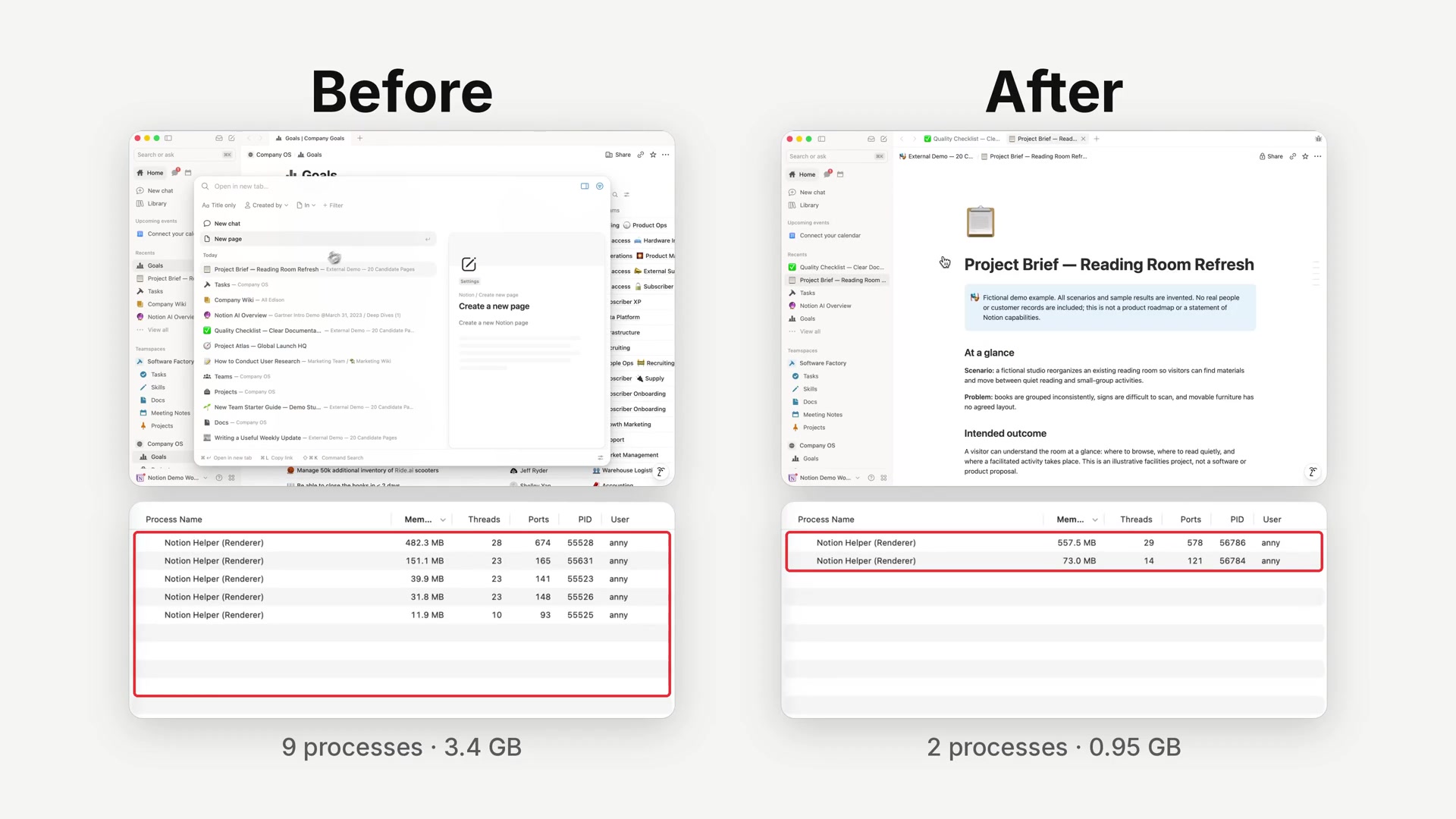
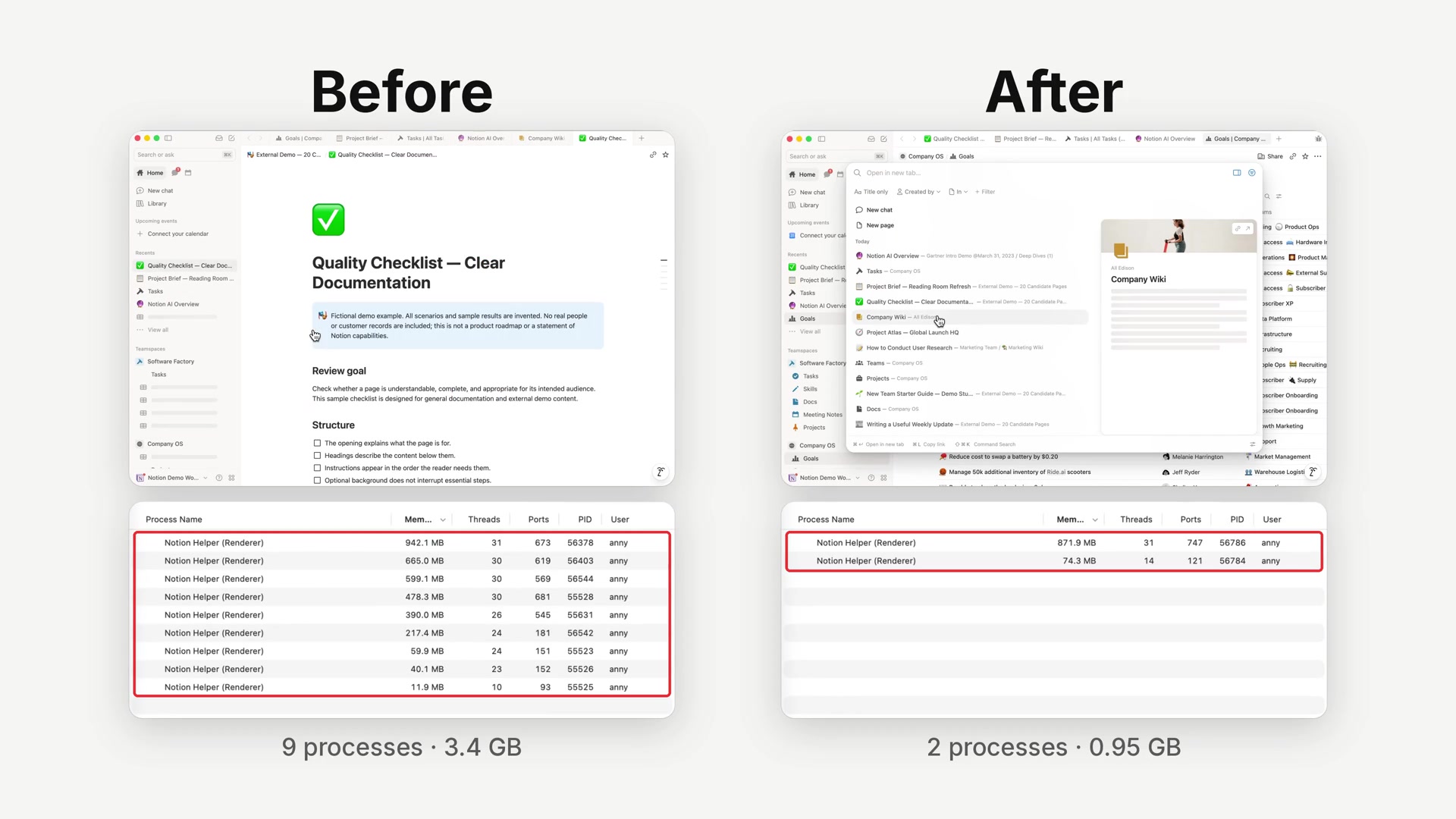
Notion Desktop adjusted how it handles background updates.

Here, "refresh" means the current tab fully reloads. The page flashes and loads again. It is not a manual refresh, and it is not a regular data-sync notice. Background updates can wait until you finish the current action, then refresh the tab you are using. In the new version, these visible refreshes dropped from over 30% to under 3%.

The next-generation Notion Agent will support Tailscale.

The Agent can install Tailscale in a session, complete CLI authorization without a browser, and list online and offline devices. This is not generally available yet.

Agent session installing Tailscale and listing devices

In the demo, the Agent finishes a userspace install inside a microVM sandbox and gives you an authorization link. After you confirm, it can keep going and list devices. The official rollout path and plan tiers will follow later announcements.

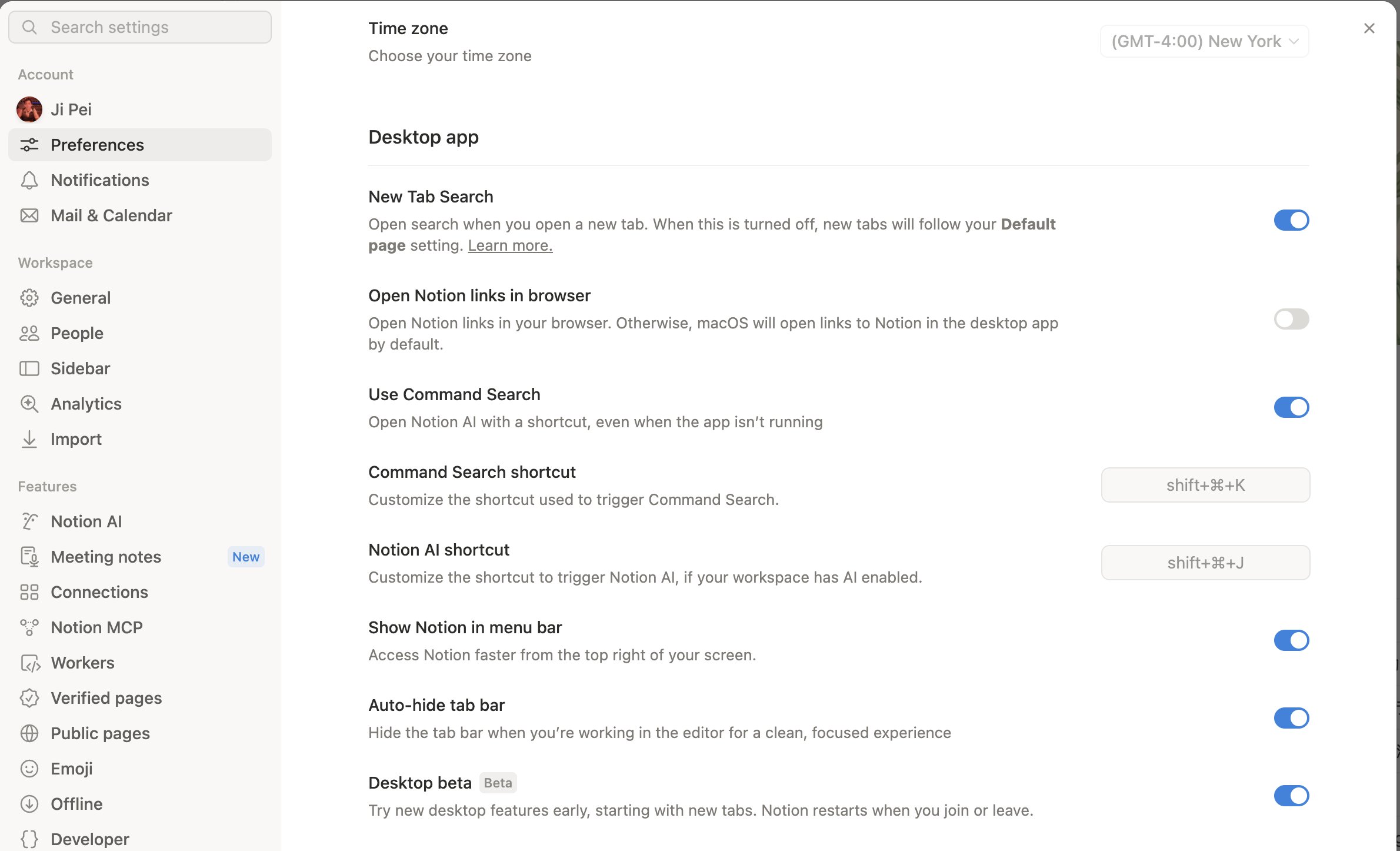
Notion MCP can carry your working memory into any tool.

When you switch platforms, models, or agents, you do not have to rebuild context from scratch. Notion acts as the memory layer and connects through MCP to the chats and agents you already use. This is the same Notion MCP path as calling Custom Agents from ChatGPT, Claude, or Grok Bot.

An external chat reading Notion memory through MCP

How to use it: connect Notion MCP in the target tool (for example https://mcp.notion.com/mcp). After you authorize, the chat can read and write Notion content and memory you have permission to access.

As more models show up in the picker, anyone on the team can switch to a more expensive option, or a provider the workspace has not reviewed yet. Workspace owners can now set allowed models for Notion Agent and Custom Agents separately, and pick a default model for newly created Custom Agents. That default can still be changed later in the builder.

Go to SettingsNotion AIGeneralModel controls. Restricted models appear grayed out in the picker, and conversations set to Auto follow the same list. Turning off a provider blocks both its current models and any it adds later.

The current settings page lists GPT, Gemini, Claude, SpaceXAI, DeepSeek, Kimi, and GLM. After Custom Agents launched and Kimi K2.6 joined the picker, this update is about the workspace-level roster.

Notion Agent model controls and provider list

Notion AI meeting notes can now draft recap emails directly.

Click the Email button under Share this summary to quickly generate a meeting summary email. After you confirm it, you can send it to the relevant attendees right away.

Email button under Share this summary on the AI meeting notes summary page

You can use the default AI-generated format, or customize the email instructions so the draft better matches what you need.

Meeting recap email draft and custom email instructions

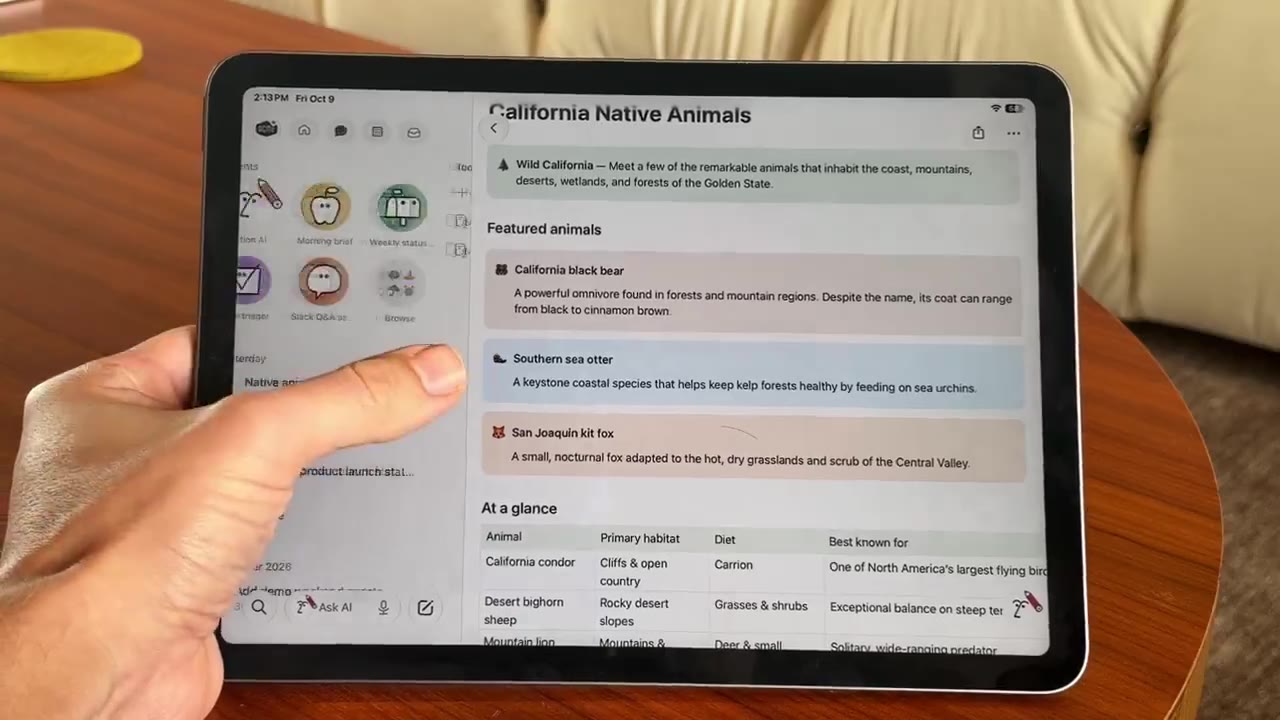
Notion reduced scrolling stutter in iOS AI chat.

Scrolling stutter dropped by about 74%, replies start appearing about 9% sooner, and memory use dropped by about 26%. You can also double-tap a reply to select and copy only the part you need.

iOS AI chat performance demo: smoother scrolling and double-tap to copy a reply

Notion used to show word count only in the page menu. To check one paragraph, you had to copy it out and count it somewhere else.

Click the six-dot handle on the left of a block, or right-click to open the block menu. At the bottom you will now see that block's word count and character count.

Notion block menu showing word and character counts

GPT-6 Astra is now available in Notion. You can choose it directly in the Notion Agent and Custom Agent model pickers.

How to use it: open Agent or Custom Agent → click the model name → choose GPT-6 Astra.

If you are in China and Astra is missing from the list: go to Settings → Billing, change the billing address to the United States, save, refresh, then check the model picker again. This is a common community workaround.

After Notion added the GPT-5.4 series and Kimi K2.6, the picker has one more option.

GPT-6 Astra in the Notion Agent picker