Notion Settings Are Now Searchable
Notion Settings now supports search. Open Settings and use the search box to jump straight to an option instead of paging through every section.
Below is Notion’s demo: type a keyword into the search box at the top left of Settings and the matching options are listed right away.
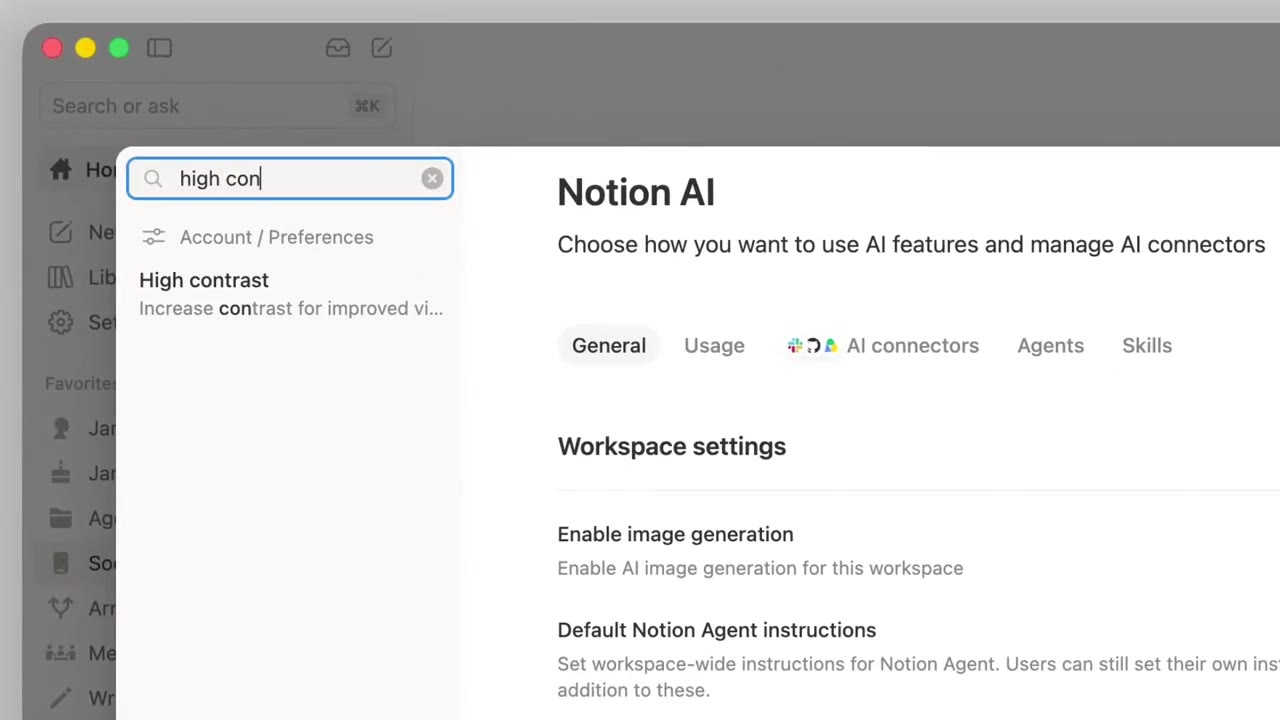
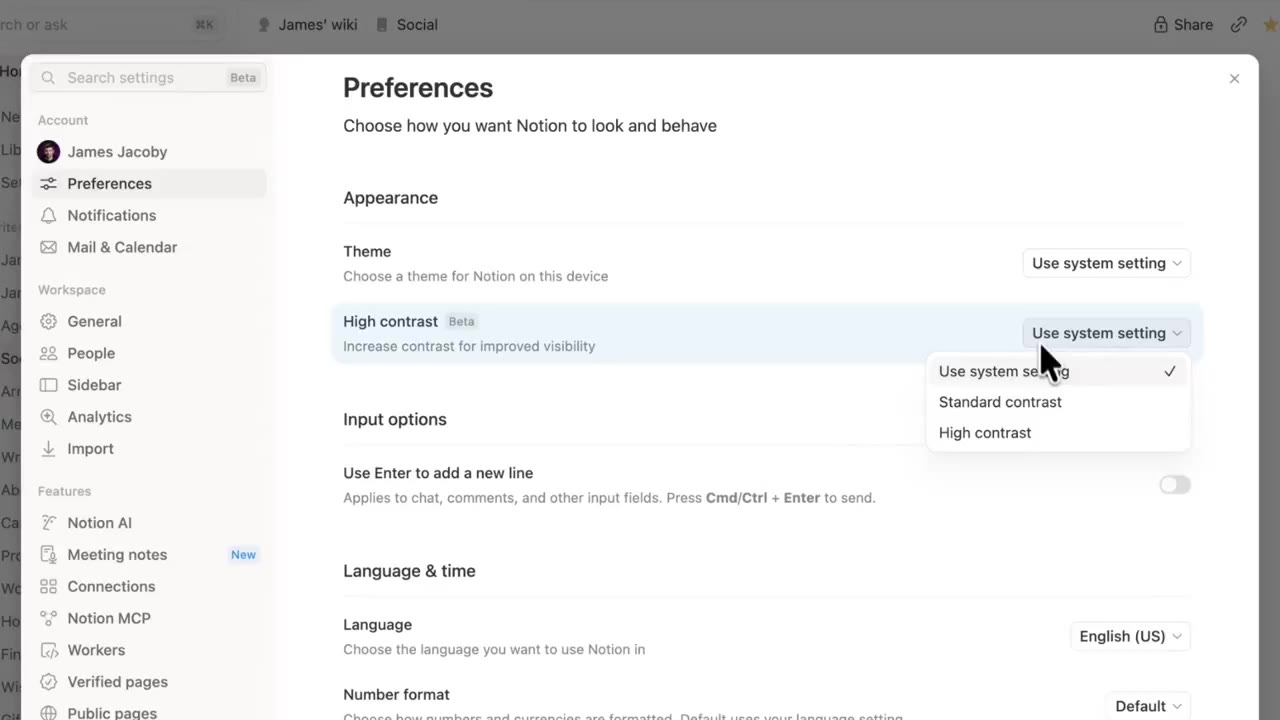
Click a result and Notion jumps to that settings page and highlights the item. For example, searching "high contrast" takes you to the contrast option in Preferences.
A complete, ready-to-use Notion personal system
If you don't want to spend dozens of hours figuring out database relations and workspace layouts from scratch, FLO.W is a refined, all-in-one Notion template system designed for tasks, projects, and knowledge management.
Connected databases link tasks, projects, and notes automatically
Includes detailed walkthrough guides and video tutorials
One-time purchase with all future major updates included
Explore FLO.W✨ 1629+ users chose FLO.W