Notion Launches a Native Editor Beta on iOS
Notion has built a native editor for iOS and is opening it for testing through TestFlight. Notion says the new editor is faster and more stable when you type and edit.
How to join: install TestFlight on your iPhone, open Notion’s test invitation link to join the beta, then open any page to use the new editor.
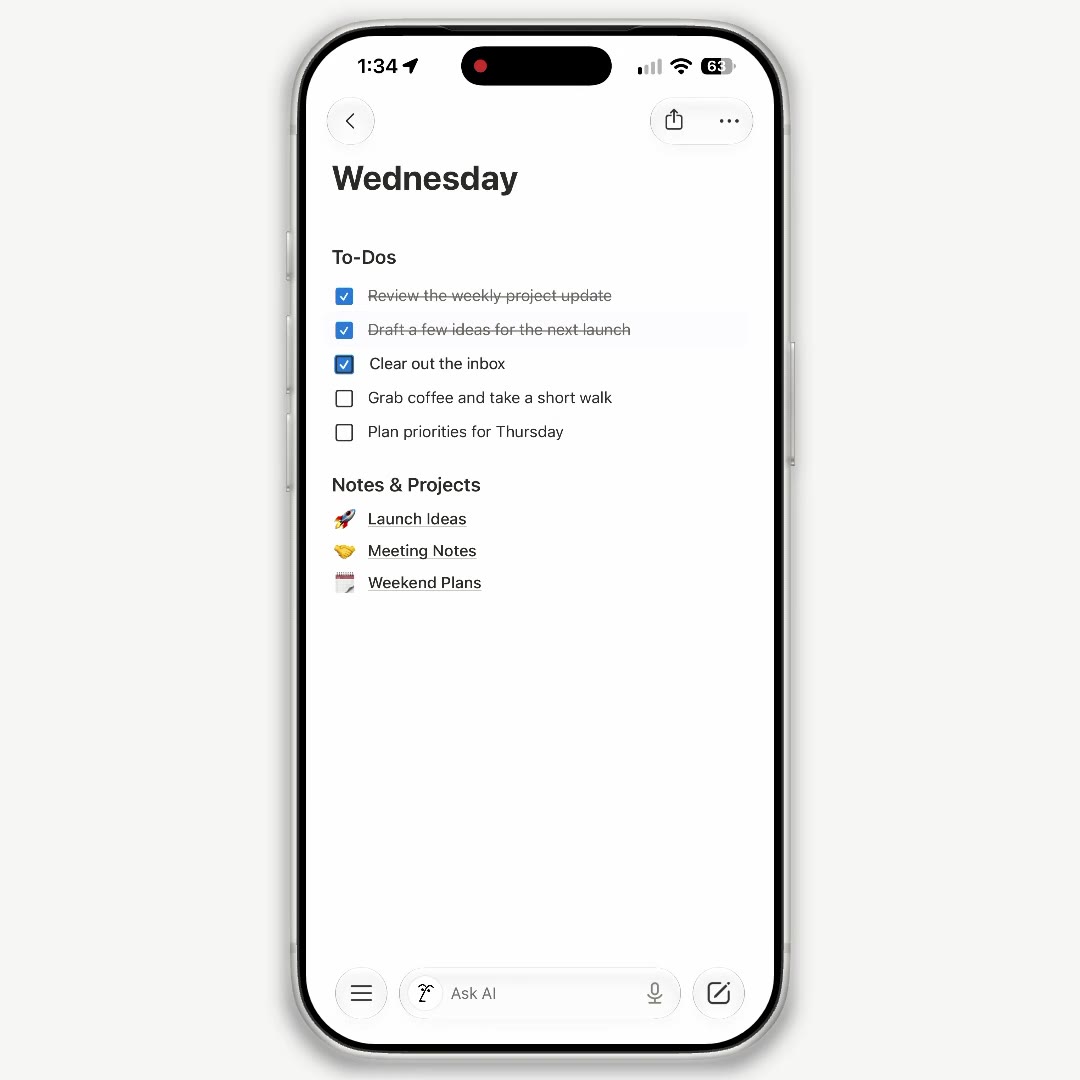
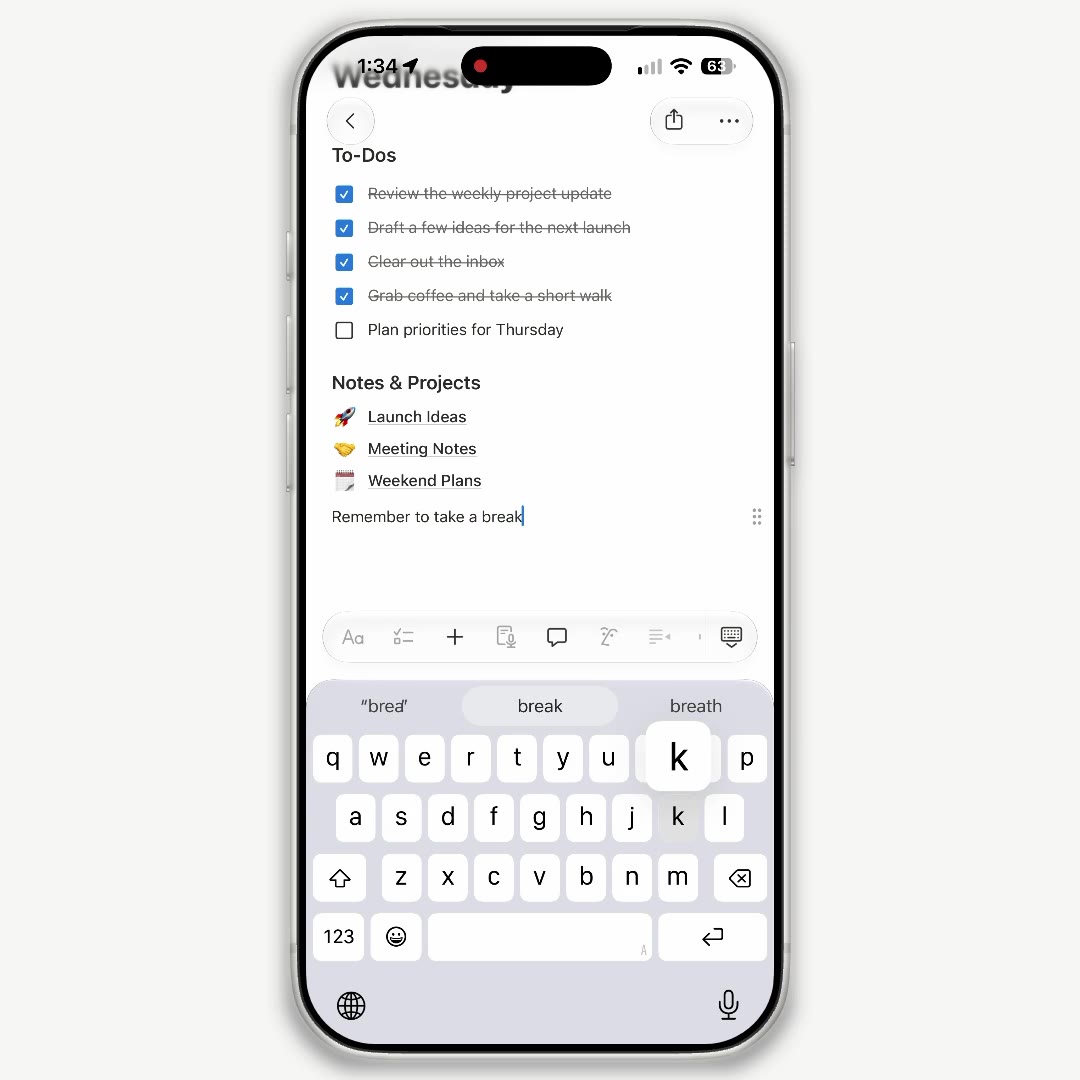
Tap anywhere on a page to start typing. To-dos, lists and page links can all be edited in place.
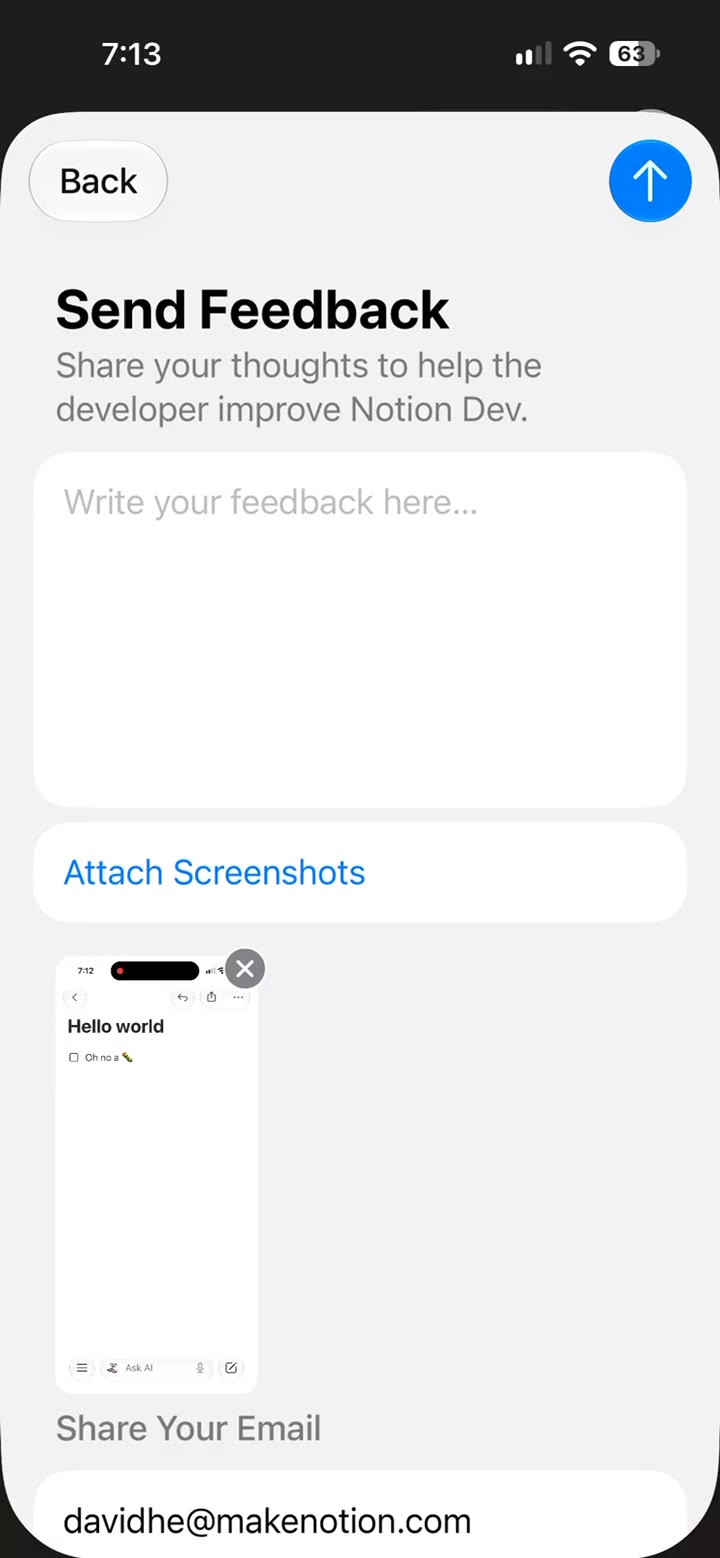
If you run into problems during testing, take a screenshot in the beta, then attach it in the TestFlight feedback window and submit it to Notion.
The native editor for Android is still in development, and Notion says it will open testing when it is ready.
A complete, ready-to-use Notion personal system
If you don't want to spend dozens of hours figuring out database relations and workspace layouts from scratch, FLO.W is a refined, all-in-one Notion template system designed for tasks, projects, and knowledge management.