Notion 2.3.0 brings three major updates: a new Sprint management feature for databases to help engineering and product teams plan iterations more efficiently; a brand-new GitHub integration that lets developers manage Pull Requests and Issues directly within Notion; and a unique database ID field that automatically assigns a unique identifier to each database entry for quick referencing and tracking. Here is a detailed overview of each update.
Sprint Management for Databases
Notion has introduced Sprint management for engineering and product teams, helping teams stay focused on completing tasks, shipping new features, and delivering products through time-boxed goals.
In Notion, you can set up and track sprints by combining three dimensions: Projects, Tasks, and Sprints. Your team's project management system coexists seamlessly with all your documents in one connected workspace, and you can leverage built-in AI to get work done faster.
Core Sprint Concepts
Sprint management involves several core concepts:
- Projects: Represent large units of work
- Tasks: Individual tasks related to a specific project
- Sprints: Containers for organizing work within a time period
- Sprint Board: A view displaying all tasks in the current sprint
How to Use
Notion provides a ready-made Sprint planning template for managing projects, tasks, and sprints, all powered by interconnected databases. The steps include:
- Add the Sprint planning template to your teamspace
- Add tasks and projects to the database
- Manage and track task progress on the Sprint Board
This feature makes Notion a powerful tool for engineering and product teams when it comes to sprint planning and management. In later versions, Notion also brought Formula 2.0 and native Automation as major database updates.
New GitHub Integration
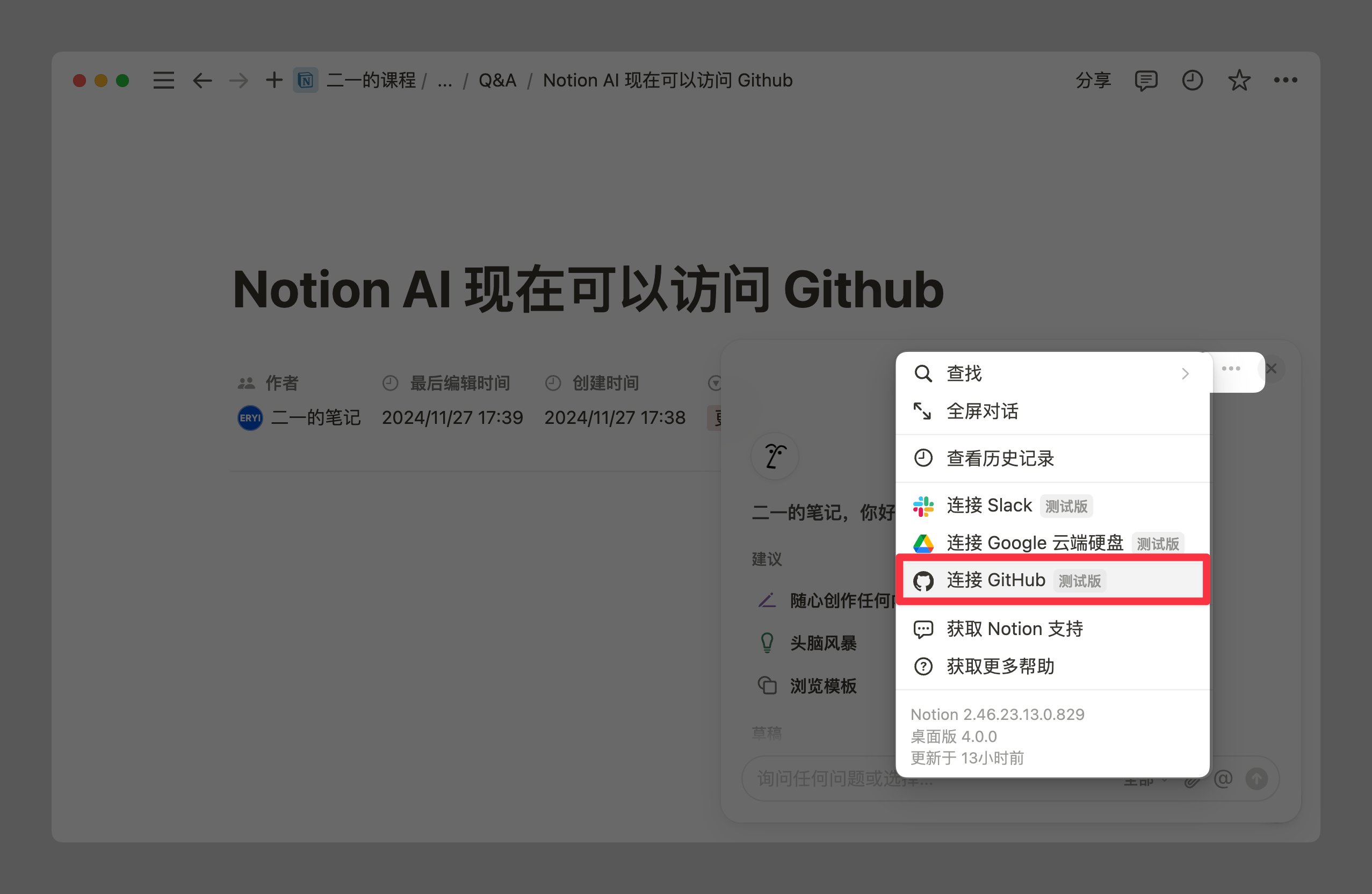
Notion has launched a deep GitHub integration to help development teams better manage software development and maintenance within Notion.
Integrating GitHub Content
You can bring GitHub Pull Requests and Issues directly into Notion, including link previews. This connects your workflows on a single platform and facilitates team collaboration.
Previewing GitHub Content
Paste any GitHub link in Notion, then select Paste as preview to create a preview of the GitHub content. You can also type /github on a Notion page and paste the link directly from the menu that appears.
Syncing GitHub Data
Copy a GitHub link, paste it into Notion, and select Paste as database to sync the GitHub repository data into a Notion database. Notion will automatically add all GitHub properties.
Linking GitHub Pull Requests
Add a new property in a Notion database and select GitHub Pull Requests to link GitHub Pull Requests to items in your Notion database. This integration automatically updates task statuses in Notion based on GitHub Pull Request statuses, enabling two-way synchronization.
These features make Notion not only capable of everyday task and project management, but also tightly integrated with GitHub, boosting software development and project management efficiency.
New Unique ID Field for Databases
Notion databases now include a unique ID field, designed to improve project management and task organization efficiency.
Auto-Generated IDs
After adding a unique ID property to a database, the system automatically creates a unique ID for every new and existing database item.
How to Add
In any database, click the + on the right side of the database, then select ID to add this property. The ID prefix is auto-generated based on the teamspace and database names, but you can change it at any time.
Unique ID URLs
Every page with a unique ID property can be accessed via a special URL containing the ID number. For example, a page with the ID TASK-123 can be accessed directly at notion.so/TASK-123.
ID Number Consistency
Unique ID numbers start at 1 and are assigned sequentially to each page, including deleted pages. Once assigned, an ID number never changes, ensuring reference stability.
This feature is particularly useful for tracking and referencing specific items in large databases, making project management and task tracking more efficient and organized. If you want to review Notion's 10-year development history, it provides a better understanding of the product philosophy behind these features.
FLO.W --- Notion Personal Management System
FLO.W is a Notion-based personal management template that integrates tasks, notes, projects, habits, and more, complete with comprehensive tutorials.