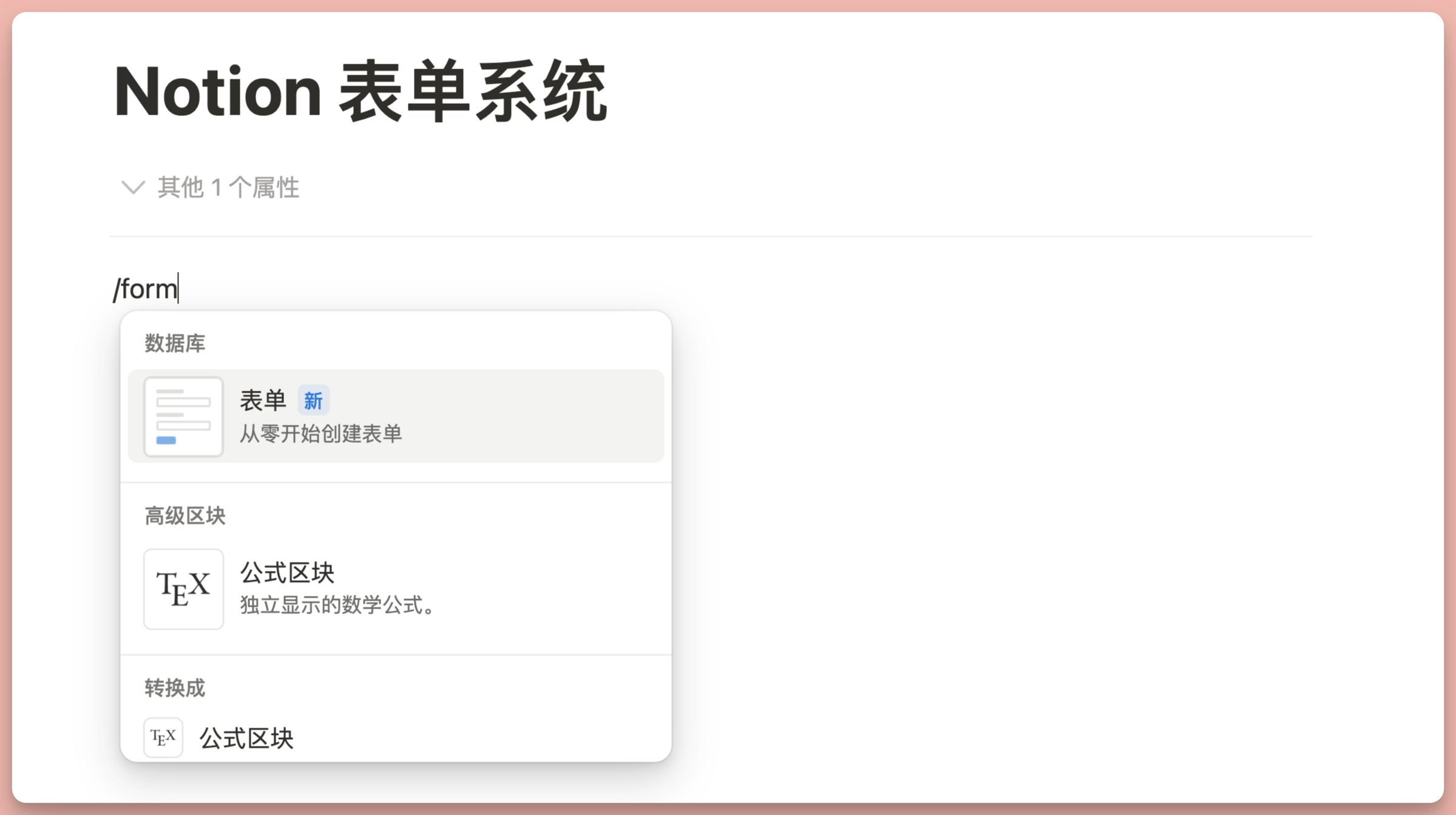
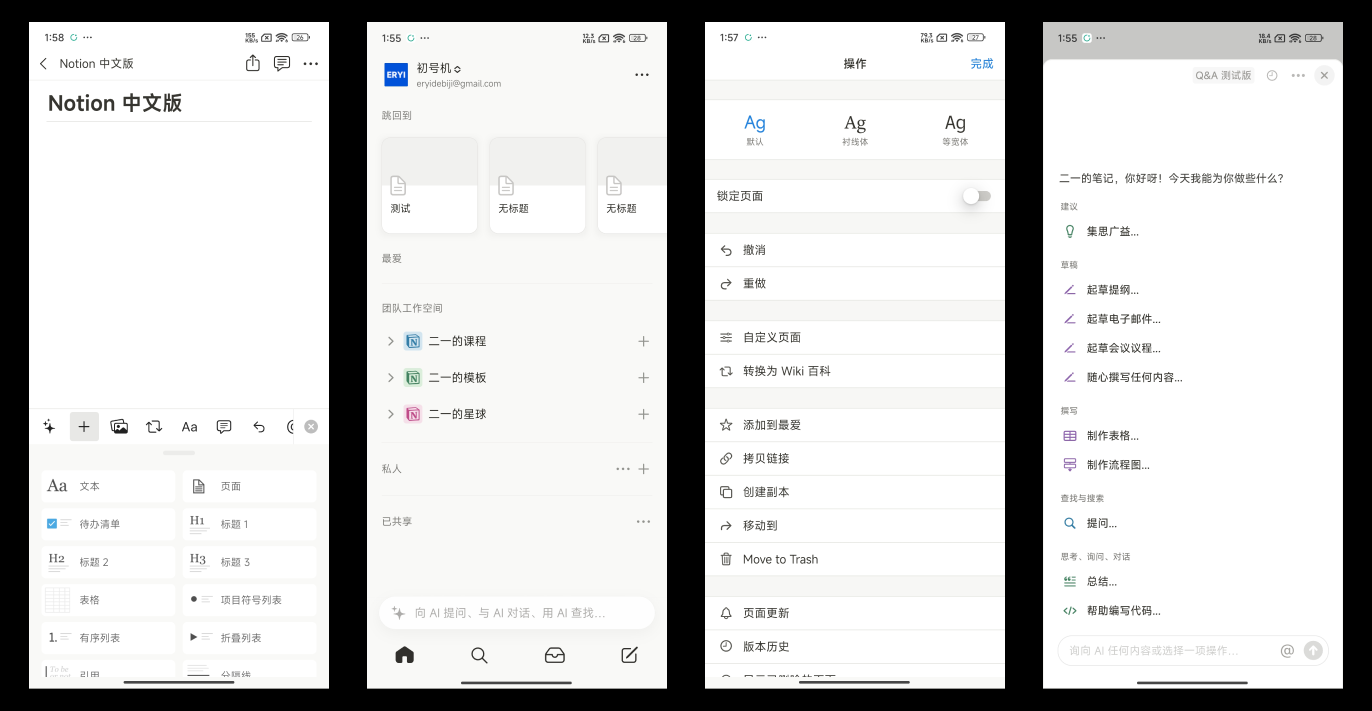
Notion versions 2.3.2 through 2.3.4 introduced several major updates, including Figma and Google Drive preview properties for databases, the highly anticipated Formula 2.0, database freeze columns, native Automation, page hover preview, and AI Q&A. Here's a breakdown by version.
Notion 2.3.2 Update
New Figma & Google Drive Preview Properties for Databases
Notion 2.3.2 added two useful preview properties to databases:
- Figma Preview Property: Preview Figma design files directly in your database without switching to Figma.
- Google Drive Property: Link and preview Google Drive files directly within your database.
These two properties make cross-tool collaboration much more convenient, especially for design teams and scenarios that require frequent references to external files.
Notion 2.3.3 Update
Formula 2.0 — A Major Upgrade
Notion 2.3.3 introduced Formula 2.0, a significant upgrade to the formula system with numerous new features and functions. For a complete deep dive into Formula 2.0, check out Formula 2.0 deep dive: 10+ new features and functions explained.
New Features:
- Removed
prop()function syntax: Simplified formula writing and improved readability, though theprop()format still appears when copying and pasting. - Code line breaks and comments: Made it easier to write and read complex formulas.
- Real-time calculation results and error messages: Sped up the formula writing process.
- New undo button: Made editing and correcting errors more convenient.
- Dot-notation function syntax: Improved the flow of writing and reading formulas.
New Functions:
- Default properties: Such as creator and creation time, making them easier to use in databases.
- Date function adjustments: Including
dateStart,dateEnd, as well as adjustments tomonth,week, andday. - New array capabilities: Including array operation functions like sort, reverse, and more.
mapfunction: For applying custom expressions to arrays.filterfunction: For filtering relation properties.parseTimefunction: Simplified date input.letandletsfunctions: Provided the ability to define local variables, simplifying complex formulas.ifsfunction: Simplified multi-condition logic.Stylefunction: Added styling control for output text.
Database Freeze Columns
Notion 2.3.3 added the freeze columns feature for databases. Right-click any property in a database, then select "Freeze up to column" to freeze that column and all columns to its left.
This feature is extremely useful when working with databases that have many columns, keeping key columns visible while scrolling horizontally.
Native Database Automation
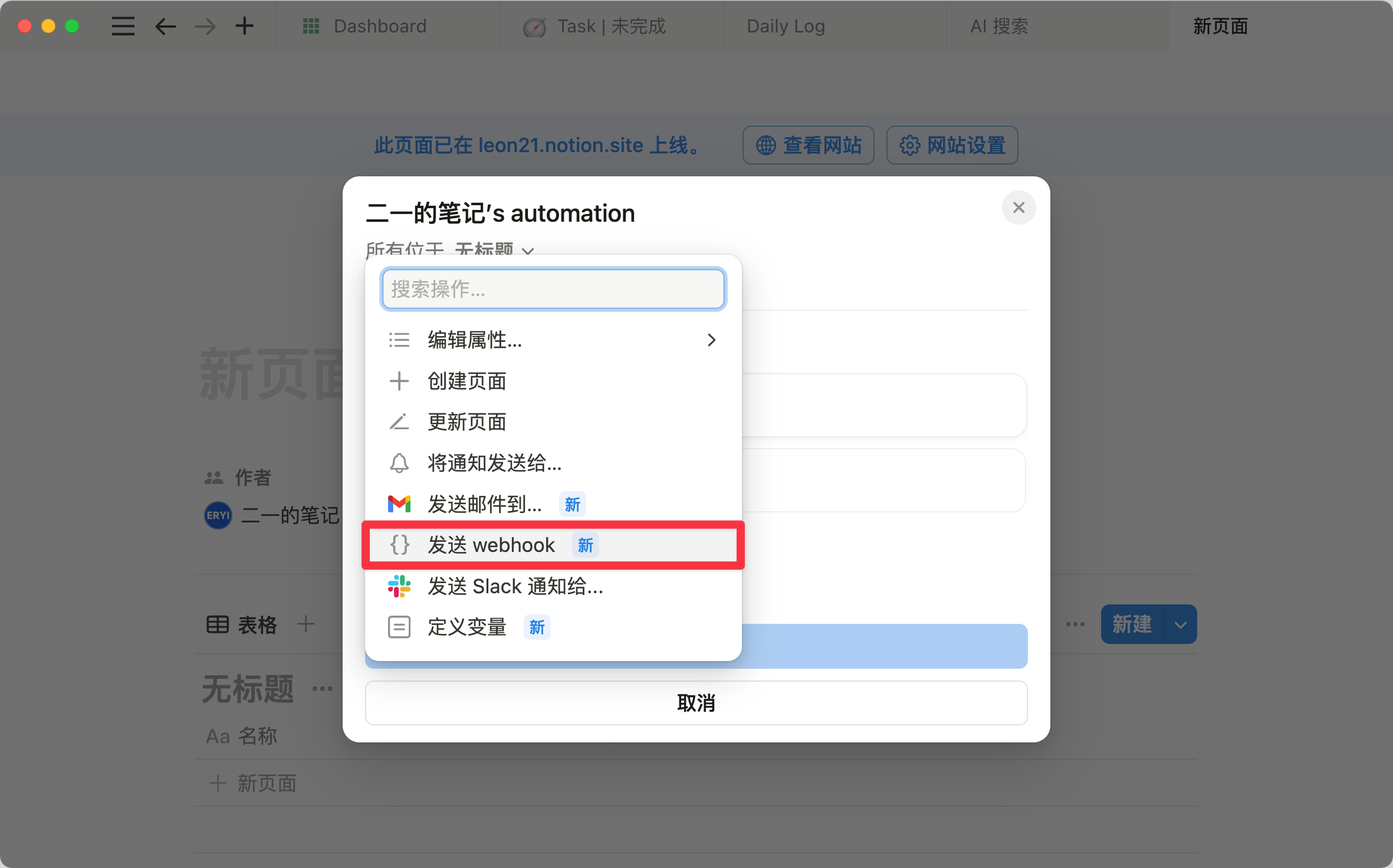
Notion 2.3.3 introduced native database Automation. The basic logic is that a Trigger activates an Action — when the database detects certain preset conditions, it automatically executes a specified action.
Three Types of Triggers:
- When a new page is added
- When a property is edited
- When a property is selected
Four Types of Actions:
- Edit a property
- Add a page to a database
- Edit a page in a database
- Send a notification to Slack
In the early stages of using Automation, it can at least fulfill one basic need: if you always need to set a fixed value for every new page, you can use Automation to auto-fill that value instead of doing it manually each time. This feature shares similarities with the database's built-in Templates or Buttons, but the experience is much smoother and more seamless.
Notion 2.3.4 Update
Page Hover Preview
Notion 2.3.4 added page hover preview. Hover your mouse over a page title to preview the page content directly without clicking to open it.
This feature helps you quickly get an overview of content while browsing databases or page links, reducing unnecessary page navigation and improving browsing efficiency.
AI Q&A
Notion 2.3.4 introduced the AI Q&A feature. Once enabled, you can ask AI questions and it will pull data from your entire workspace to provide answers.
This means you no longer need to manually search through your workspace. Just ask a question, and AI will provide answers based on the notes, documents, databases, and other information in your workspace. This is an incredibly useful feature for workspaces with large amounts of information. For whether Notion AI is worth subscribing to, check out my Notion AI brief review.
📘 FLO.W — Notion Personal Management System
FLO.W is a Notion-based personal management template that integrates tasks, notes, projects, habits, and more, complete with comprehensive tutorials.