Hello everyone, here is this month's Notion feature tracking update. The feature changes covered are as follows:
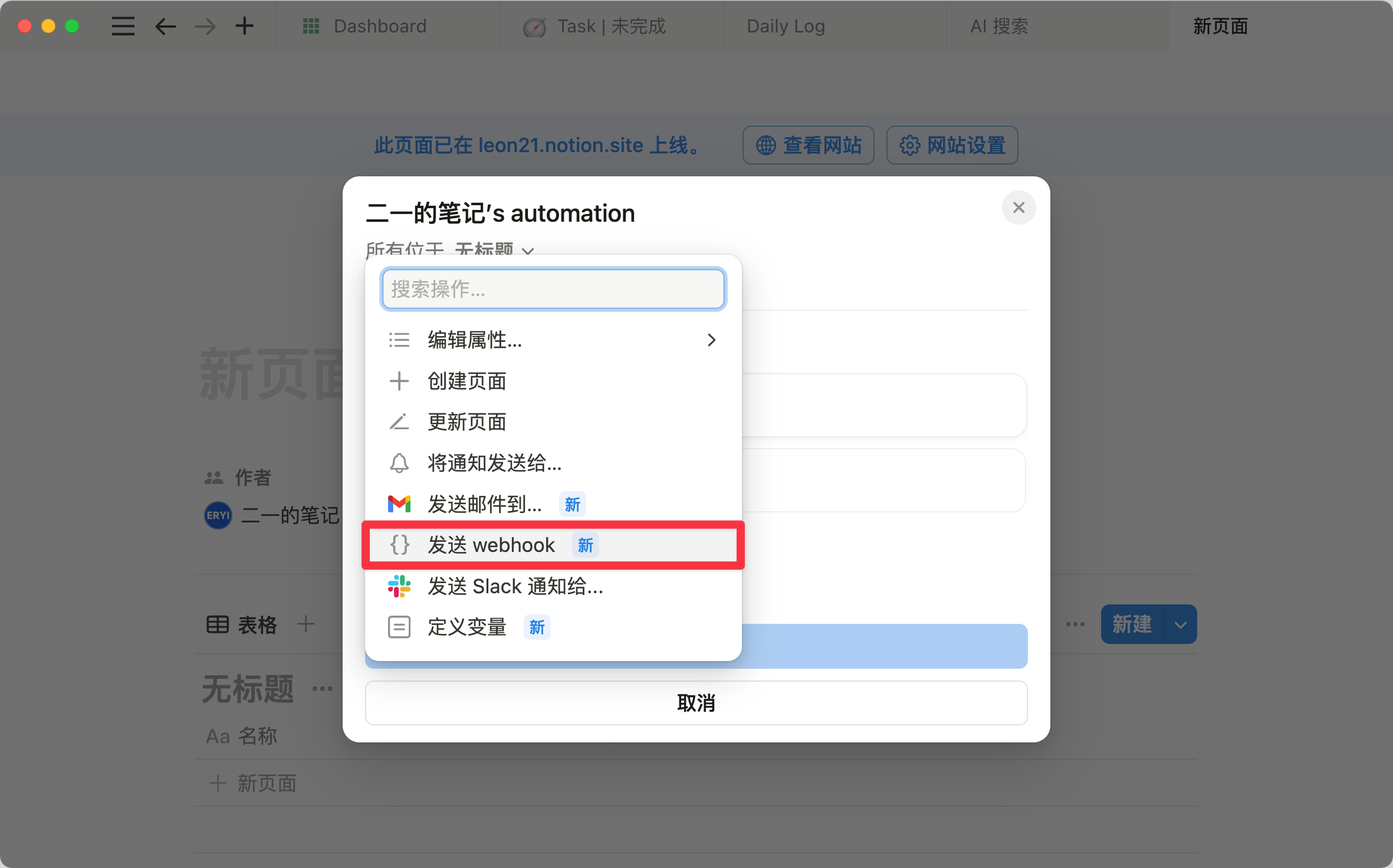
- Databases now have a new Button property
- Sub-items gained more display modes
- New feature Notion Home is in beta rollout
- Client tab improvements, calendar view improvements
- Databases gained an AI auto-tagging feature
- Notion acquired encrypted application provider Skiff
Button Feature Expansion
The Button feature was originally launched in February 2023 (alongside Formula 2.0 and automation and other major updates), and this month's update places the Button as a property within databases.
With this change, we can now directly "click a button" on a database to perform various quick actions.
The database Button is not just about moving the in-page button into a database — it makes a range of everyday database operations more efficient and keeps page layouts lighter.
Database Buttons don't take up page space, which is an obvious advantage. Previously, Buttons were an extension of the Template block and therefore existed within pages. This meant that in workflow setups, each Button occupied a certain amount of page space.
With Buttons embedded directly into database properties, pages become much cleaner. And because a Button is naturally bound to the page it edits, we can set up "Start Reading" or "Finish Reading" buttons right on Gallery cards — making cards look more like cards and buttons look more like buttons.
Of course, with a bit of Formula magic, you can create self-quiz flashcard effects.
The logic is quite simple. Just follow these steps:
- Write the answer in a Text property, then hide that Text property
- Use two Buttons to control a Select property's tag value to "On" or "Off"
- Use an If function in a Formula to display different text content based on the Select value
Note: if you're displaying Formula results in a Gallery view, it's best to enable Wrap all properties in the database settings so that longer answers can wrap to multiple lines.
If you link a database Button with a Person property, you'll notice Person gains a new option: "Person who clicked button."
As the name suggests, when you click the Button, the Person property will show your name — a feature that's perfect for collaboration.
Sub-items Feature Update
Previously, parent items and child items could only be organized and displayed in a tree structure.
This month, Notion introduced two additional organization modes for Sub-items. You can change this in Database settings > Sub-items > Show as.
Parents Only Mode
Only parent items are displayed. Notion hides all child items but shows the number of child items on the right side of each parent.
Flattened List Mode
Flattened list mode. When enabled, all parent and child items are displayed "flat" together, and child items show a label indicating their parent. When you open a specific page, the original parent-child hierarchy is still preserved.
The previous tree hierarchy (Nested in toggle) was like sorting books into different cabinets — it made the structural hierarchy clearer and more logical to navigate. For databases with a large number of projects and subtasks, this is an essential organizational approach.
The two new modes introduced this month let you see all the "books" at a glance without opening every drawer. When you need to quickly browse a large number of tasks or information, or when planning projects and assigning tasks, using a flattened list can improve efficiency and reduce the number of steps.
Notion Home Feature in Beta Rollout
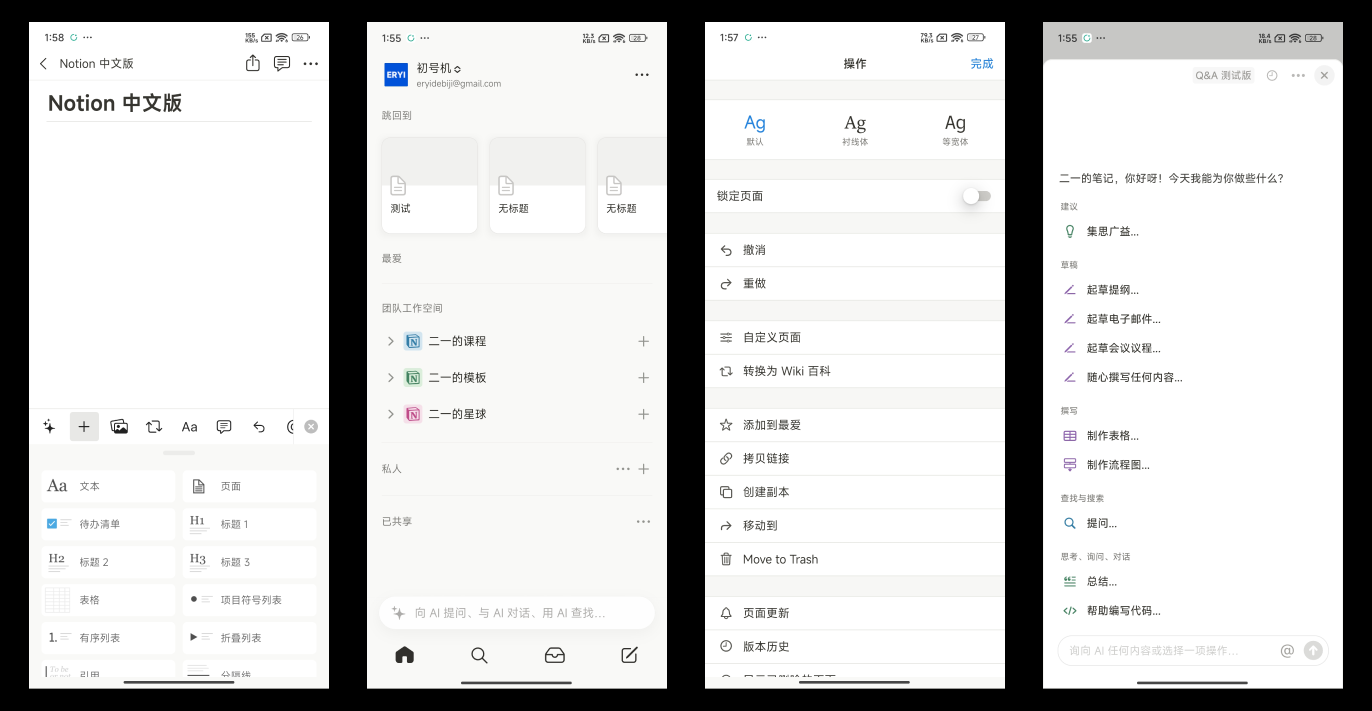
At the end of this month, Notion launched a brand-new feature called Notion Home, which was still in gradual beta rollout at the time.
Notion Home includes the following modules:
- Recently visited — pages you've recently accessed
- Suggested for you — automatically recommends pages you might be interested in based on your workspace activity and visited pages
- Trending — view the most visited pages across your workspace and team spaces
- Featured Template & Learn — officially recommended templates and tips from Notion
- Tasks — the most important feature, capable of aggregating tasks across databases that you're currently working on
Other Improvements
Client Tabs Are Now Draggable
Client tabs now support drag-and-drop reordering.
Calendar View Adds Weekend Display Toggle
Calendar View now includes an option to show or hide weekends. When turned off, only weekdays are displayed.
Database AI Property Update
You can now have AI automatically tag database entries. AI will identify tags based on the page title and text content — just enable the Generate new options feature.
Notion Acquired Encrypted Application Company Skiff
After acquiring the calendar service Cron, Notion acquired another company in February 2024 — Skiff, which offered encrypted email and encrypted document services.
Looking back at Notion's previous acquisitions: they acquired Automate.io and built Automation, they acquired Cron Calendar and rebranded it as Notion Calendar. So does acquiring Skiff mean Notion is going to build its own encrypted email service?
Given Notion's current deep integration with Slack, I personally think it's unlikely that Notion would build its own IM tool or email service. It's more likely they wanted to build their own end-to-end encryption capabilities, which would significantly enhance document privacy protection for both individual and enterprise users. Let's wait and see.
📘 FLO.W — Notion Personal Management System
FLO.W is a Notion-based personal management template that integrates tasks, notes, projects, habits, and more, complete with comprehensive tutorials.