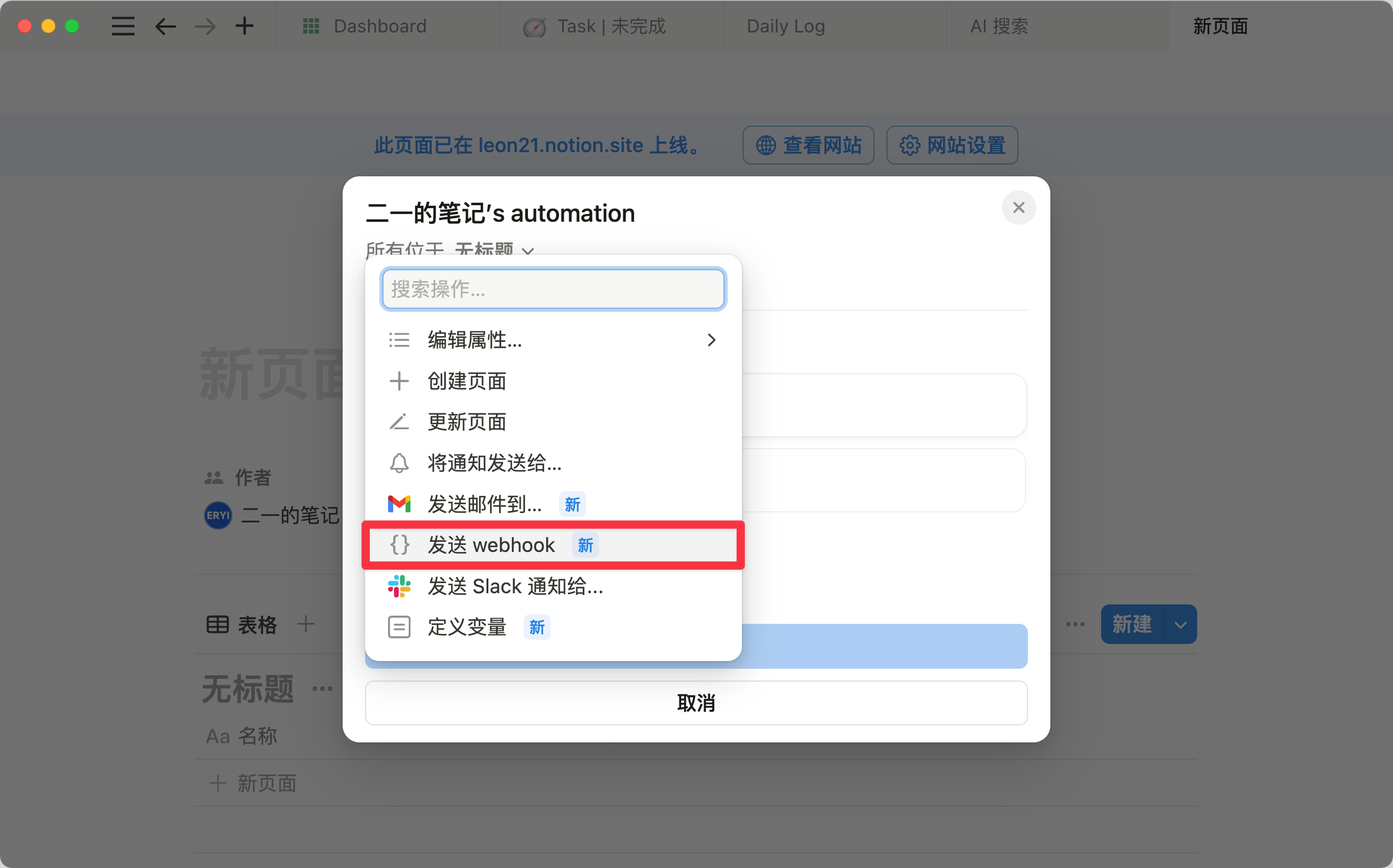
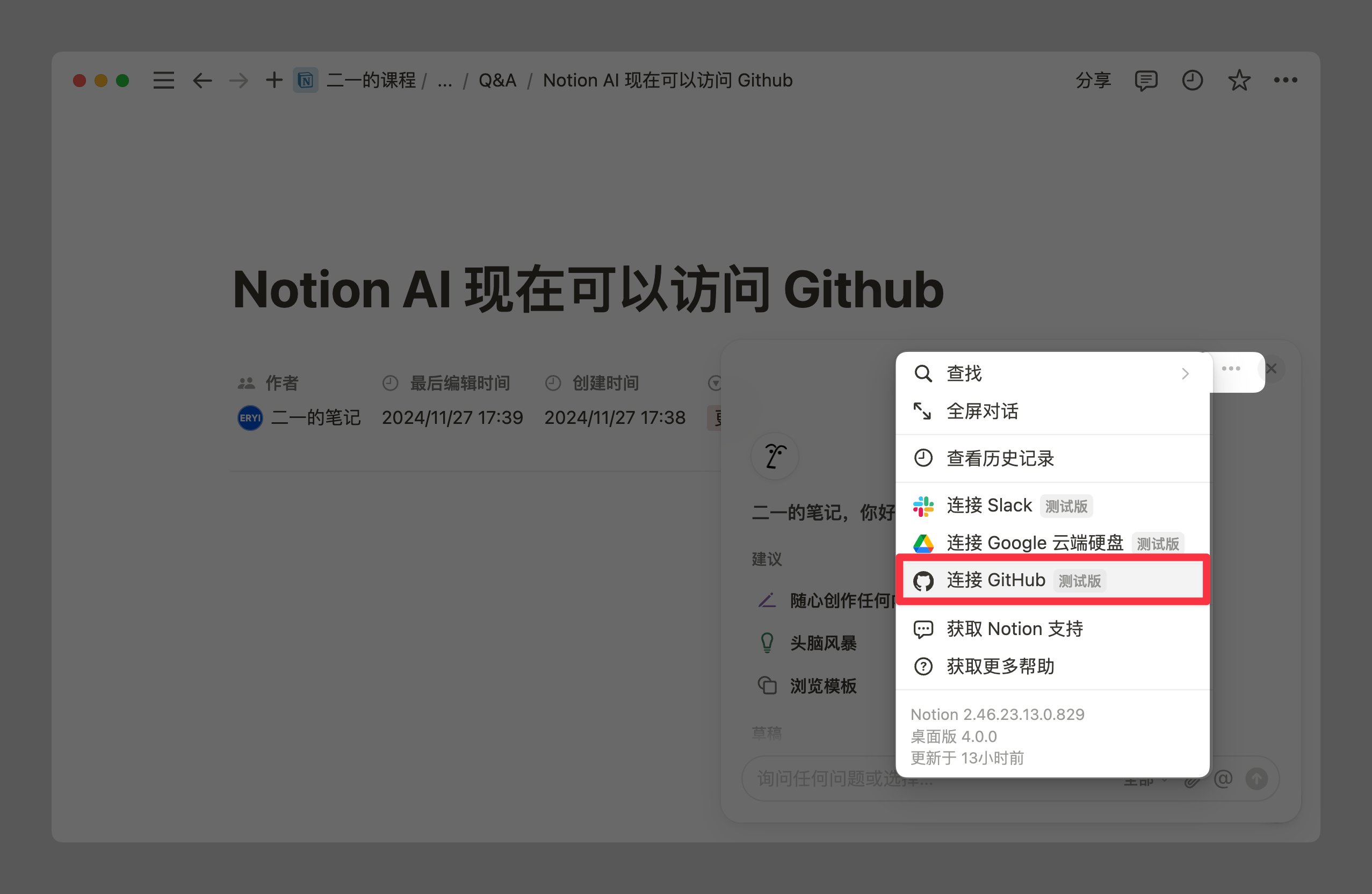
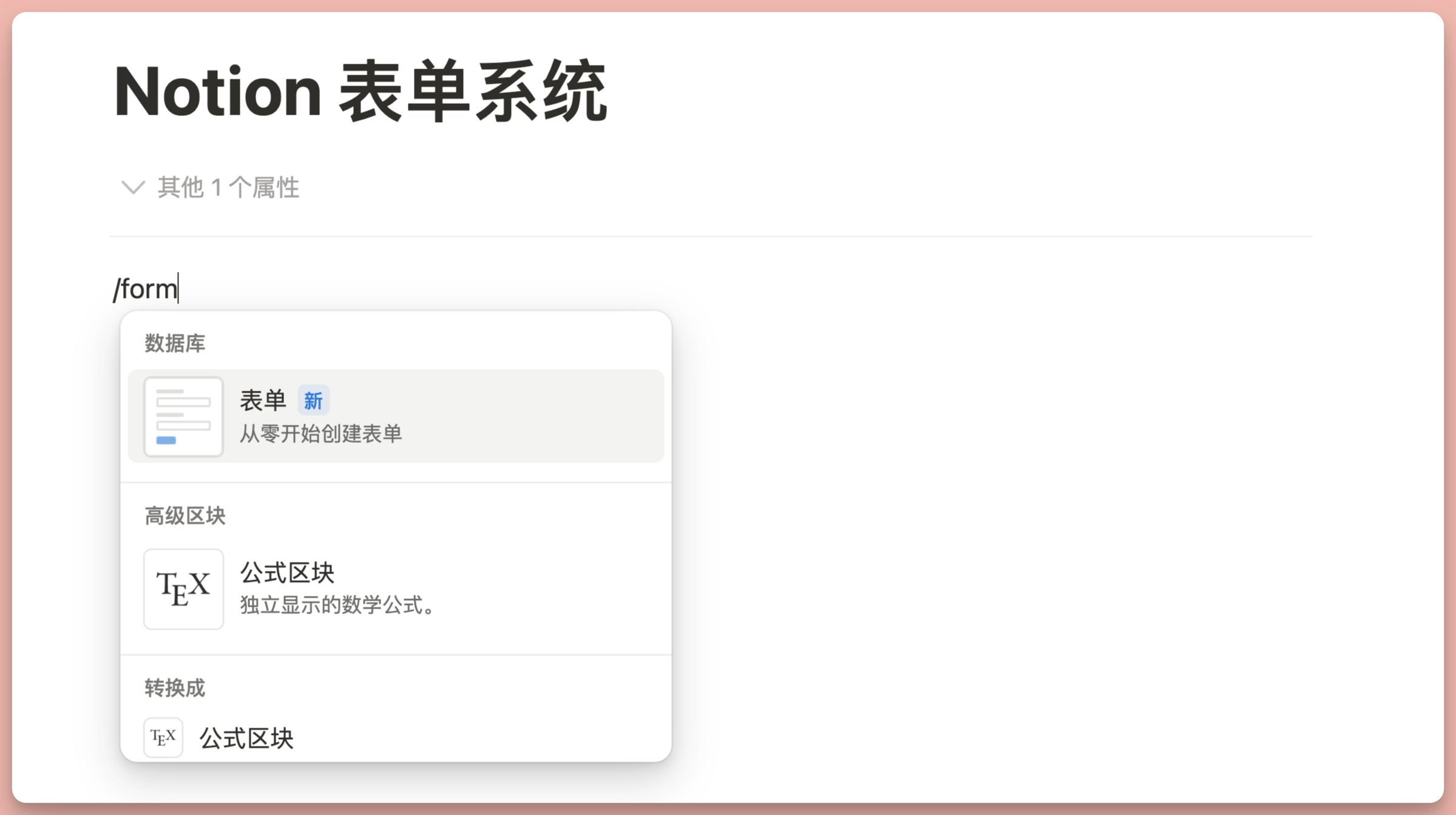
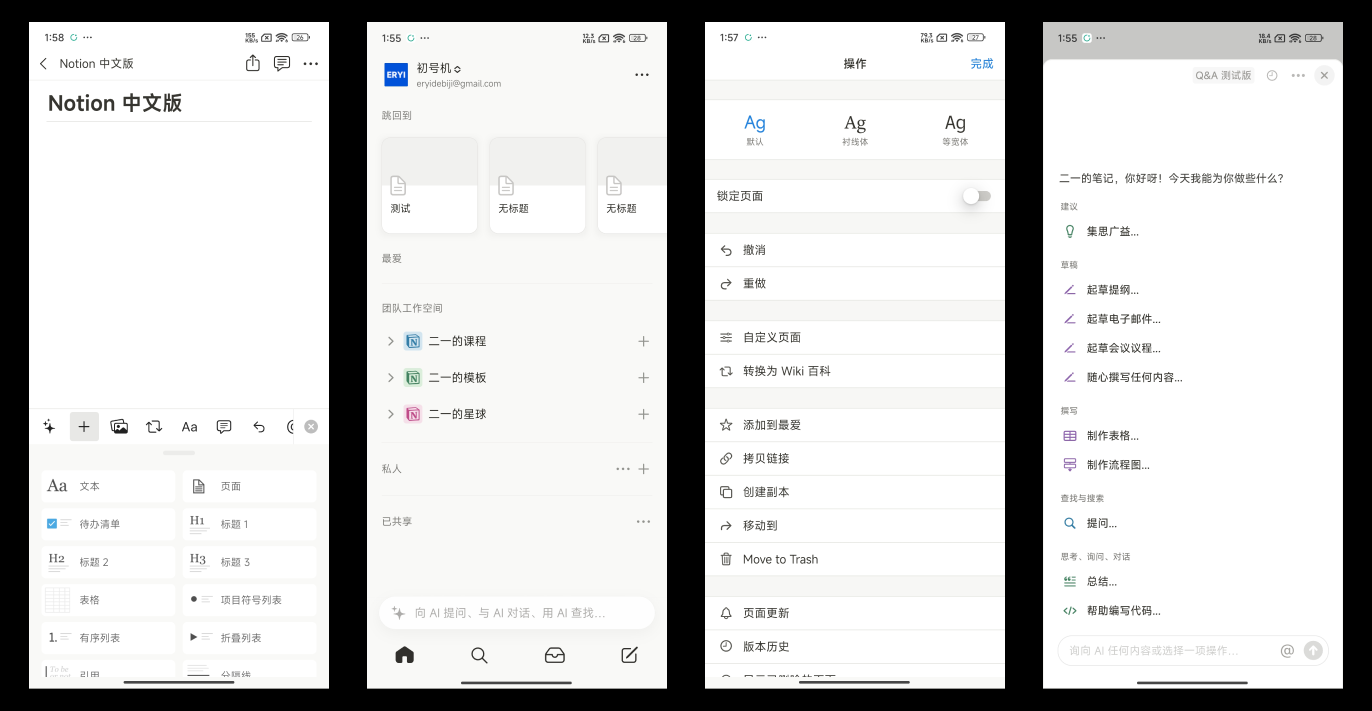
This month's Notion update introduces the AI Q&A feature, offering users a smarter way to interact with their workspace.
Meanwhile, the database functionality has been significantly improved with new field and view description capabilities, as well as a more convenient template duplication option, making collaboration and data management more efficient. Additionally, the SEO feature is now available to all users, who can centrally manage all publicly shared pages and quickly configure public access permissions.
These updates not only enhance Notion's functionality but also further improve the overall user experience. If you'd like to know whether Notion AI is worth subscribing to, check out my Notion AI brief review.
Hello everyone, this month's Notion feature roundup is here as scheduled, focusing on new features released from October through the end of December.
Database Updates
New Database Description Feature
You can now add description text directly to database views and properties. This makes it much faster to explain the purpose or usage of a database to other users in collaborative scenarios.
Adding a description is simple — just open the editing panel for any property (or view), then click the exclamation mark icon next to the field name editing area.
More Convenient Database Template Duplication
Previously, if you wanted to reuse a database's structure, you had to duplicate all the content along with it, then manually delete the content — a rather tedious process. Now Notion offers the "Duplicate without content" option, which copies only the database structure without copying the content.
There are two ways to access this duplicate button. The first is to click the block handle of the database directly.
The second is to enter the database's full page mode, then find the "Duplicate" option in the three-dot menu at the top right.
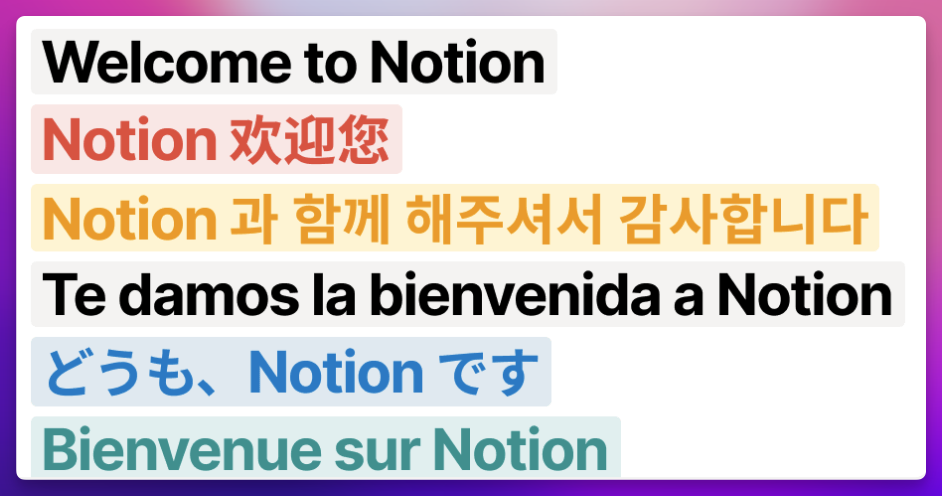
Latest Localization
Latest Notion localization video: Bilibili Link
Other Updates
SEO Toggle Available to All Users
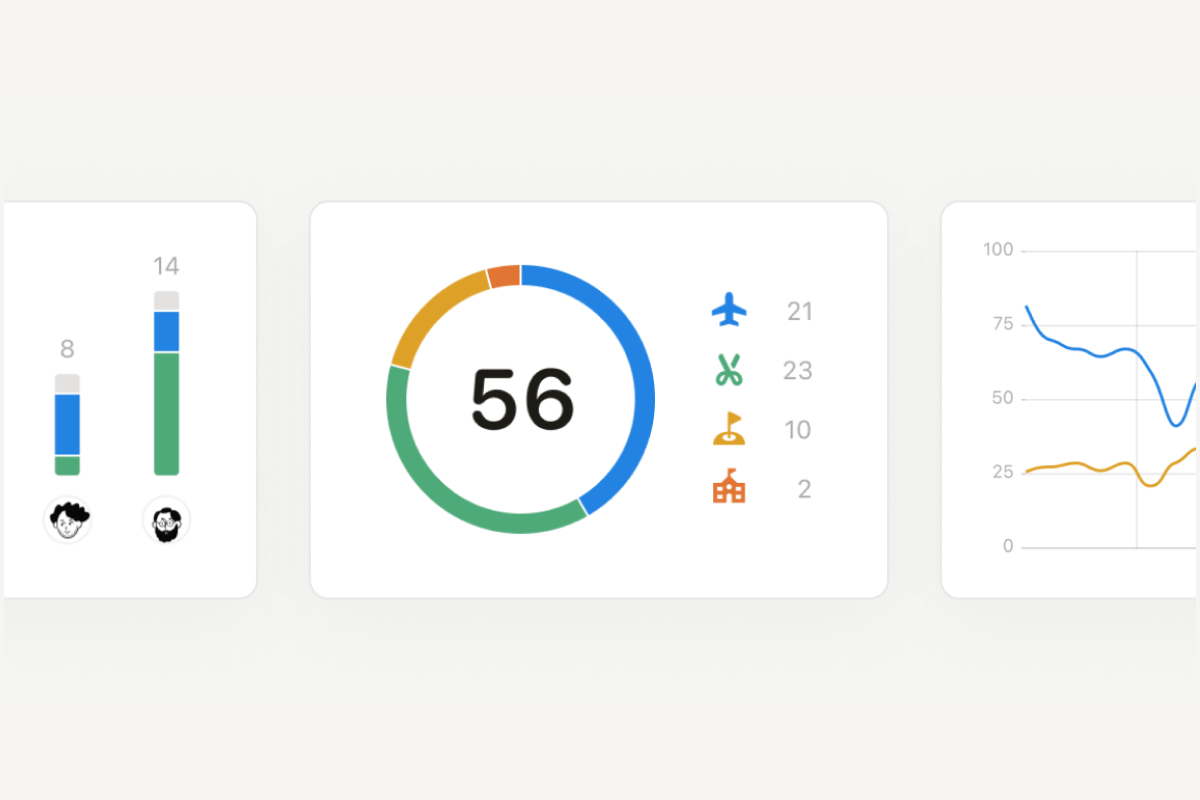
Previously, enabling the SEO feature for shared pages required at least a paid plan. Now Notion has made this permission available to users on all plans. The concurrently launched Formula 2.0 also brings more powerful formula capabilities to databases.
Centralized View of All Publicly Shared Pages
Previously, you could only manage pages where guests had been invited, but couldn't centrally manage pages that were only published to the web. Now you can find the new "Sites" option in Settings, where you can view all publicly shared pages in one place and quickly enable or disable public access for any page.
Prominent Notice for Public Pages
When your page is in a public state, Notion now displays a prominent notice at the very top of the page.
📘 FLO.W — Notion Personal Management System
FLO.W is a Notion-based personal management template that integrates tasks, notes, projects, habits, and more, complete with comprehensive tutorials.