This question comes from a reader of the Notion course. It has been organized and shared here. If you encounter similar issues while using Notion, feel free to leave a comment.
Reader's Question
Can't inserted images be resized proportionally?
My Answer
Resizing
Hover your mouse over an image, and a vertical line will appear on both the left and right sides of the image. Drag this line to change the size of the image.
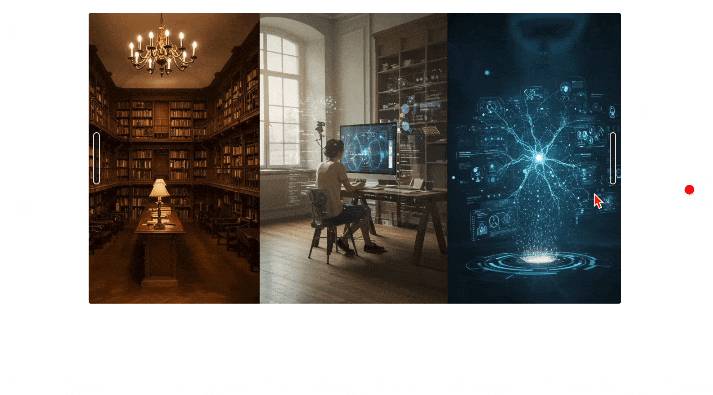
Image Left Alignment
Currently, Notion does not support setting a default left alignment. You need to manually set the alignment for each image. Hover your mouse over an image, and a button for left-align, center, and right-align will appear in the upper-right corner.
However, if your image is in a filled state (i.e., full-width mode), the alignment button will not appear. You need to manually resize the image first, and then set the left or right alignment.
📘 FLO.W — Notion Personal Management System
FLO.W is a Notion-based personal management template that integrates tasks, notes, projects, habits, and more, complete with comprehensive tutorials.