Notion Adds Claude Opus 5.5 plus GPT-6 Luna and Sol
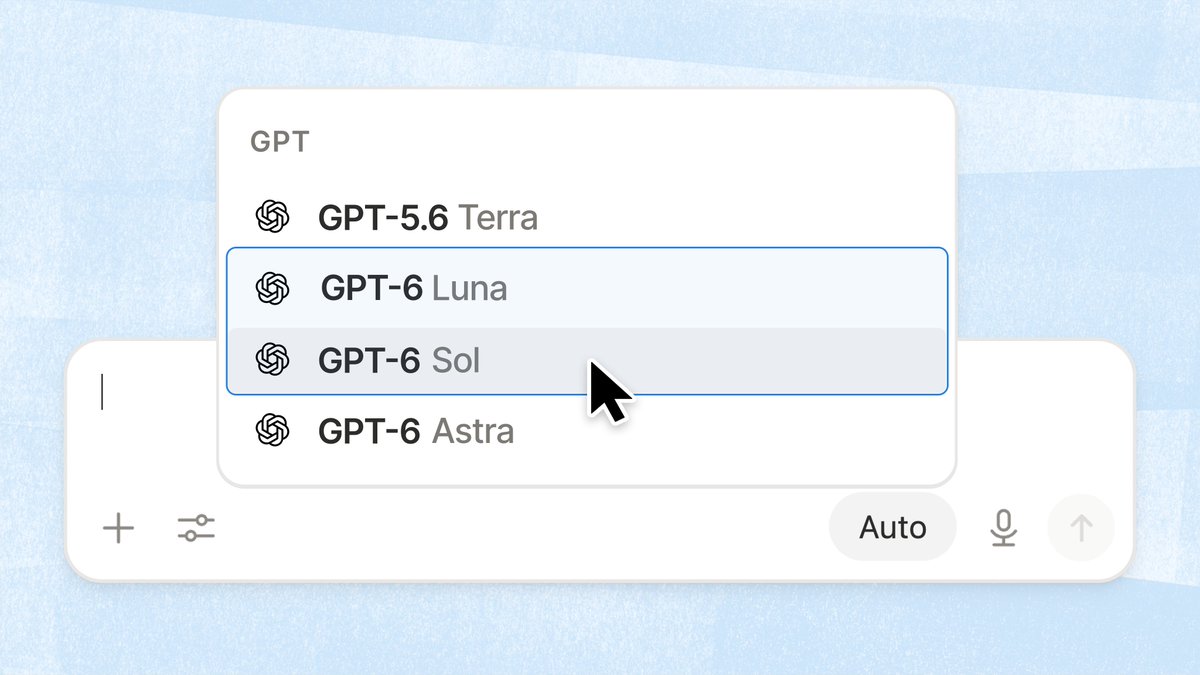
Notion’s model picker now includes Claude Opus 5.5, GPT-6 Luna, and GPT-6 Sol.
Claude Opus 5.5 and GPT-6 Sol work like Fable: they are not in the default list. You opt in separately, and they use separate credits. GPT-6 Luna can be selected directly in the picker.
How to use it: as a workspace admin, open Settings → Notion AI, scroll to Restricted Access Models at the bottom of the page, and enable Claude Opus 5.5 and GPT-6 Sol. Then choose them in the Agent / Custom Agent model list. Business / Enterprise requires a workspace admin.
These two models use separate credits, not the workspace default AI allowance. Check usage under Settings → Notion AI → Usage.
If you are in China and neither the model list nor Settings shows the entry: open Settings → Billing, change the billing address to the United States, save, and refresh. Restricted Access Models usually appears; then enable the models with an admin account.
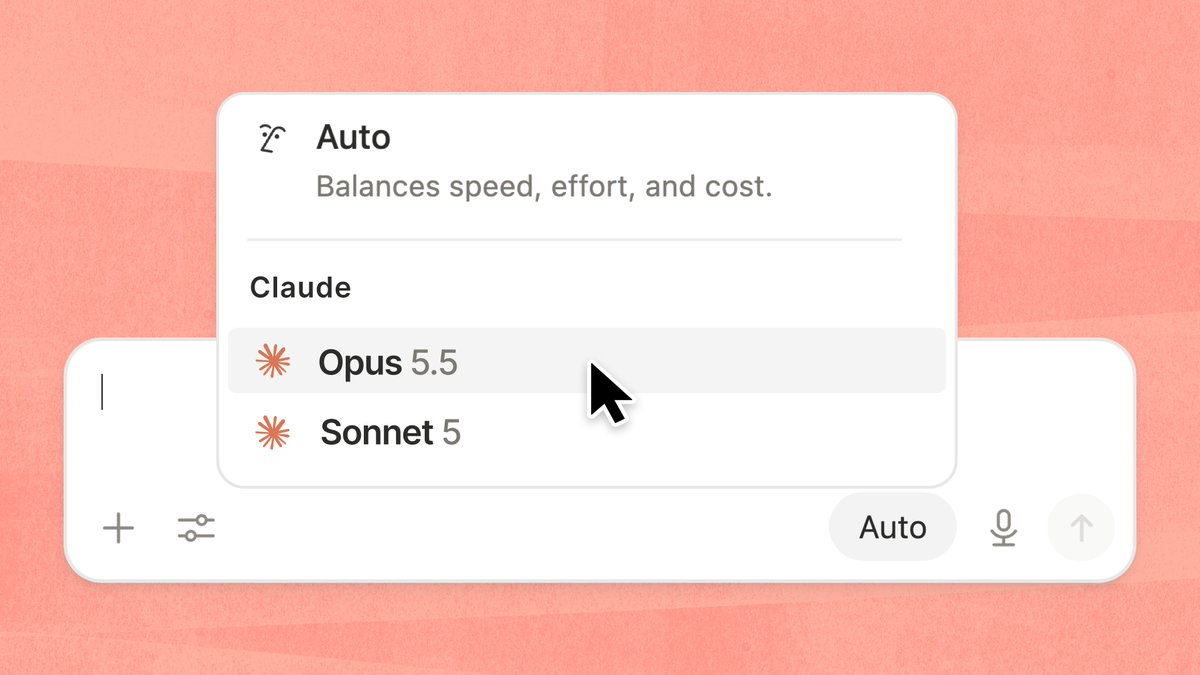
After Opus 5.5 is selected, you can switch to GPT-6 Luna or Sol in the same picker.
A complete, ready-to-use Notion personal system
If you don't want to spend dozens of hours figuring out database relations and workspace layouts from scratch, FLO.W is a refined, all-in-one Notion template system designed for tasks, projects, and knowledge management.