Notion Calendar Lets You Create Events With Natural Language
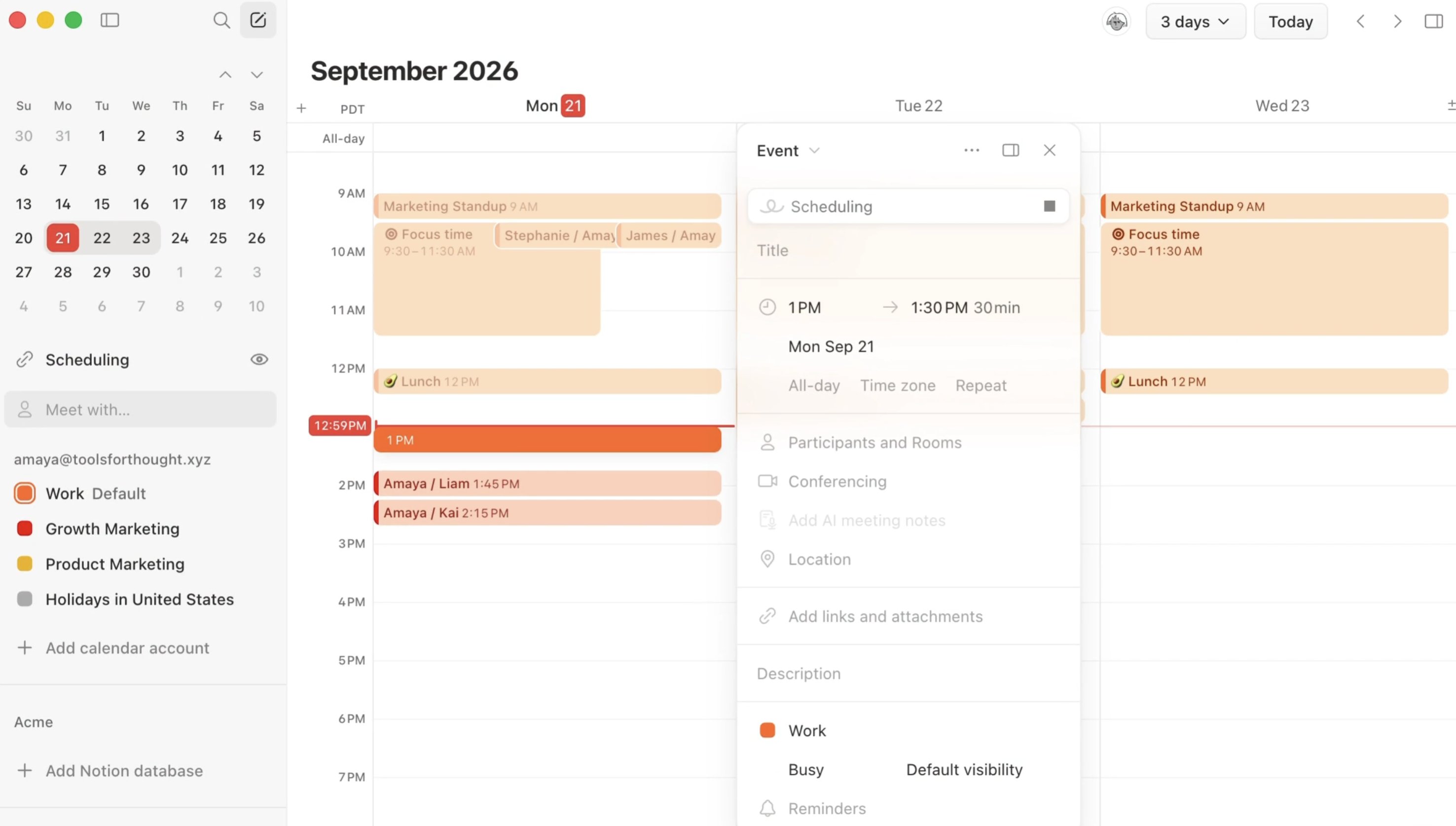
Notion Calendar now supports creating events with natural language. When you create an event, press Space and describe the plan in one sentence — the calendar fills in the rest.
How to use it:
- Open Notion Calendar and create a new event.
- Press Space and describe the plan in natural language.
- Confirm the time, title, and other fields the calendar filled in, then save.
A complete, ready-to-use Notion personal system
If you don't want to spend dozens of hours figuring out database relations and workspace layouts from scratch, FLO.W is a refined, all-in-one Notion template system designed for tasks, projects, and knowledge management.
Connected databases link tasks, projects, and notes automatically
Includes detailed walkthrough guides and video tutorials
One-time purchase with all future major updates included
Explore FLO.W✨ 1640+ users chose FLO.W
Related Updates
- Notion Calendar Adds Smart Scheduling
- Notion Agent Can Read and Write PPTX / XLSX / DOCX / PDF and More
- Notion Personal Agent Now Supports Outlook Calendar and Mail
- Notion External Agents: Claude and Cursor as Teammates on Your Task Board
- Notion Custom Agents Add 5 MCPs: Box, ClickHouse, Mercury, Miro, Mixpanel