Notion Mobile Adds Voice Input
Typing notes on a phone is slow, especially while walking or commuting.
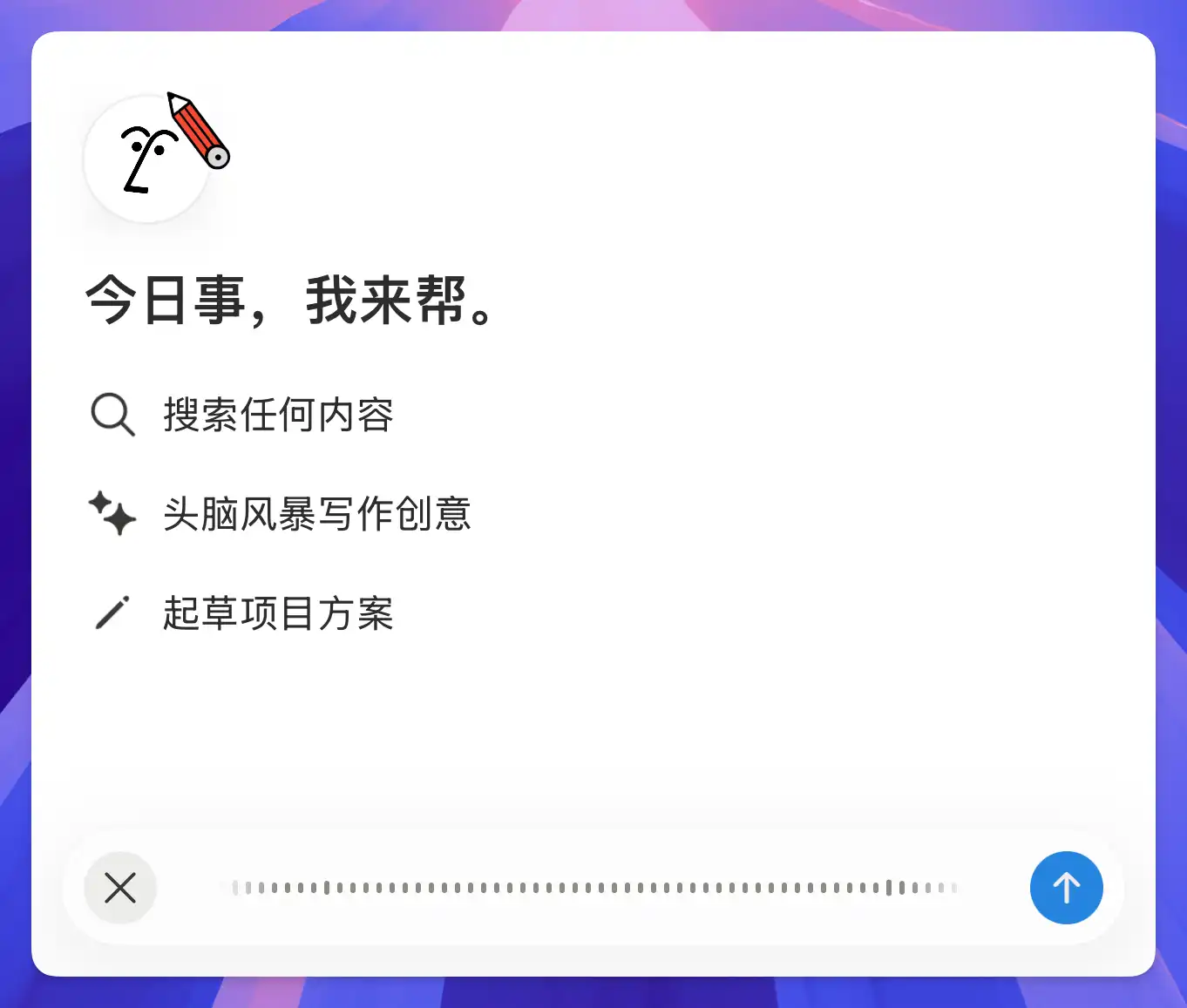
Notion mobile now supports voice input. Just speak and your words are written directly into the page. If you think faster than you type, this means no more pausing to thumb out your ideas — just talk and it's captured.
Want to take voice notes even further? Check out Voice Notes with DeepSeek + Shortcuts.
Latest update: The desktop AI chat now supports voice input too.
A complete, ready-to-use Notion personal system
If you don't want to spend dozens of hours figuring out database relations and workspace layouts from scratch, FLO.W is a refined, all-in-one Notion template system designed for tasks, projects, and knowledge management.
Connected databases link tasks, projects, and notes automatically
Includes detailed walkthrough guides and video tutorials
One-time purchase with all future major updates included
Explore FLO.W✨ 1645+ users chose FLO.W
Related Updates
- Notion Buttons Can Now Send Prompts to Agents, Running Workflows in One Click
- Notion Rebuilds Synced Databases with Real-Time Data from GitHub, Jira, and Salesforce
- Notion Upgrades Version History with Real-Time Edit Highlights and Row-Level Database Changes
- Notion for iPad Now Has a Native Sidebar, Inbox, AI and Search
- Notion Launches a Native Editor Beta on iOS