Notion Adds Tabs Block
When a page gets long, your options were either splitting content into a maze of sub-pages or scrolling endlessly through a wall of text.
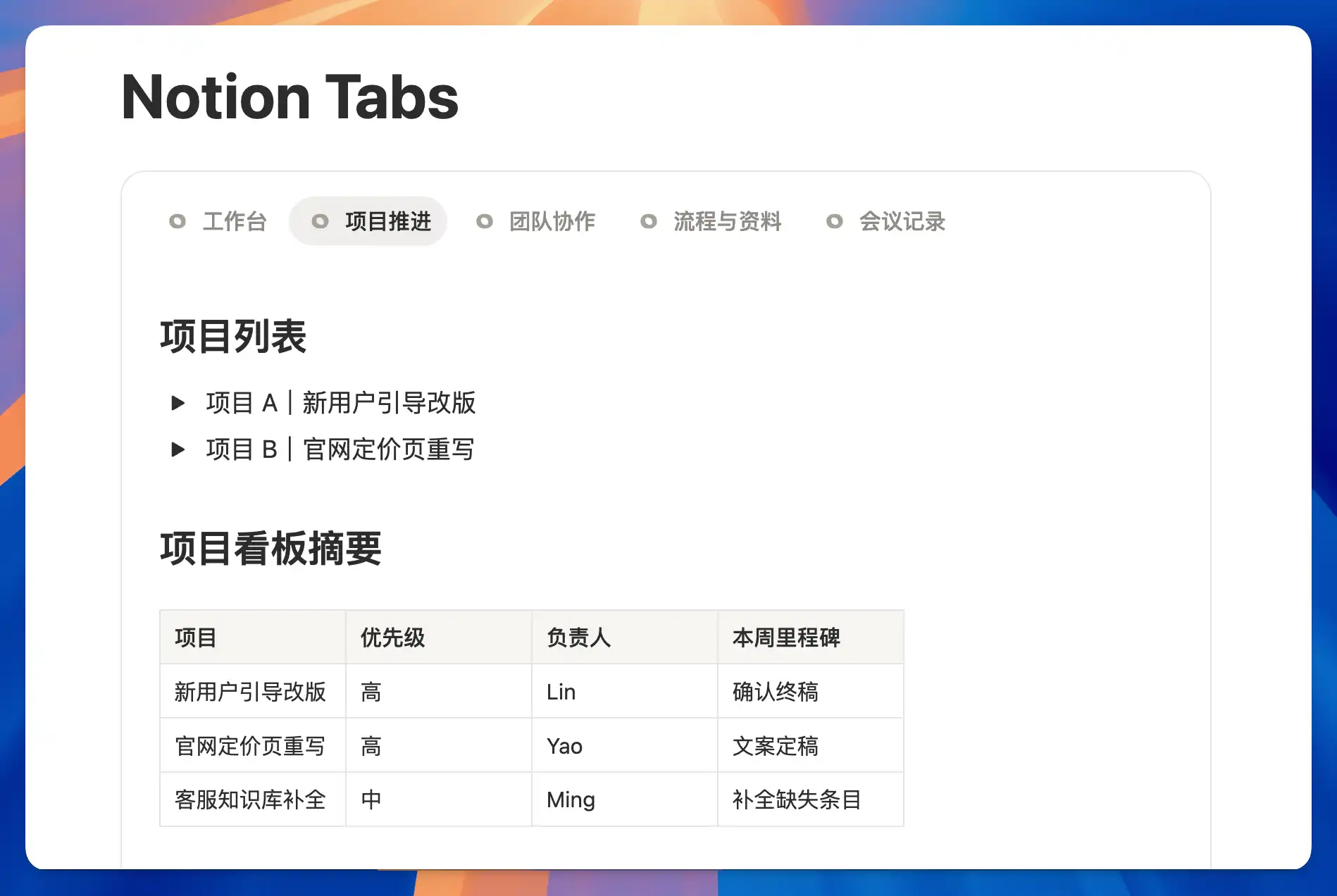
Now Notion has a Tabs block. Type /tabs to create one. Drop different sections into separate tabs — viewers switch between them without leaving the page. Everything stays tidy and nothing gets buried in sub-pages.
For example, a project hub can have tabs for "Overview," "Docs," and "Progress" — all on one page instead of scattered across multiple sub-pages.
A complete, ready-to-use Notion personal system
If you don't want to spend dozens of hours figuring out database relations and workspace layouts from scratch, FLO.W is a refined, all-in-one Notion template system designed for tasks, projects, and knowledge management.
Connected databases link tasks, projects, and notes automatically
Includes detailed walkthrough guides and video tutorials
One-time purchase with all future major updates included
Explore FLO.W✨ 1632+ users chose FLO.W