Notion External Agents: Claude and Cursor as Teammates on Your Task Board
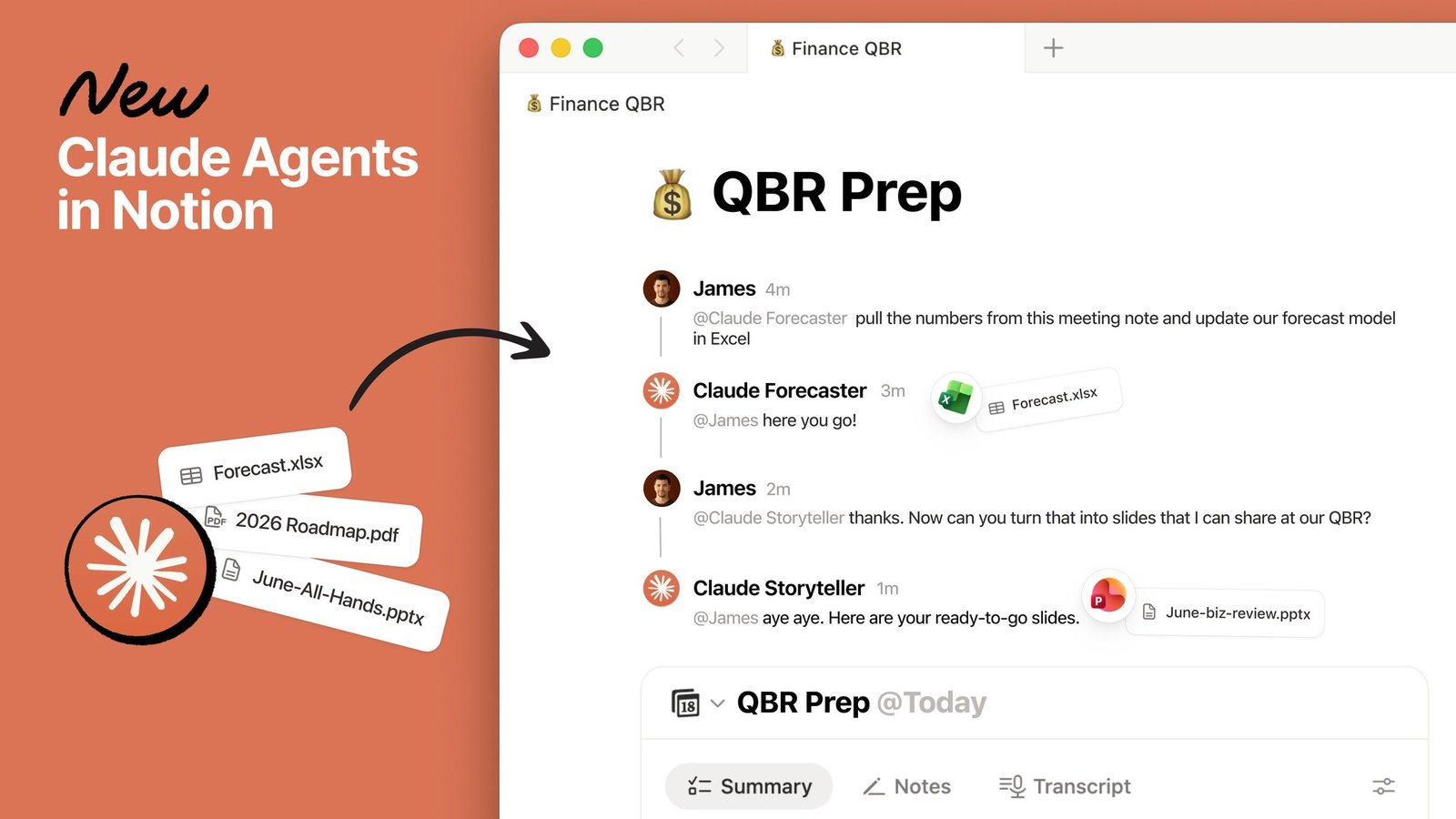
Notion External Agents are live. Claude and Cursor can show up on a shared task board like teammates: assign work, @-mention them, and watch them finish.
How to use it:
- Connect Claude agents and Cursor following the help docs.
- Create dedicated Agents on a shared board (analysis, coding, docs, bugfixes, and more).
- Assign Claude or Cursor as the owner, or @ them in comments.
- Set context and permissions per Agent so the team can see every run.
- Run multiple tasks in parallel, or schedule an end-to-end flow.
Once Claude and Cursor share the same board, everyone can see progress.
You can create Claude agents by role — data analysis, coding, or generating tables and slides — and schedule them alongside human teammates.
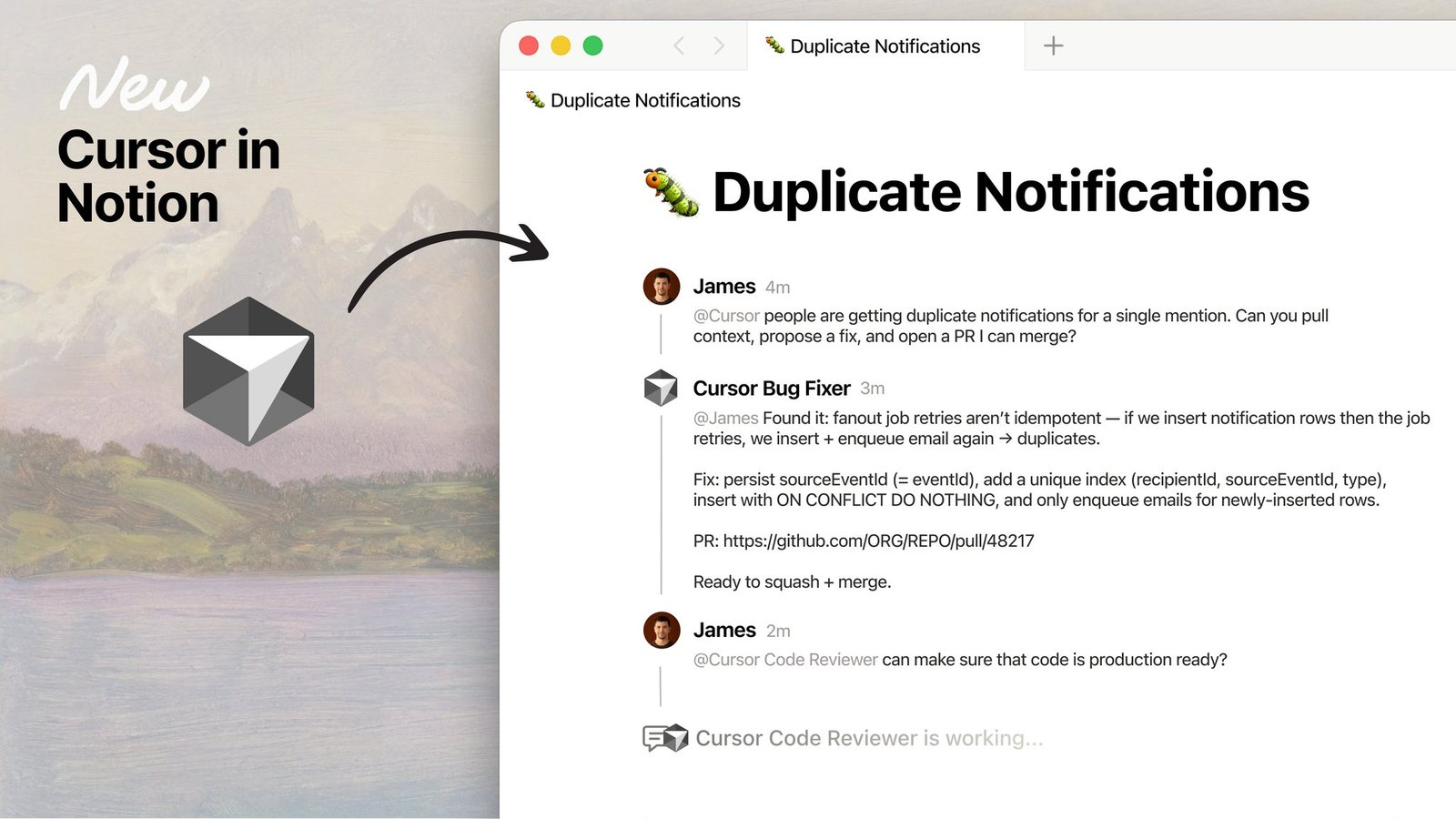
Cursor can be a board teammate too, covering bugfixes, features, code review, and other engineering workflows.
A complete, ready-to-use Notion personal system
If you don't want to spend dozens of hours figuring out database relations and workspace layouts from scratch, FLO.W is a refined, all-in-one Notion template system designed for tasks, projects, and knowledge management.
Connected databases link tasks, projects, and notes automatically
Includes detailed walkthrough guides and video tutorials
One-time purchase with all future major updates included
Explore FLO.W✨ 1640+ users chose FLO.W
Related Updates
- Notion Buttons Can Now Send Prompts to Agents, Running Workflows in One Click
- Notion Rebuilds Synced Databases with Real-Time Data from GitHub, Jira, and Salesforce
- Notion Upgrades Version History with Real-Time Edit Highlights and Row-Level Database Changes
- Notion Adds Selectable Models: Claude Sonnet 5.5, Haiku 5.5, Fable 5 / 5.1 and GPT-6.1 Sol
- Notion Settings Now Lets You Discover and Manage MCP Clients