Notion AI Adds Plan Mode
Notion AI now has a Plan mode similar to the one in Claude Code.
When it is turned on, AI first breaks down the request and gives you a few possible ways to proceed. For example, after finding notes that may need cleanup, it can ask whether you want to review them yourself, archive them in bulk, or mark them for later review. After you choose a direction, it continues by preparing a more specific plan.
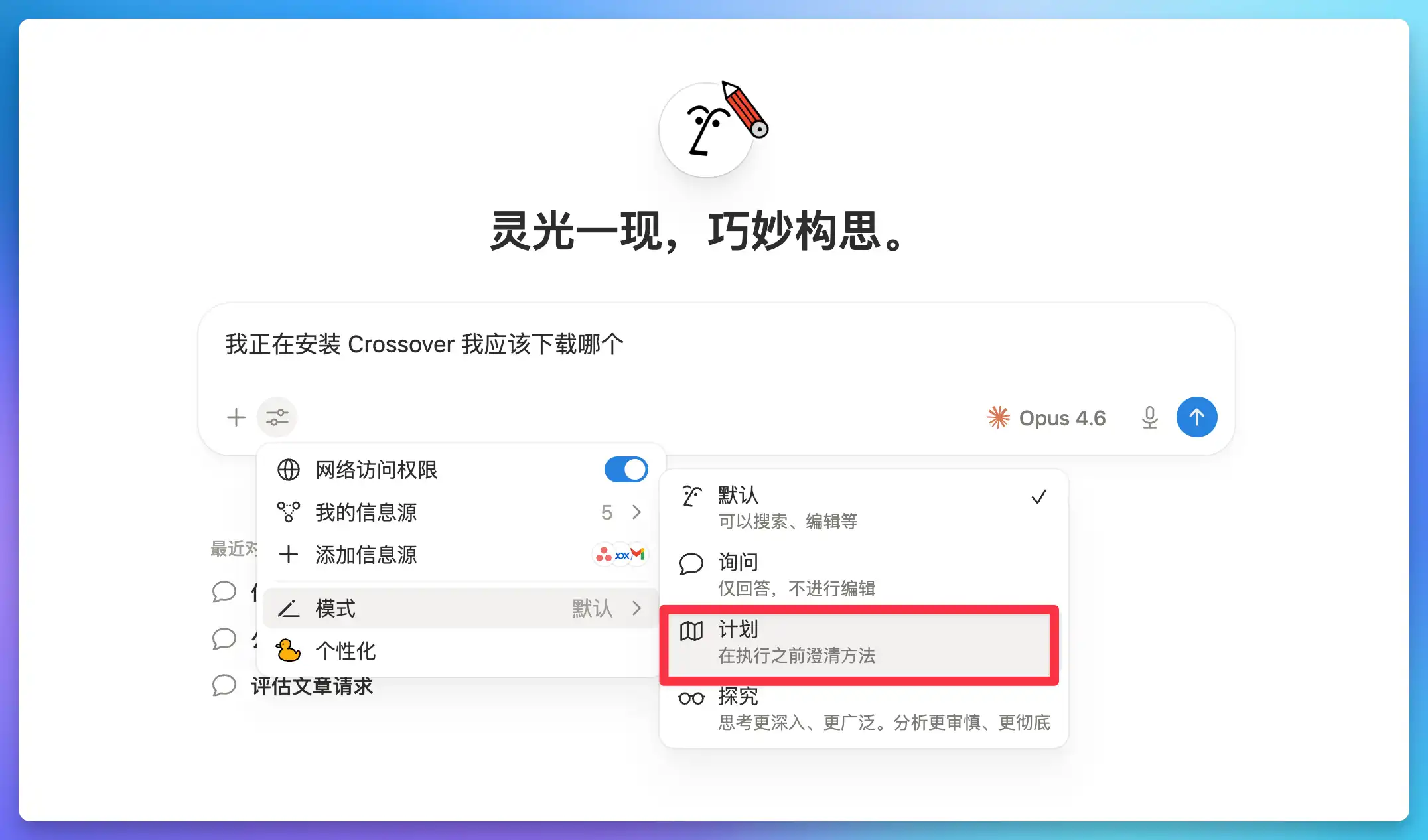
This matters a lot for Notion Agent. AI can move quickly when organizing pages, editing databases, or handling content in bulk, and a wrong step can be annoying to undo. Plan mode puts the thinking step before the action, so you can adjust the direction before AI starts making changes.
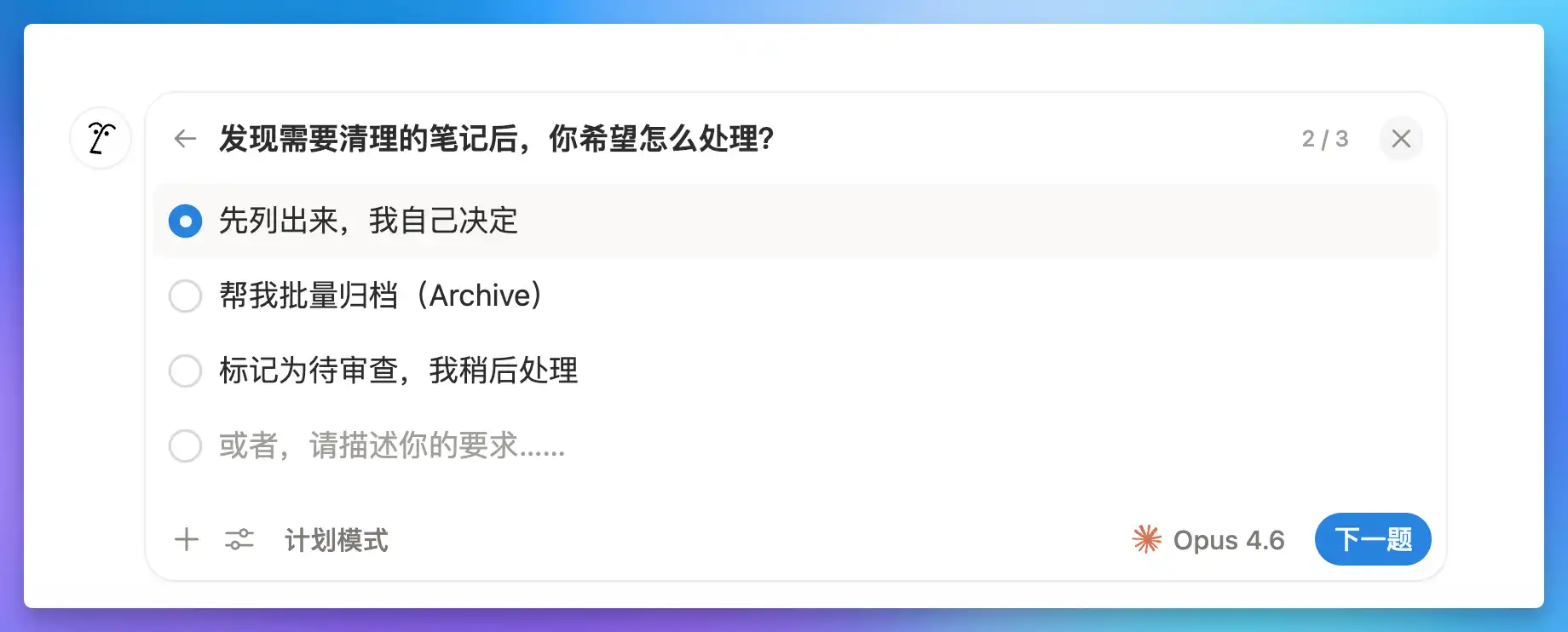
After the Claude AI Agents integration, Notion has added another important safety layer to its Agent workflow. It also fits structured templates like FLO.W well. Projects, tasks, notes, and archives all have clear boundaries, and asking first helps reduce mistaken operations.
A complete, ready-to-use Notion personal system
If you don't want to spend dozens of hours figuring out database relations and workspace layouts from scratch, FLO.W is a refined, all-in-one Notion template system designed for tasks, projects, and knowledge management.
Related Updates
- Notion Buttons Can Now Send Prompts to Agents, Running Workflows in One Click
- Notion Rebuilds Synced Databases with Real-Time Data from GitHub, Jira, and Salesforce
- Notion Upgrades Version History with Real-Time Edit Highlights and Row-Level Database Changes
- Notion Adds Selectable Models: Claude Sonnet 5.5, Haiku 5.5, Fable 5 / 5.1 and GPT-6.1 Sol
- Notion Settings Now Lets You Discover and Manage MCP Clients