ChatGPT / Claude / Grok Bot Can Call Notion Custom Agents in Chat
ChatGPT, Claude, and Grok Bot can now call a Notion Custom Agent directly in chat.
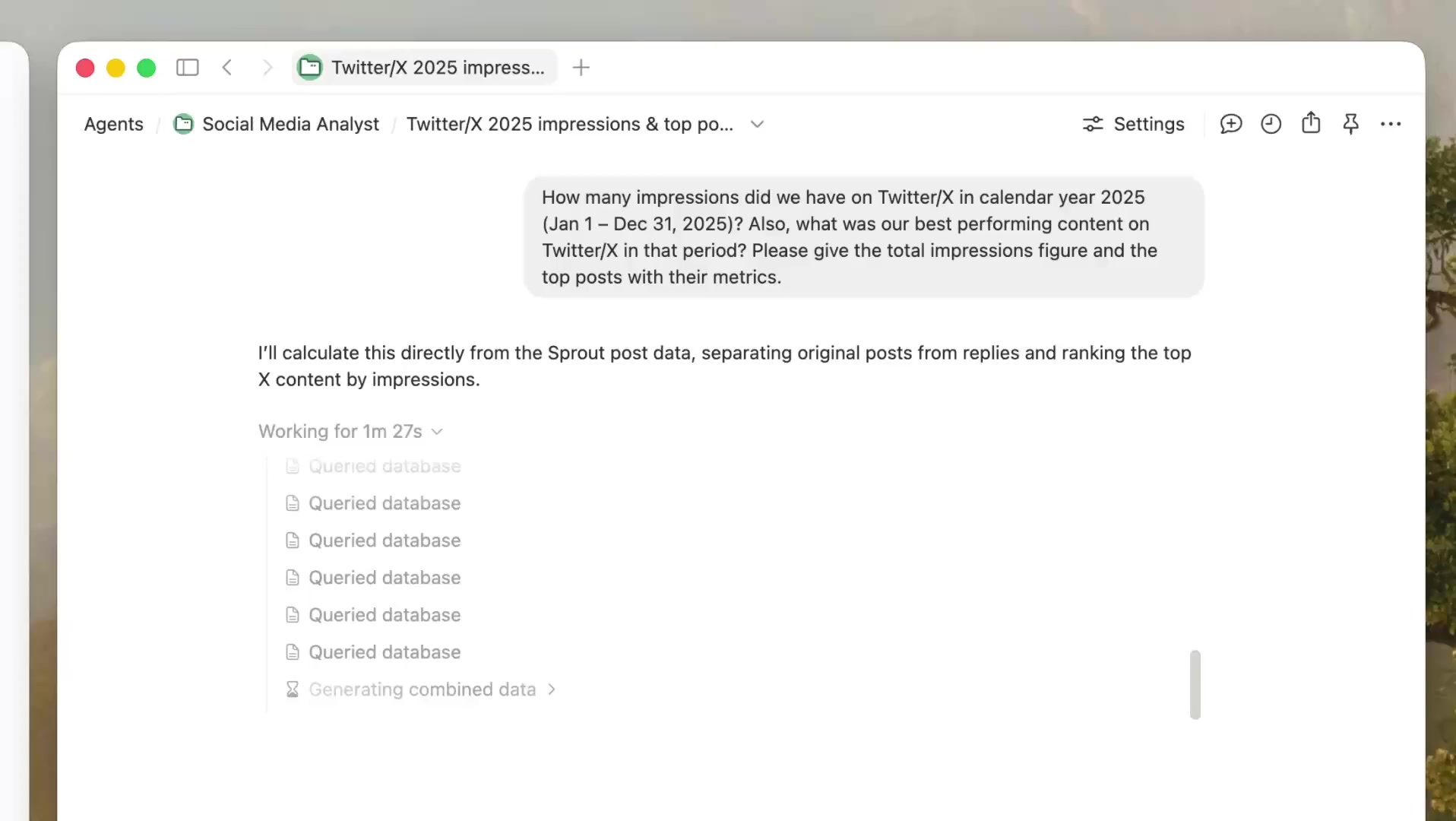
After you connect Notion MCP, you can name a Custom Agent you have access to and have it query databases, run tasks, and write results back. You can also search existing sessions, send follow-ups, check progress, or stop a running task.
How to use it:
- ChatGPT: Settings → Connectors, add
https://mcp.notion.com/mcp. - Claude: use the same URL. Claude Code:
claude mcp add --transport http notion https://mcp.notion.com/mcp. - Grok Bot: connect the same way.
- After it is connected, name the Custom Agent in chat.
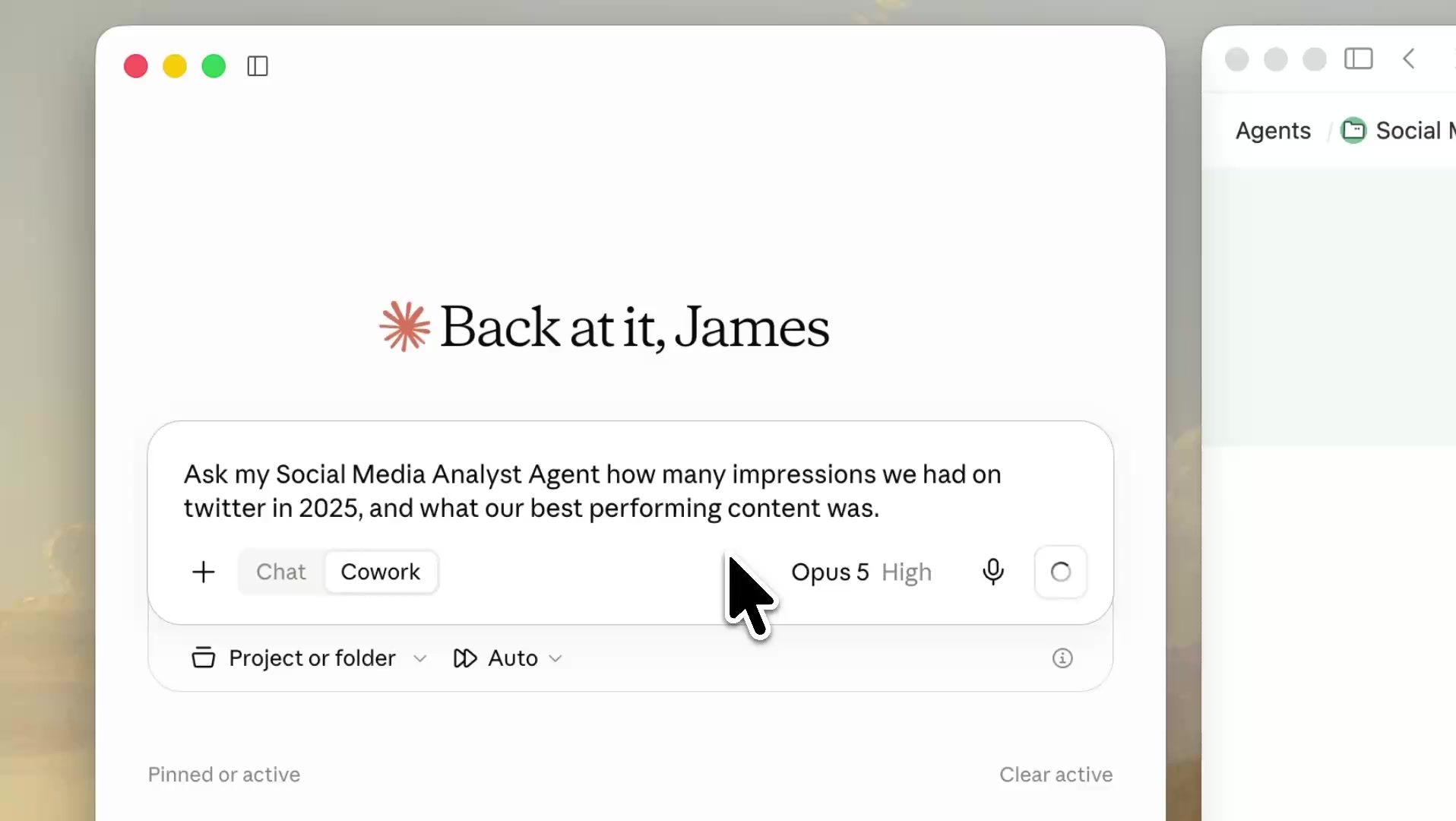
Once the Agent gets the request, it starts its own session, queries the database, runs the task, and sends progress back to you.
A complete, ready-to-use Notion personal system
If you don't want to spend dozens of hours figuring out database relations and workspace layouts from scratch, FLO.W is a refined, all-in-one Notion template system designed for tasks, projects, and knowledge management.
Connected databases link tasks, projects, and notes automatically
Includes detailed walkthrough guides and video tutorials
One-time purchase with all future major updates included
Explore FLO.W✨ 1638+ users chose FLO.W
Related Updates
- Notion Buttons Can Now Send Prompts to Agents, Running Workflows in One Click
- Notion Rebuilds Synced Databases with Real-Time Data from GitHub, Jira, and Salesforce
- Notion Upgrades Version History with Real-Time Edit Highlights and Row-Level Database Changes
- Notion Adds Selectable Models: Claude Sonnet 5.5, Haiku 5.5, Fable 5 / 5.1 and GPT-6.1 Sol
- Notion Settings Now Lets You Discover and Manage MCP Clients