Notion Ships a Skills API That Syncs Team Skills to ChatGPT, Claude, and Local Agents
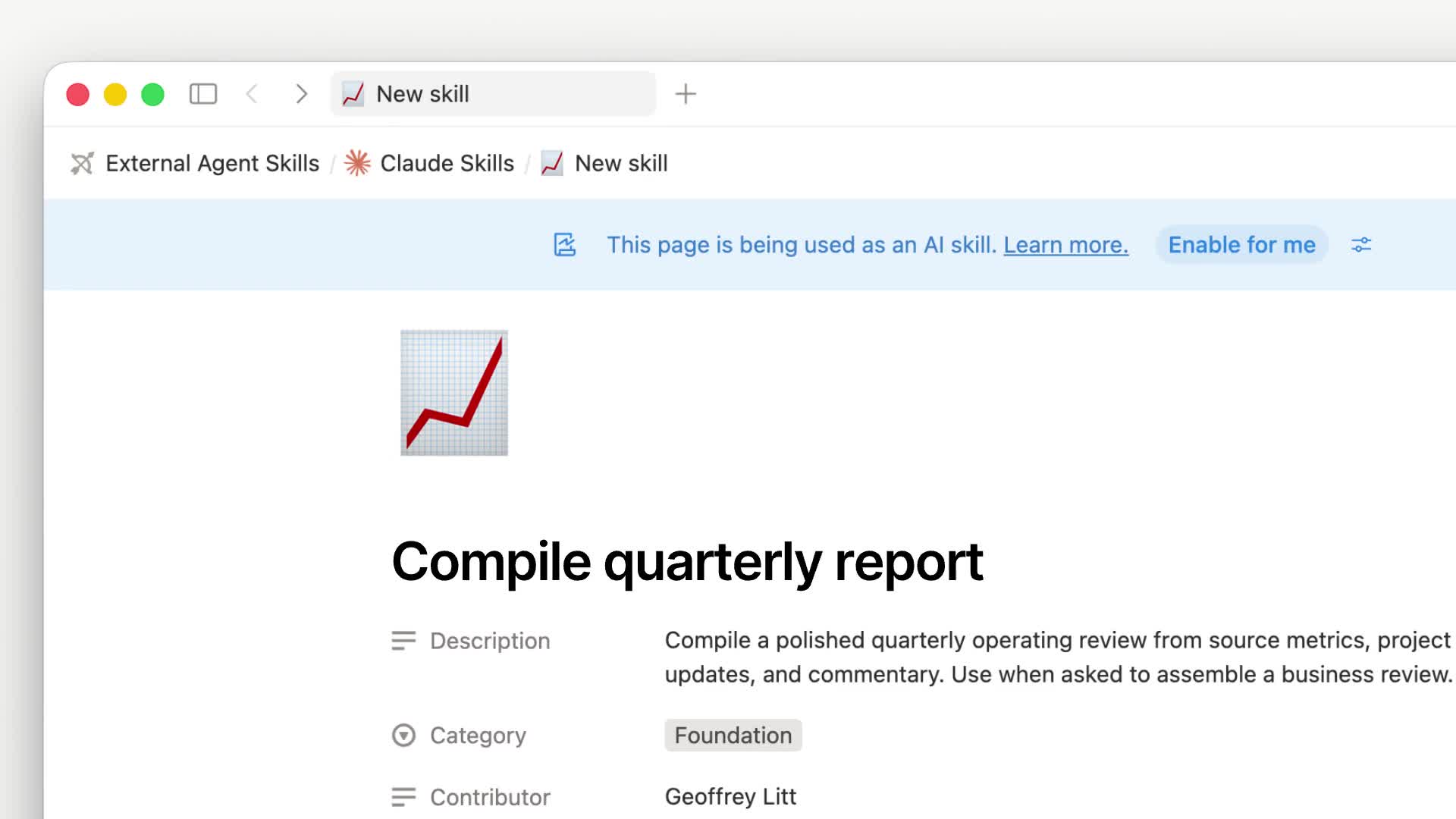
Notion ships a Skills API. Skills still live on Notion pages (the main file is SKILL.md, attachments go in the Files property), then export through the API as skill packages that follow the Agent Skills / Agent Plugins spec, for ChatGPT, Claude, Grok Bot, and local agents.
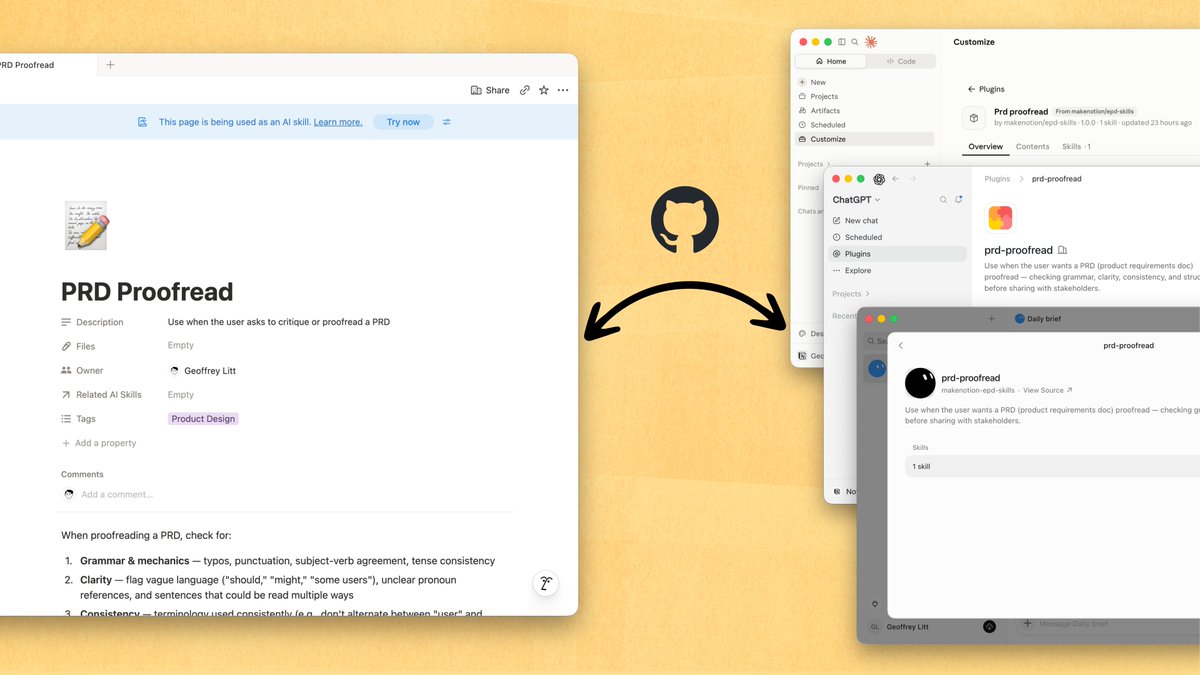
In the official demo, a skill page can sync to GitHub, then enter each agent's plugin marketplace. Slash commands and admin install controls are supported.
After you sync a Notion skill page to GitHub, agents such as ChatGPT can install it from the plugin marketplace.
How to use it:
- In Notion, write the team's working method as a skill page. Put needed code, tables, images, and other files in the Files property.
- Team sync: use the open-source repo makenotion/notion-skills-github-sync (https://github.com/makenotion/notion-skills-github-sync) to push skills to GitHub, then connect them to Claude, ChatGPT, and Grok Bot.
- Local agents: run
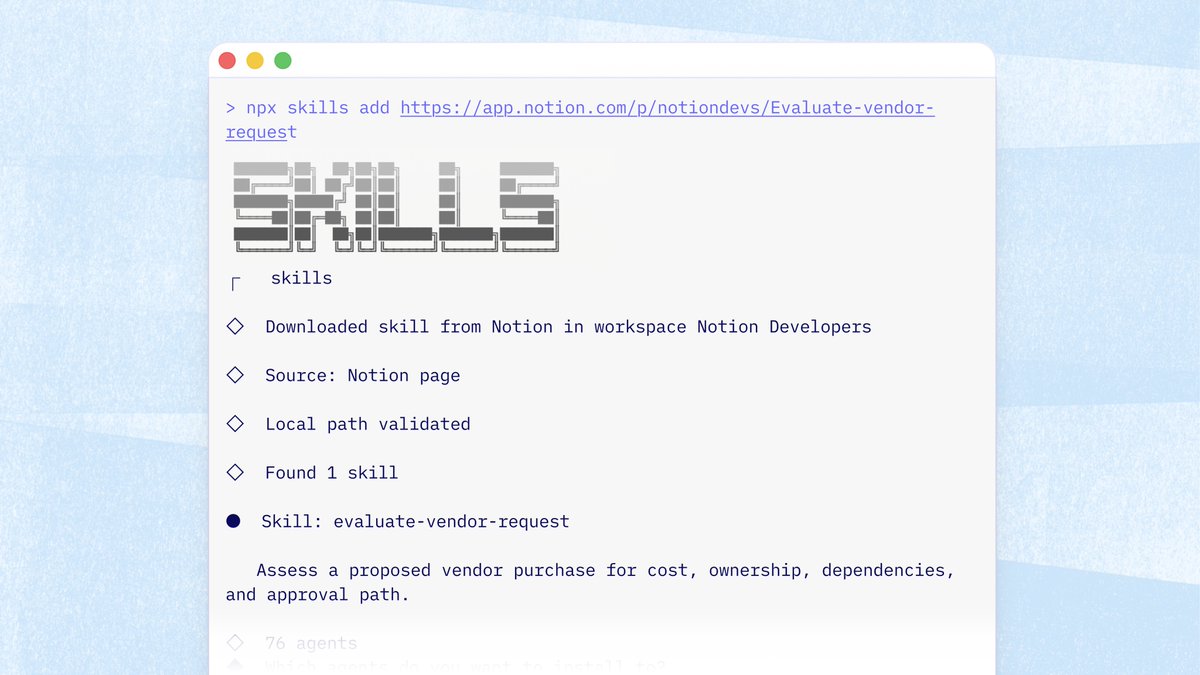
npx skills add <notion-url>to install a single skill, ornpx skills add notionto browse and install a workspace collection. - Developers can also call
GET https://api.notion.com/v1/ai/plugins(Notion-Version2026-03-11, needs Read content) and download the plugin.tar.gzbyversion_id.
The Vercel skills CLI can also download a skill straight from a Notion page URL to a local agent, without creating a Git repo first.
The personal path can still read skills through MCP. The Skills API is better for team-wide preinstall, so agents do not have to pull skills through MCP at runtime.
A complete, ready-to-use Notion personal system
If you don't want to spend dozens of hours figuring out database relations and workspace layouts from scratch, FLO.W is a refined, all-in-one Notion template system designed for tasks, projects, and knowledge management.
Related Updates
- Notion Buttons Can Now Send Prompts to Agents, Running Workflows in One Click
- Notion Rebuilds Synced Databases with Real-Time Data from GitHub, Jira, and Salesforce
- Notion Upgrades Version History with Real-Time Edit Highlights and Row-Level Database Changes
- Notion Adds Selectable Models: Claude Sonnet 5.5, Haiku 5.5, Fable 5 / 5.1 and GPT-6.1 Sol
- Notion Settings Now Lets You Discover and Manage MCP Clients