Notion launches a Mail & Calendar settings page
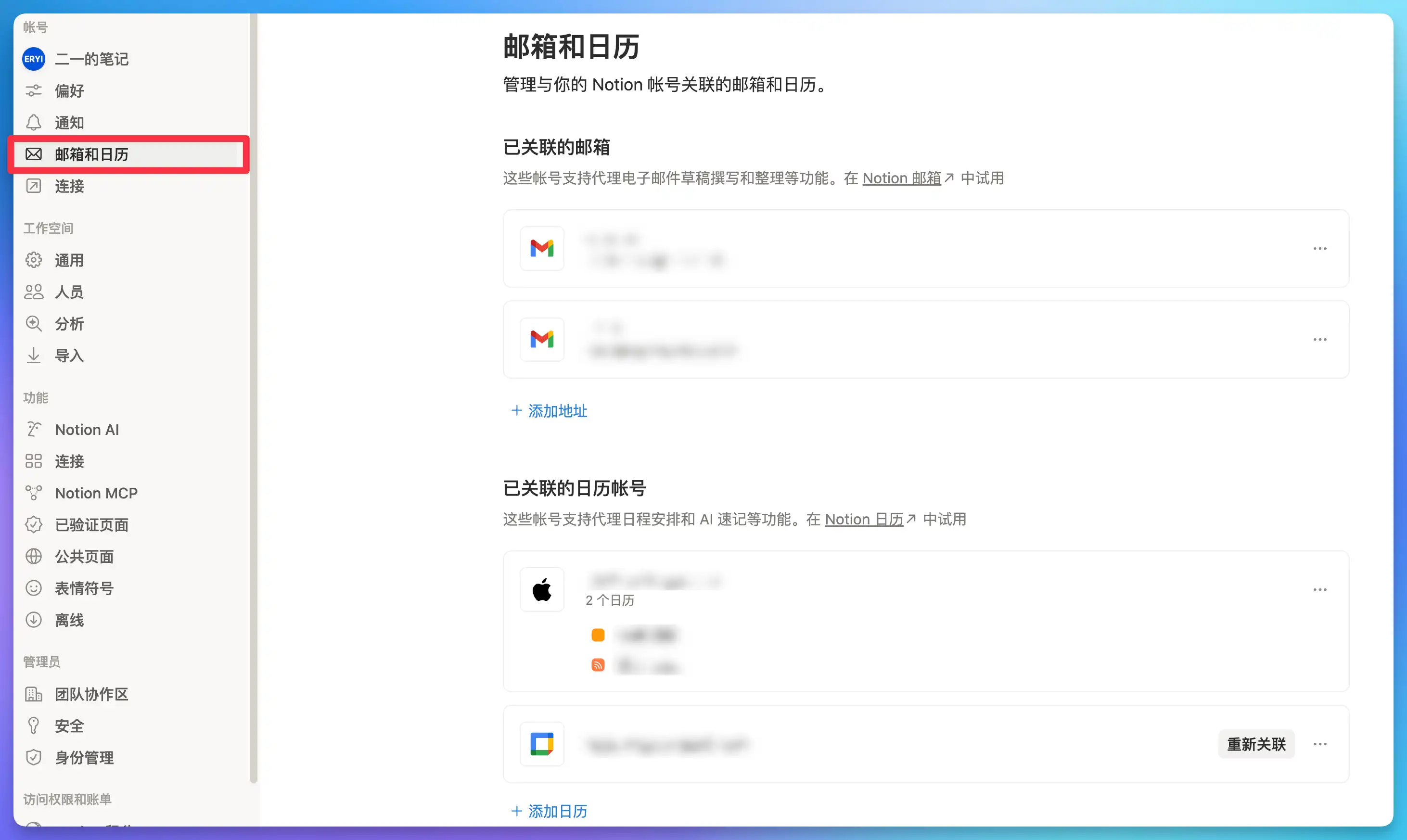
Notion now puts Mail and Calendar account connections into a dedicated Mail & Calendar page in Settings. If you wanted AI to draft emails, check availability, or schedule meetings before, the setup path could feel scattered. Now you can handle those permissions in one place.
From Settings, you can add email addresses and calendar accounts in one flow. Once linked, Notion AI can draft emails, organize your inbox, and schedule meetings more smoothly. Following Mail and Calendar integrations for Custom Agents, the focus here is a clearer and easier setup flow.
If you already run Agent workflows inside FLO.W, this is a practical improvement. It should be easier to reconnect everything on a new device or hand the setup over to a teammate. I covered email triage and scheduling examples in my deep dive on Notion Custom Agent.
A complete, ready-to-use Notion personal system
If you don't want to spend dozens of hours figuring out database relations and workspace layouts from scratch, FLO.W is a refined, all-in-one Notion template system designed for tasks, projects, and knowledge management.
Related Updates
- Notion Buttons Can Now Send Prompts to Agents, Running Workflows in One Click
- Notion Rebuilds Synced Databases with Real-Time Data from GitHub, Jira, and Salesforce
- Notion Upgrades Version History with Real-Time Edit Highlights and Row-Level Database Changes
- Notion Adds Selectable Models: Claude Sonnet 5.5, Haiku 5.5, Fable 5 / 5.1 and GPT-6.1 Sol
- Notion Settings Now Lets You Discover and Manage MCP Clients