Notion Calendar Is Rebuilt Natively for iOS: Faster Launch, New Day, Week, Month and Agenda Views
Notion Calendar is being rebuilt natively for iOS. Notion says it will feel faster from the very first tap, and it adds new day, week, month and agenda views.
Product manager Julia Rudansky shared an early demo, and both the NotionHQ and Notion Calendar accounts reposted it. What is open right now is a TestFlight alpha, not a final App Store release.
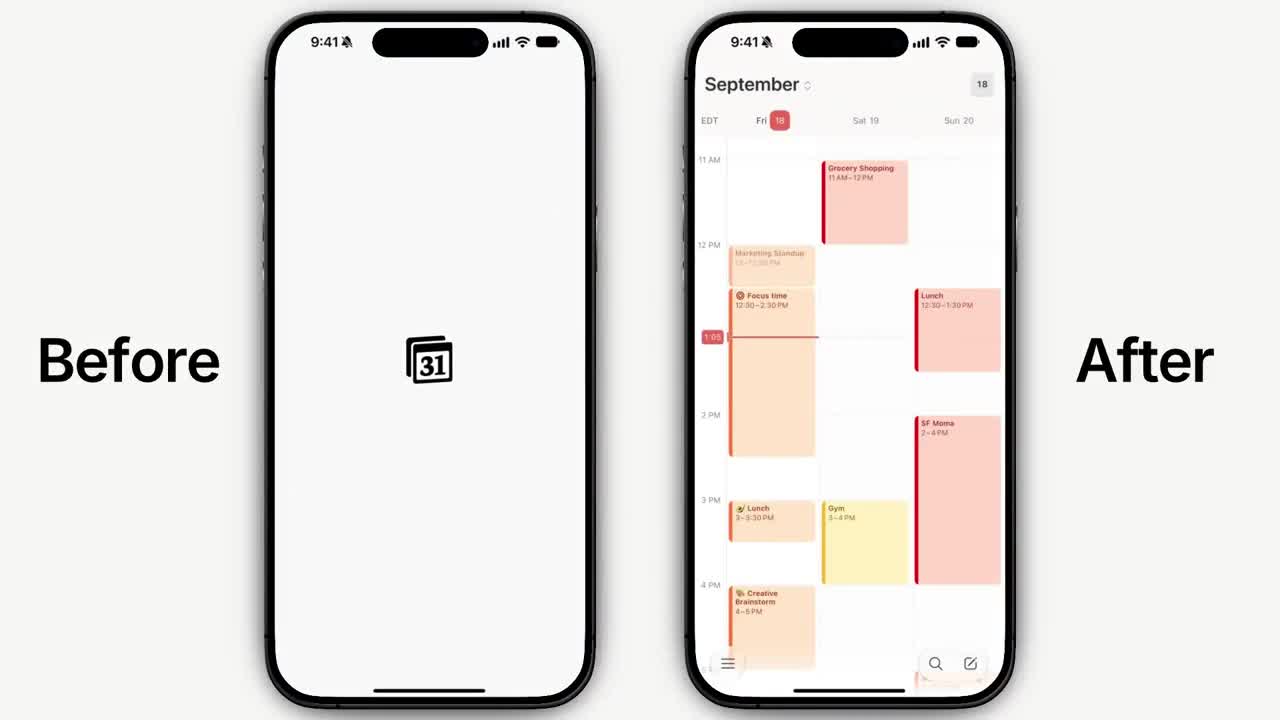
The demo compares launch with a Before / After split: on the left the old app sits on a splash screen, while the new one on the right opens straight to your schedule.
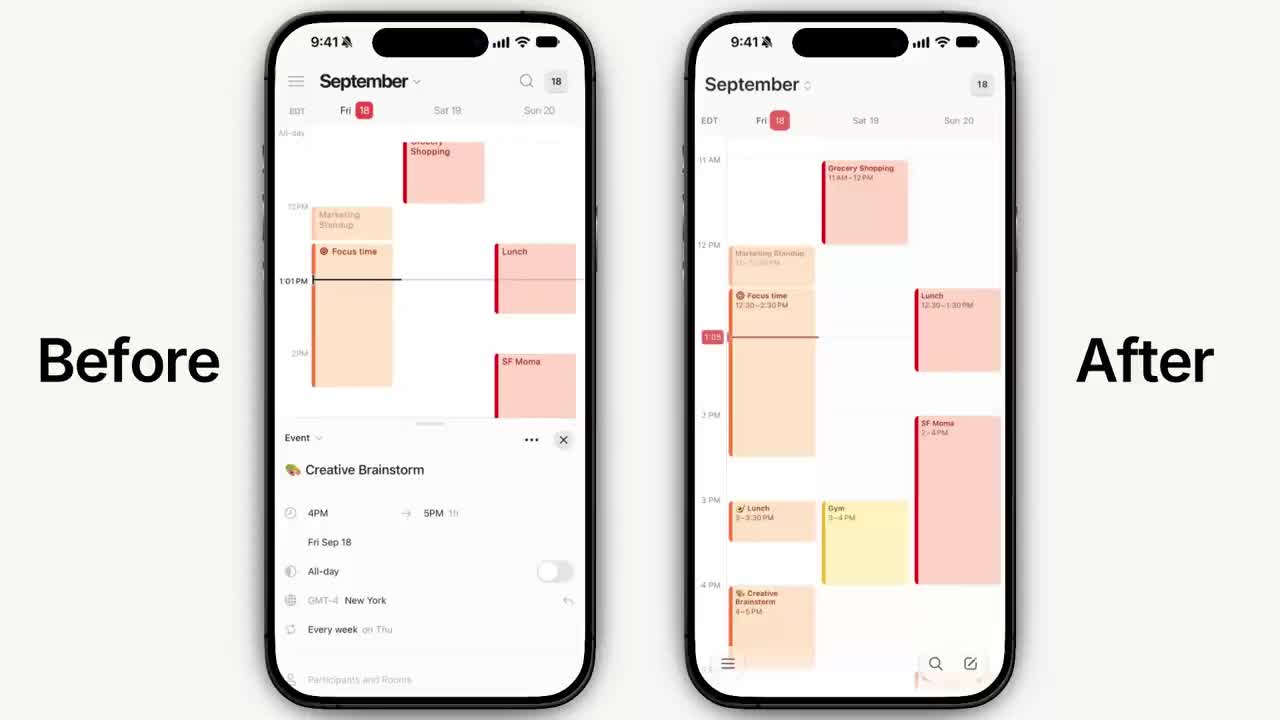
Next, opening an event: on the left the old app slides up a detail sheet and squeezes the schedule into the top half of the screen, while the new version on the right keeps the full schedule view.
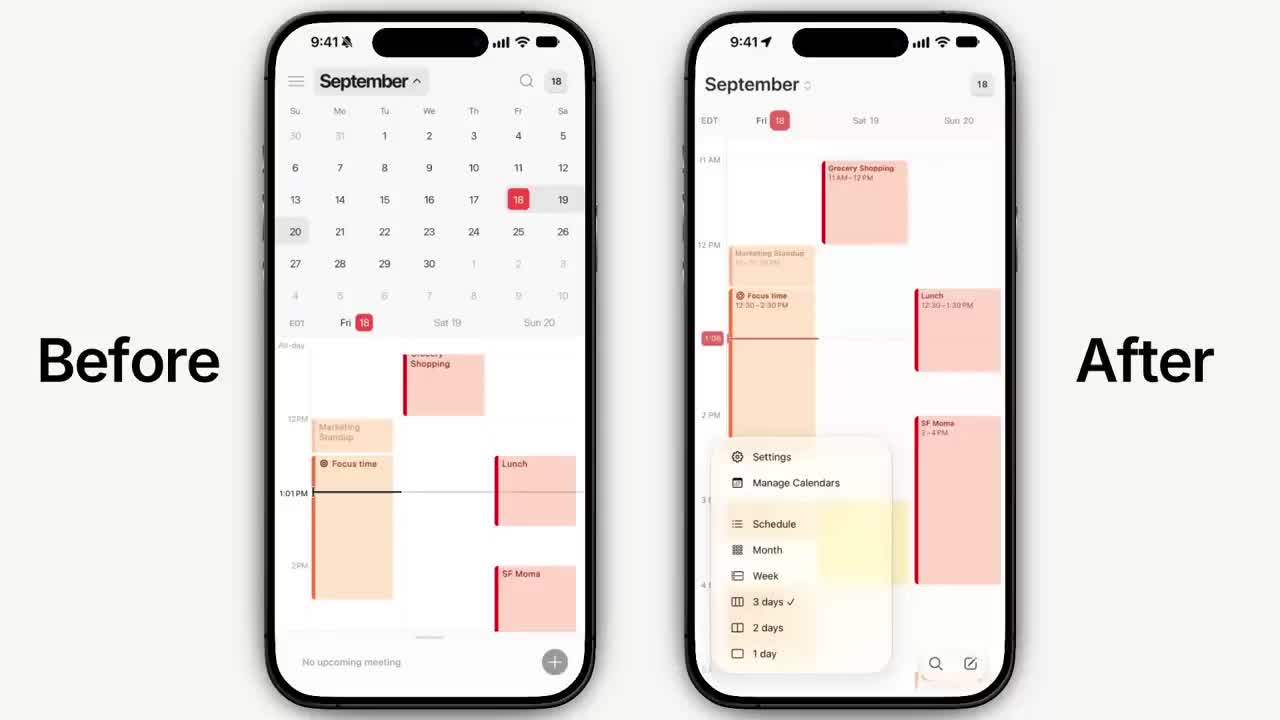
The right side shows the new view-switcher menu at the bottom, which lets you switch between Schedule, Month, Week, and 3-day, 2-day and 1-day views. The left side is the old expanded month calendar.
How to join:
- Sign up for the iOS alpha on the sign-up page: https://notion.pages.dev.notion.co/1783b7cfa8c041929aca9cc5f970ce94
- Follow the email instructions to install it through TestFlight.
- Try the new day, week, month and agenda views and see how quickly it opens.
Note: this is the native iOS rebuild of the standalone Notion Calendar app. It is a separate effort from the native mobile rebuild of the main Notion app, and smart scheduling (suggesting free slots when you add people) is another feature that has already shipped.
A complete, ready-to-use Notion personal system
If you don't want to spend dozens of hours figuring out database relations and workspace layouts from scratch, FLO.W is a refined, all-in-one Notion template system designed for tasks, projects, and knowledge management.