 MkSaaS Docs
Course Learning
Learn about the course learning module of FLO.W Template
Course Storage Location
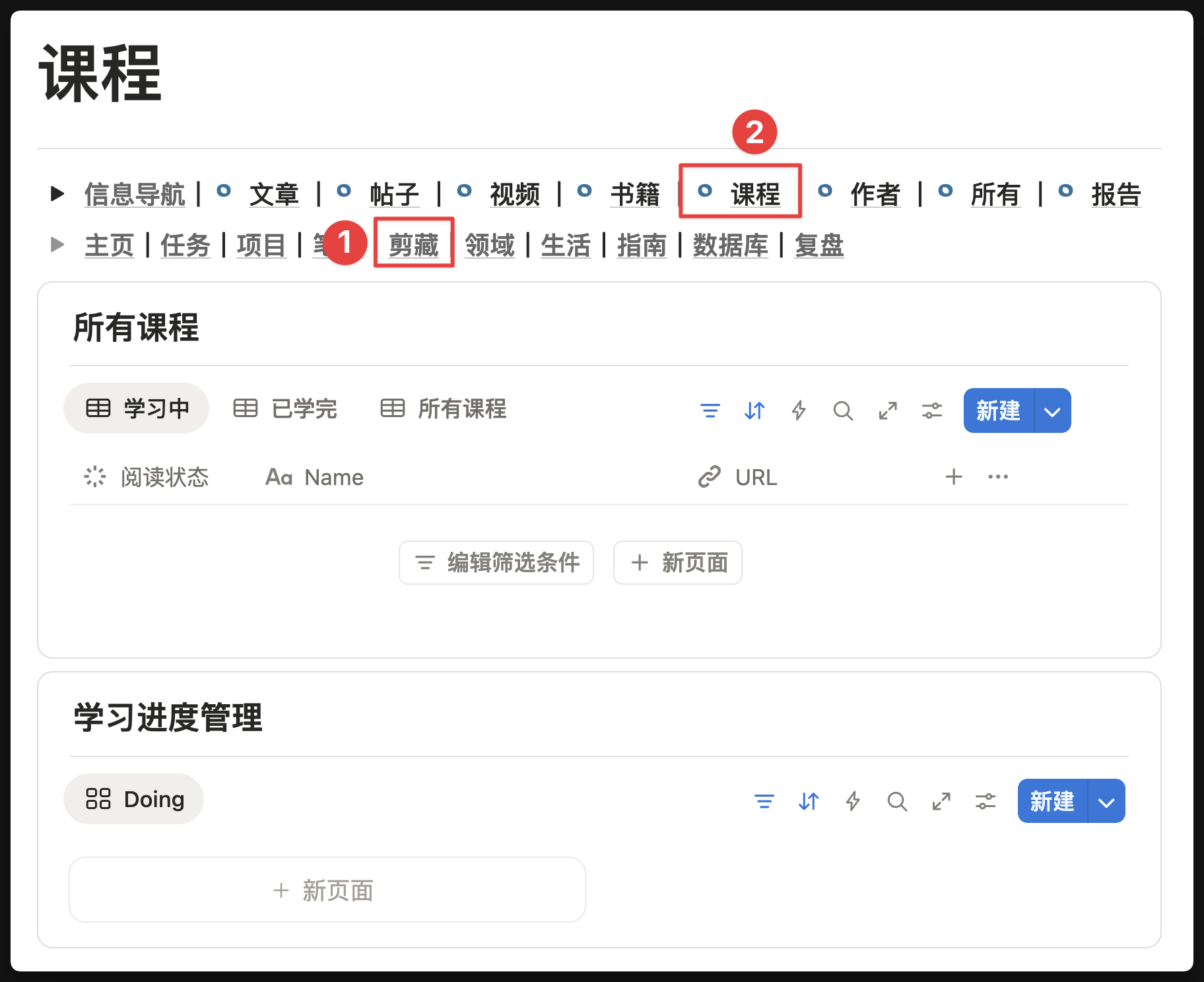
How to Create a Course
Link Course Notes
Suppose you have already created a course in the FLO.W Template and want to record notes for the course during the learning process. The simplest method is to click the [Link Notes] button under the [Relation] module of the course
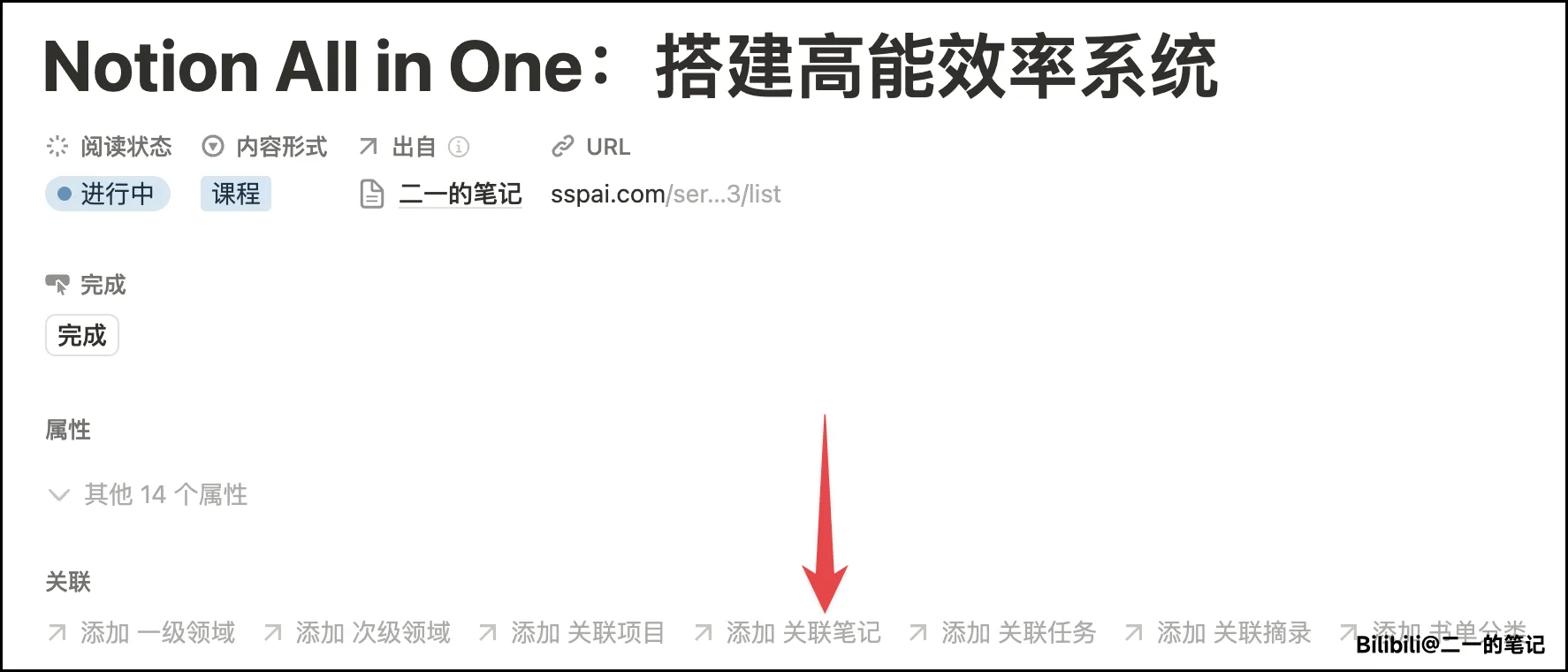
After clicking [Link Notes], you have two options:
- Link this [Course] to [existing Notes] in your [Notes Database]
- Or in the pop-up relation window, directly enter [new Note title], then click [Create Page]
Notes linked through the above two methods will display the related course in the [Related Content] location of the [Notes] page.

Create Course Learning Project
In the [Course] page, you will find a [Study Plan] module. Clicking the [Add Study Plan] button of this module will automatically create a [Course Learning Project]
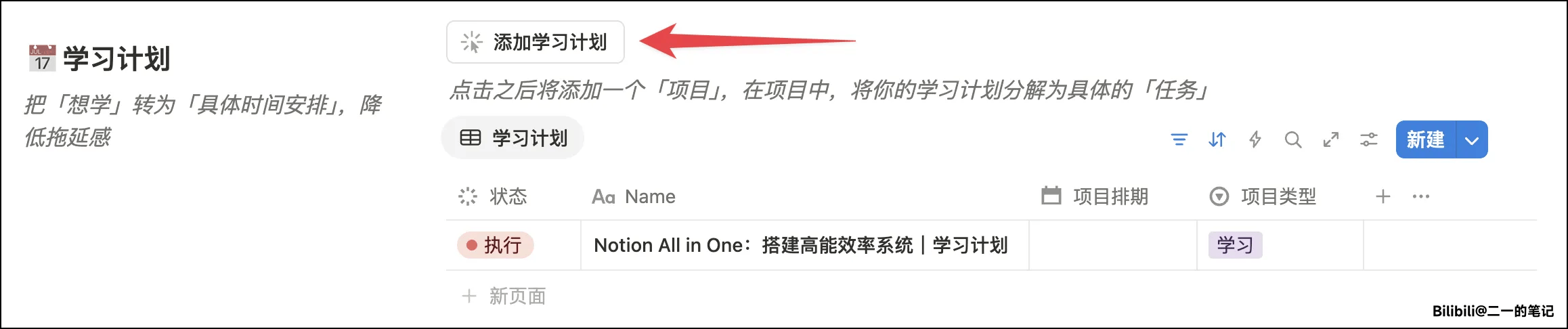
Supplement:
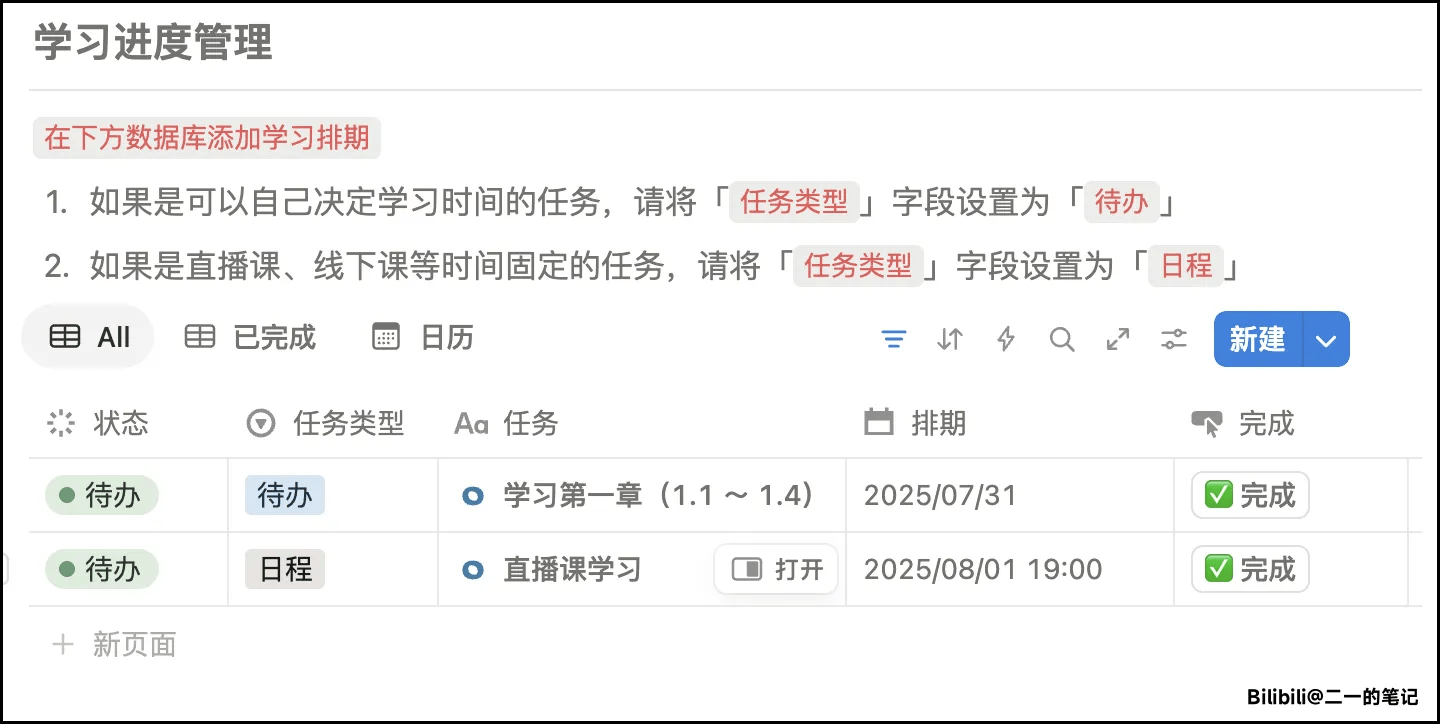
If the learning cycle of this course is very long, you can manage the course's learning progress through the [Project] module. Enter the [Course Learning Project] and break down the large [Learning Project] into specific [Learning Tasks], as shown below.
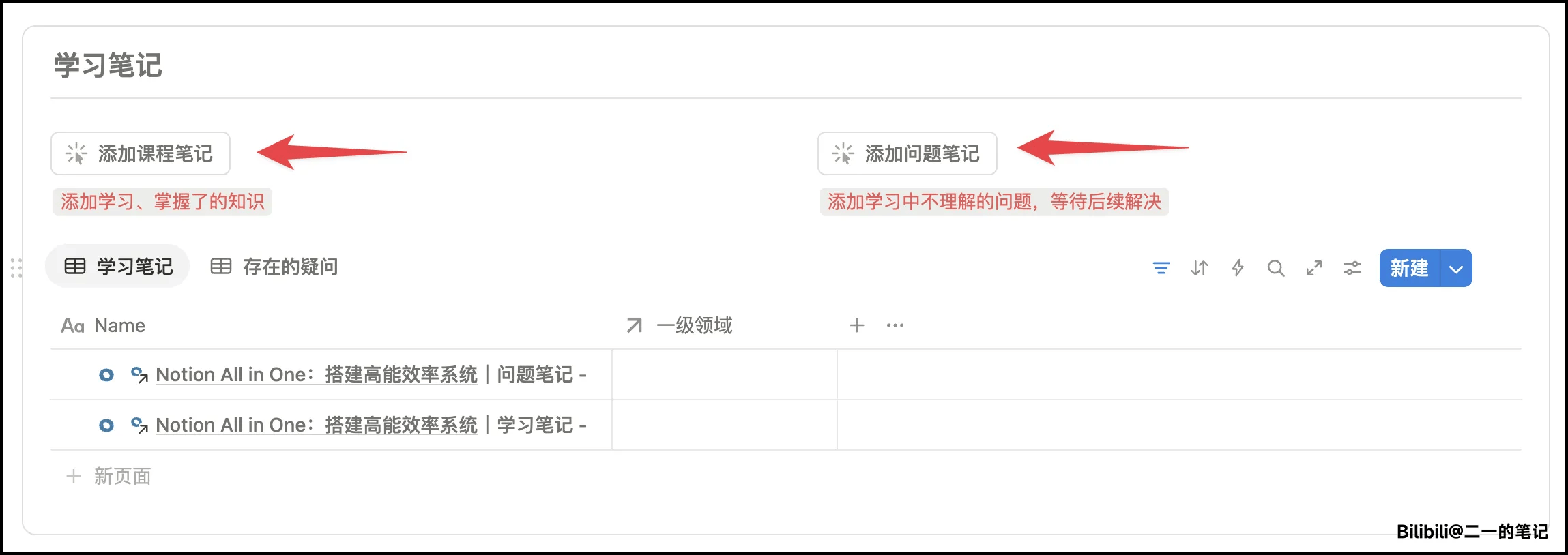
In the [Course Learning Project] page, there is also a [Study Notes] module. You can click the module button to add study notes or question notes during the learning process. After clicking, a Note title starting with [Course Name] will be automatically generated, so before clicking, please ensure that the current [Learning Project] has been linked to a specific course.
Manage [Episode-Based] Courses
Suppose you clipped a [Bilibili Video Course], then the course will inevitably be divided into parts and chapters. How do you manage dozens of episodes in FLO.W?
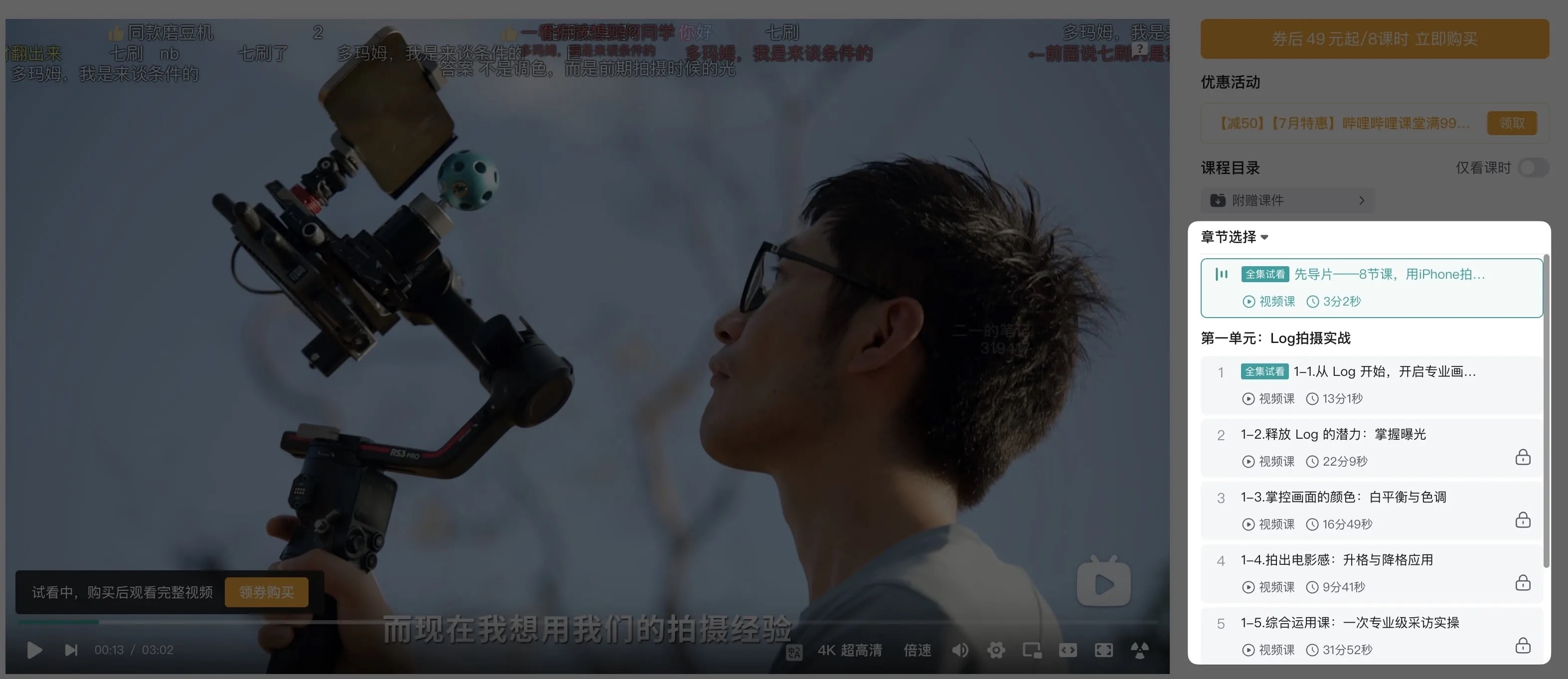
First, we need to think clearly about what the purpose of managing courses is.
- Want to track course learning progress? You can use the [Course Learning Project] module to manage 👉 Click Me
- Want to manage more related Notes? You can directly use the [Course Management Notes] method 👉 Click Me
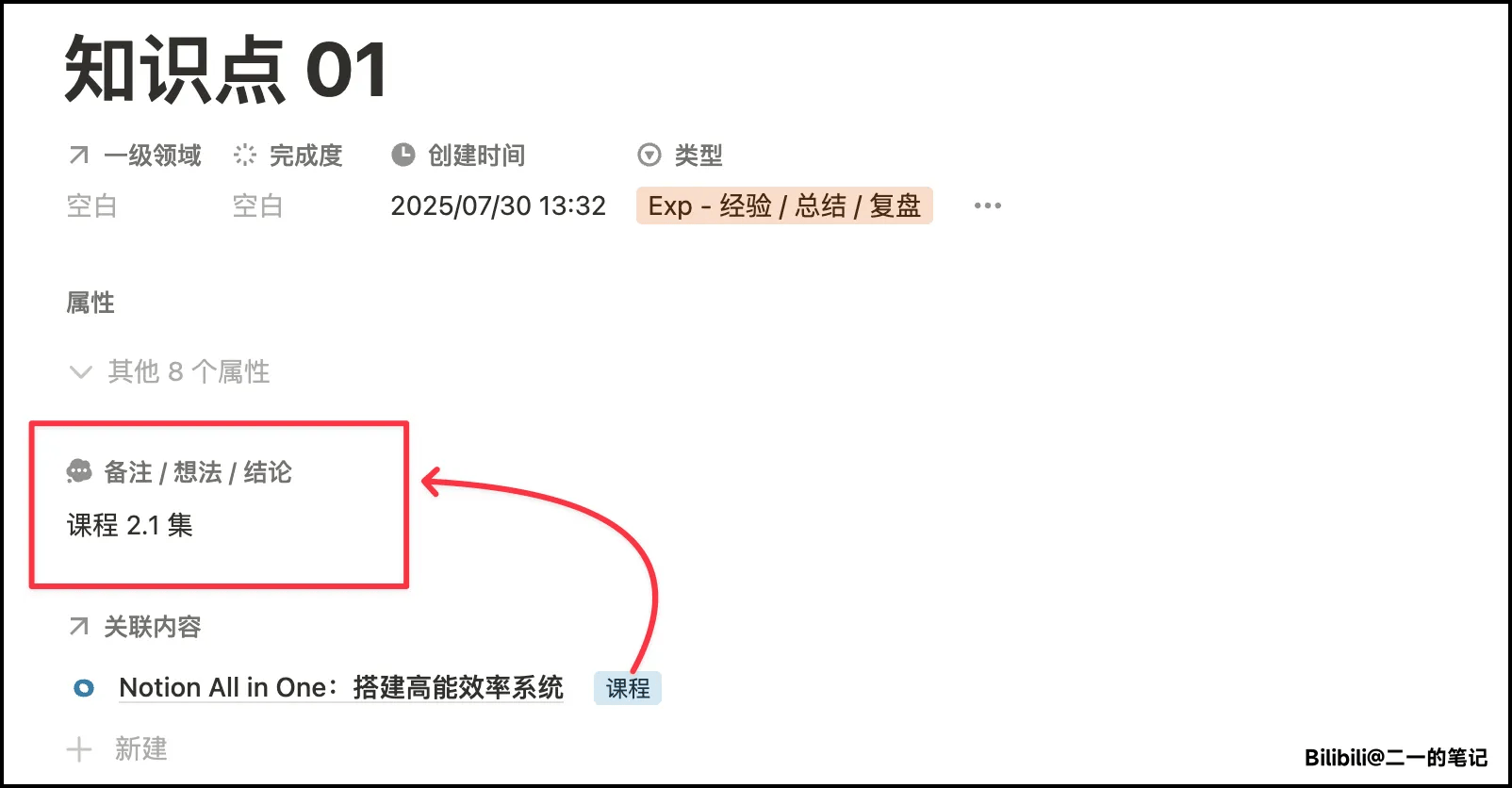
Or, want to create a Note for each episode? Actually, I think Notes should not be [one Note per episode], but [one Note per knowledge point].
For example
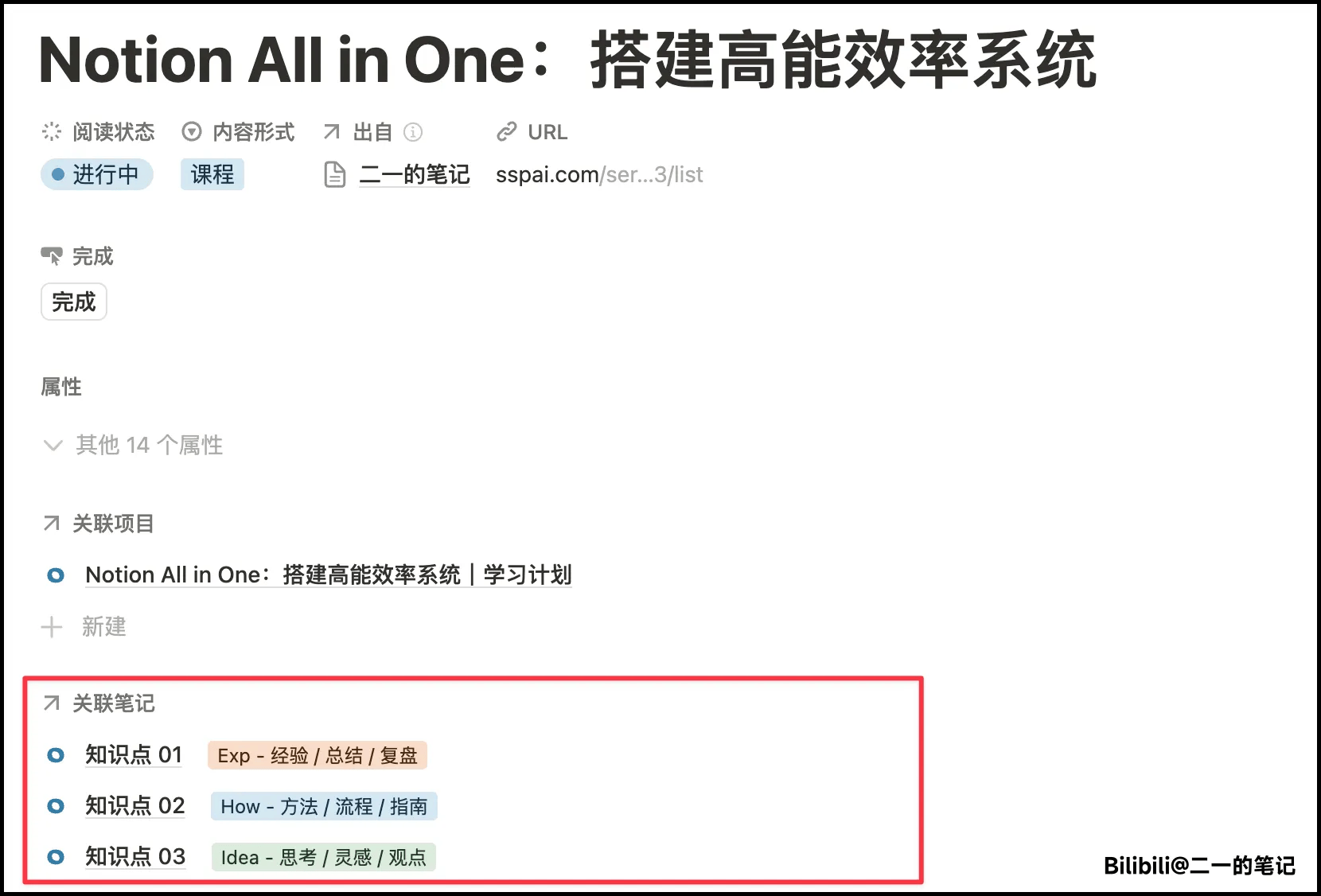
If you want to know where this knowledge point came from, just mark the source clearly in the [Remarks] of the [Note]
Another approach is to write all knowledge points of the course in [the same Note], which can be managed centrally. Actually, I personally recommend this more
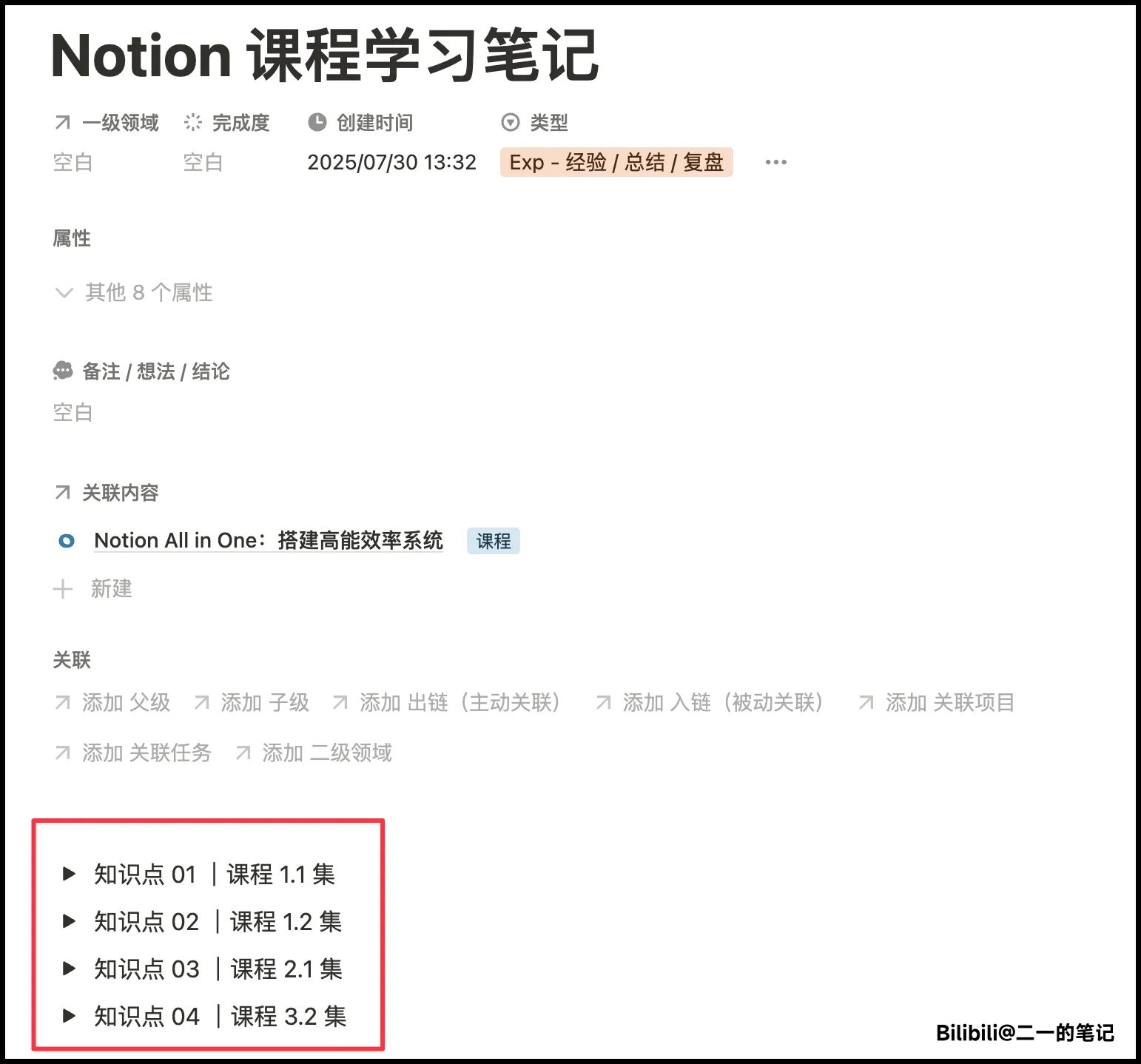
Course Topic Notes
Please learn and understand the concept of .