# Movie Tracker (https://21notion.com/en/docs/lifestyle/movie-tracker)
## Module Introduction
Movies and series you've watched shouldn't be consumed like fast food.
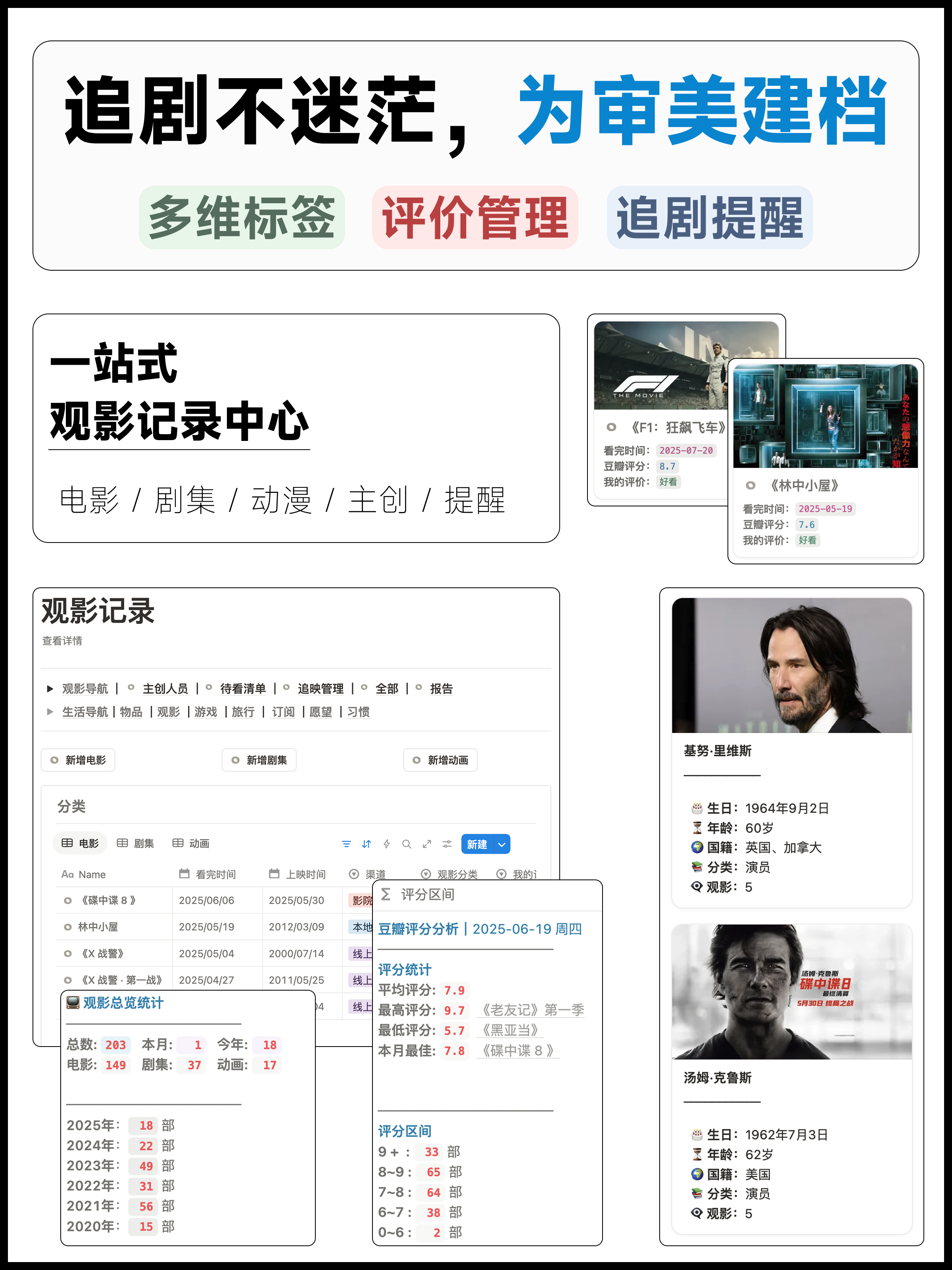
This module helps you record every viewing experience: your rating, watch time, actors and directors who moved you. More importantly, it can remind you of new releases you're anticipating and updates to shows you're following. From "want to watch" to "watched," from "tracking" to "savoring," all your viewing memories are traceable.
Three months from now, when a friend asks "what's good to watch lately," you won't need to struggle to remember—open this and find the answer.
> 🎯 **Movie Tracker** is just one of many built-in features in the FLO.W template. You'll also get task management, project tracking, a notes system, and more — one template covering every aspect of work and life.
>
>
>
> [👉 View full features & pricing](/pricing)
## FAQ
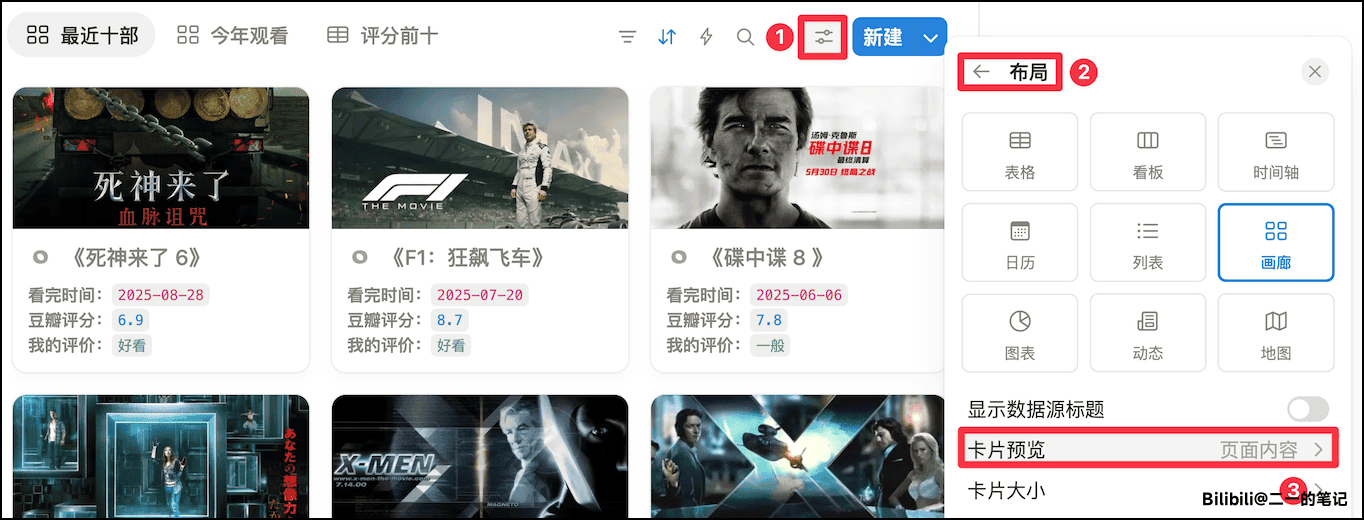
Gallery poster effect:
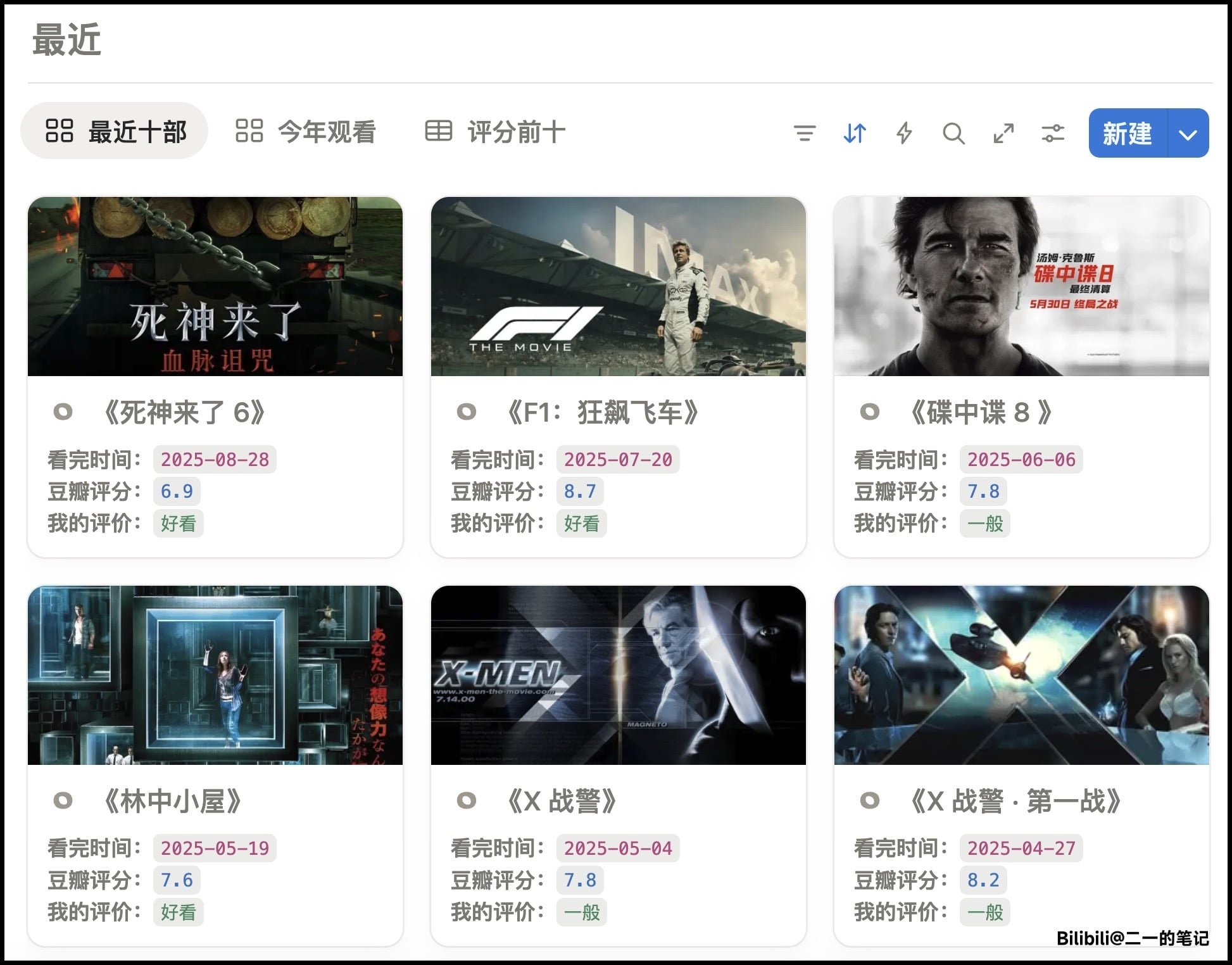
To display posters in the gallery, there are two methods.
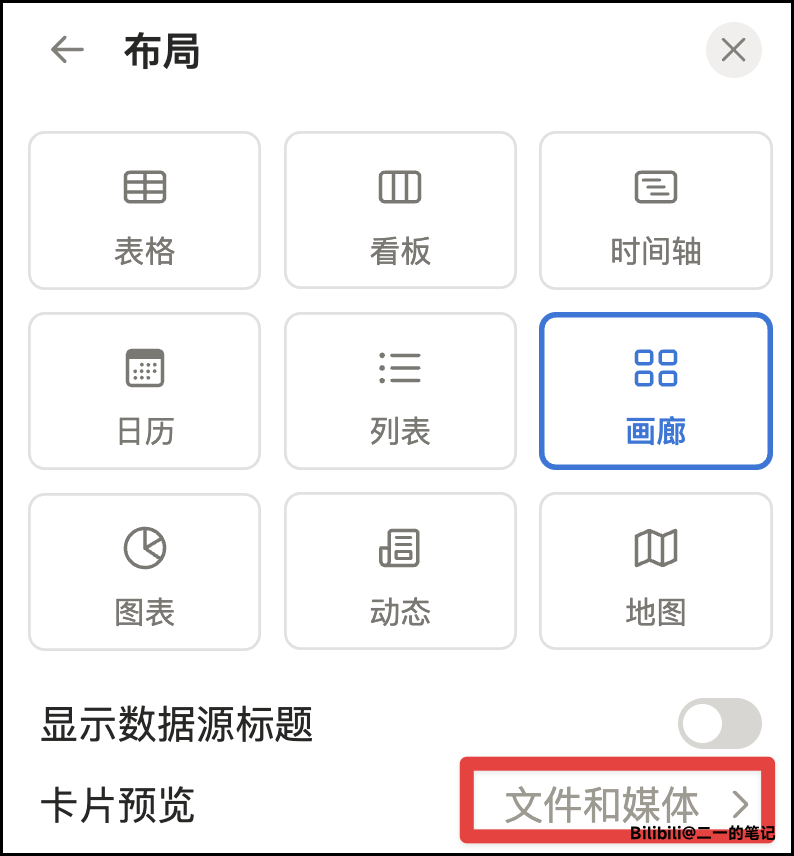
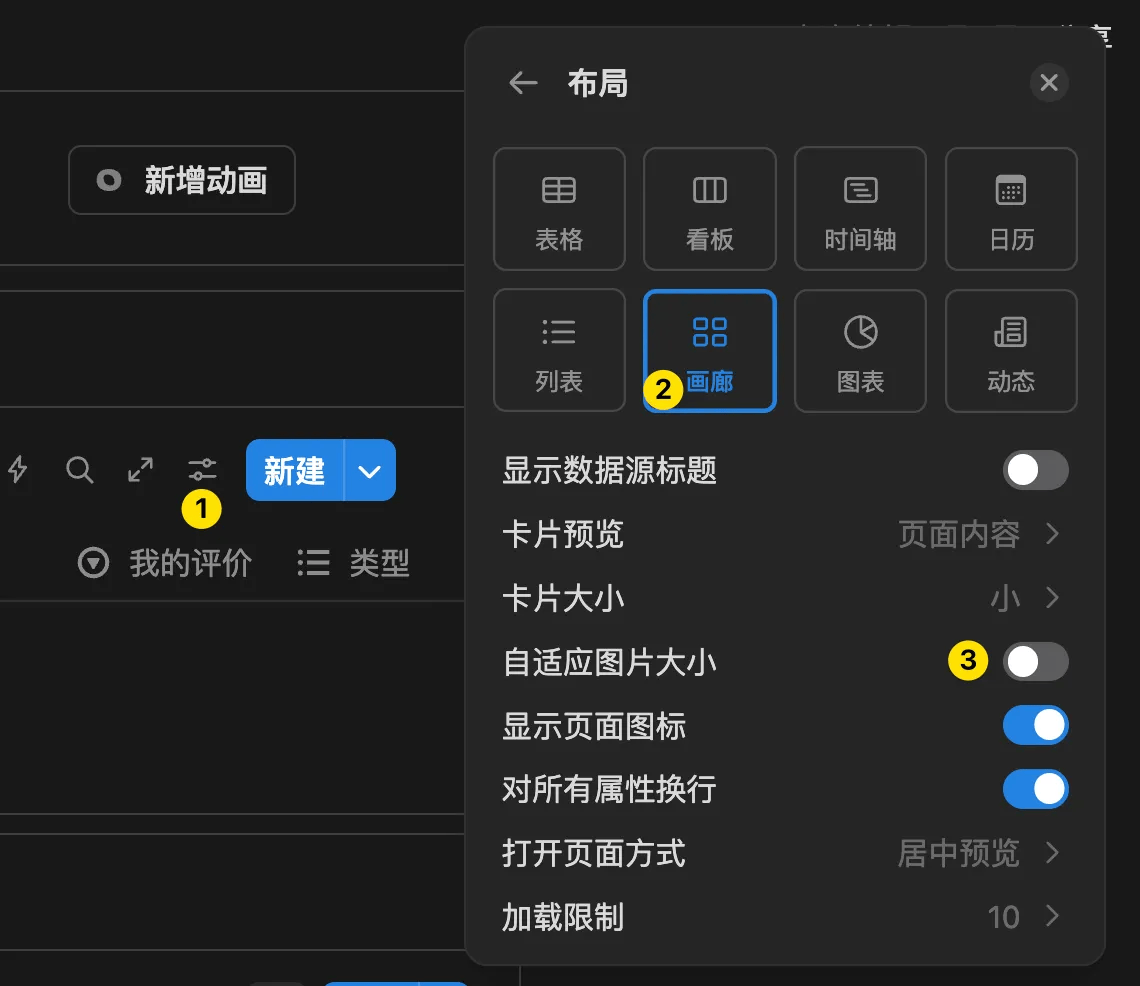
1. Paste the poster directly into the page content, then in **Database Settings - Layout**, set **Card Preview** to **Page Content**
2. Upload the poster to a **File** Property in the Database,
First, you need to create a **File** Property for the Database to upload posters

Then set **Card Preview** to this File Property