# Technical Support (https://21notion.com/en/docs/faq/support)
## Upgrade Benefits
Thank you for choosing the FLO.W Notion template. As a **Max Edition** user, you enjoy the special benefit of **free major version upgrades**.
In short, as Notion's features evolve and based on community feedback, I will continuously update and optimize the template's functional modules, add new modules, formulas, and workflow designs.
**Upgrade Scope Definition**
**1. Deep optimization of existing workflows, not unlimited feature additions**
The focus is on helping you complete tasks smoothly and efficiently, not on isolated feature points.
* **Included ✅:** Continuous review and restructuring of your existing core workflows. For example, completely redesigning the "Task Management" pipeline from collection, planning, execution to review, making it smarter and more automated. Or optimizing the "Content Creation" flow from inspiration capture, research, drafting to final publishing. These are all part of the free "major version updates".
* **Not Included ❌:** Developing entirely new domain templates unrelated to existing core workflows, such as a standalone "Pet Health Management" or "Home Renovation Project" template.
**2. Experience enhancement of existing modules, not unlimited product line expansion**
The commitment is to make your existing tools sharper and better.
* **Included ✅:** Continuously upgrading your existing core modules. For example, evolving the "Notes" module from a simple information collector to a powerful knowledge base with advanced tagging, bi-directional linking, and even knowledge graph visualization. Or adding richer views (Gantt charts, Kanban boards) and collaboration features to "Project Management". These are all part of the free "major version updates".
* **Not Included ❌:** Adding a completely independent new "Professional Extension Pack" requiring extensive domain expertise, such as a "Household Asset & Liability Management Module" with complex formulas and report analysis, or a "Personal Health & Fitness Management Module". These would be released as separate paid products.
**3. Adherence to the FLO.W product philosophy**
FLO.W's mission is to build a one-stop personal productivity system around four core scenarios: **"Effective Recording, Efficient Creation, Organized Management, Deep Review"**.
* **Included ✅:** Updates that deepen the experience across these four scenarios are within the scope of free "major version updates". Whether it's integrating new methodologies (such as PARA or Zettelkasten), or adding auxiliary features to close the loop (such as more powerful data dashboards, automated weekly/monthly report generators) — as long as it serves this core philosophy, you'll receive it for free.
* **Not Included ❌:** Any services or derivatives beyond the "product" itself, such as 1-on-1 Notion consulting, paid productivity courses, standalone software apps, or browser extensions.
**Upgrade Examples**
To give you a clearer picture, here are some specific examples:
| **Category** | **✅ Included in "Free Upgrade"** | **❌ Not Included in "Free Upgrade"** |
| ------------------------- | ------------------------------------------------------------------------------------------------ | -------------------------------------------------------------------------------------------------------- |
| **Workflow Optimization** | Completely restructure the "GTD Task Management" flow for a more automated pipeline. | Release a brand-new standalone student classroom note template. |
| | Optimize the "Content Creation" flow, adding pipeline management from inspiration to publishing. | Release a standalone enterprise CRM system. |
| **Module Enhancement** | Add team collaboration views and permission management to the "Project Database". | Develop a separately paid "Advanced Charts & Data Visualization" plugin. |
| | Add AI auto-tagging and classification to "Quick Notes". | Release a "Personal Finance" premium template with complex accounting standards. |
| | Deeply integrate the "Reading Module" with the "Notes Module" for automatic citation linking. | Develop a paid automation script for syncing template content to other apps. |
| **Experience Innovation** | Launch a new UI design with custom covers and icons for the FLO.W template. | Host a paid offline "Notion Productivity" training camp. |
| | Introduce PARA or Zettelkasten methodologies with corresponding database structure adjustments. | Provide 1-on-1 paid consulting for personal Notion system setup. |
| | Add a global "Data Dashboard" for aggregating key metrics. | Write and publish a paid e-book "Mastering FLO.W: The Art of Digital Life Management". |
| | | If FLO.W adapts to non-Notion platforms (e.g., Feishu, Flowus) in the future, the new platform versions. |
**Additional Statement:**
The world of digital tools and methodologies is constantly evolving, and Notion's own features continue to iterate. Therefore, we cannot foresee and exhaustively list all future possibilities.
Based on this, I reserve the right to make final interpretations and decisions regarding the scope of "major version updates" based on product development, technological changes, and market conditions. Any future decisions will be made on the premise of not harming the core interests of template users and following the core product philosophy described in this document.
Thank you for your understanding and support.
Due to Notion's technical limitations, the template does not support automatic "hot updates". Based on this, FLO.W adopts a modular **manual update mechanism** to ensure user data safety and system flexibility.
**Update Process**
1. Modular Release: When there are feature updates or new modules, I will release an independent **"Feature Component Template"**. This component contains all new features and related databases, and this update method preserves your existing notes library without starting over.
2. Configuration Guide: Along with each new component, a detailed **"Configuration Guide"** (usually in video or illustrated format) will be provided. The guide will explain all the steps needed to integrate the new component into your existing FLO.W system, such as page copying, database linking, etc.
**Modular Update Features**
* Data Preservation: The update process will not touch or overwrite any of your existing personal data and personalized settings, ensuring the integrity and safety of your current workspace content.
* Selective Integration: Users can **choose whether to integrate each released module** based on their own needs. This allows the system to stay lean and avoid bloating from unnecessary features.
* Educational Value: The configuration guides explain the Notion logic behind each feature. Following the manual configuration process objectively helps **users learn Notion's functionality and advanced application methods simultaneously**.
* User Autonomy: The manual configuration process allows users to clearly understand every change to the system structure, thereby enhancing their understanding and control of the entire system.
## Template Upgrade by Price Difference Strategy
Currently, the FLO.W template provides community Q\&A services for Professional Edition and Advanced Edition users. If you purchased the Basic Edition, you can contact customer service on the platform where you bought the template to upgrade by paying the price difference.
**Scan QR Code in Bilibili App**
 **Scan QR Code in Xiaohongshu App**
 **Scan WeChat QR Code**
 Please email [eryidebiji@gmail.com](mailto:eryidebiji@gmail.com) and send your purchase record
Price difference upgrades cannot be combined with other offers. The difference is calculated based on original prices.
1. Basic Edition → Professional Edition: Pay difference of 100 yuan `299-199`
2. Basic Edition → Advanced Edition: Pay difference of 150 yuan `349-199`
3. Professional Edition → Advanced Edition: Pay difference of 50 yuan `349-299`
## Apply to Join Lark Community
Currently, the FLO.W template provides community Q\&A services for Professional Edition and Advanced Edition users. If you purchased the Basic Edition, you can contact customer service on the platform where you bought the template to upgrade by paying the price difference.
Please email [eryidebiji@gmail.com](mailto:eryidebiji@gmail.com) and send your purchase record
Price difference upgrades cannot be combined with other offers. The difference is calculated based on original prices.
1. Basic Edition → Professional Edition: Pay difference of 100 yuan `299-199`
2. Basic Edition → Advanced Edition: Pay difference of 150 yuan `349-199`
3. Professional Edition → Advanced Edition: Pay difference of 50 yuan `349-299`
## Apply to Join Lark Community
Currently, the FLO.W template provides community Q\&A services for Professional Edition and Advanced Edition users. If you purchased the Basic Edition, you can contact customer service on the platform where you bought the template to upgrade by paying the price difference.
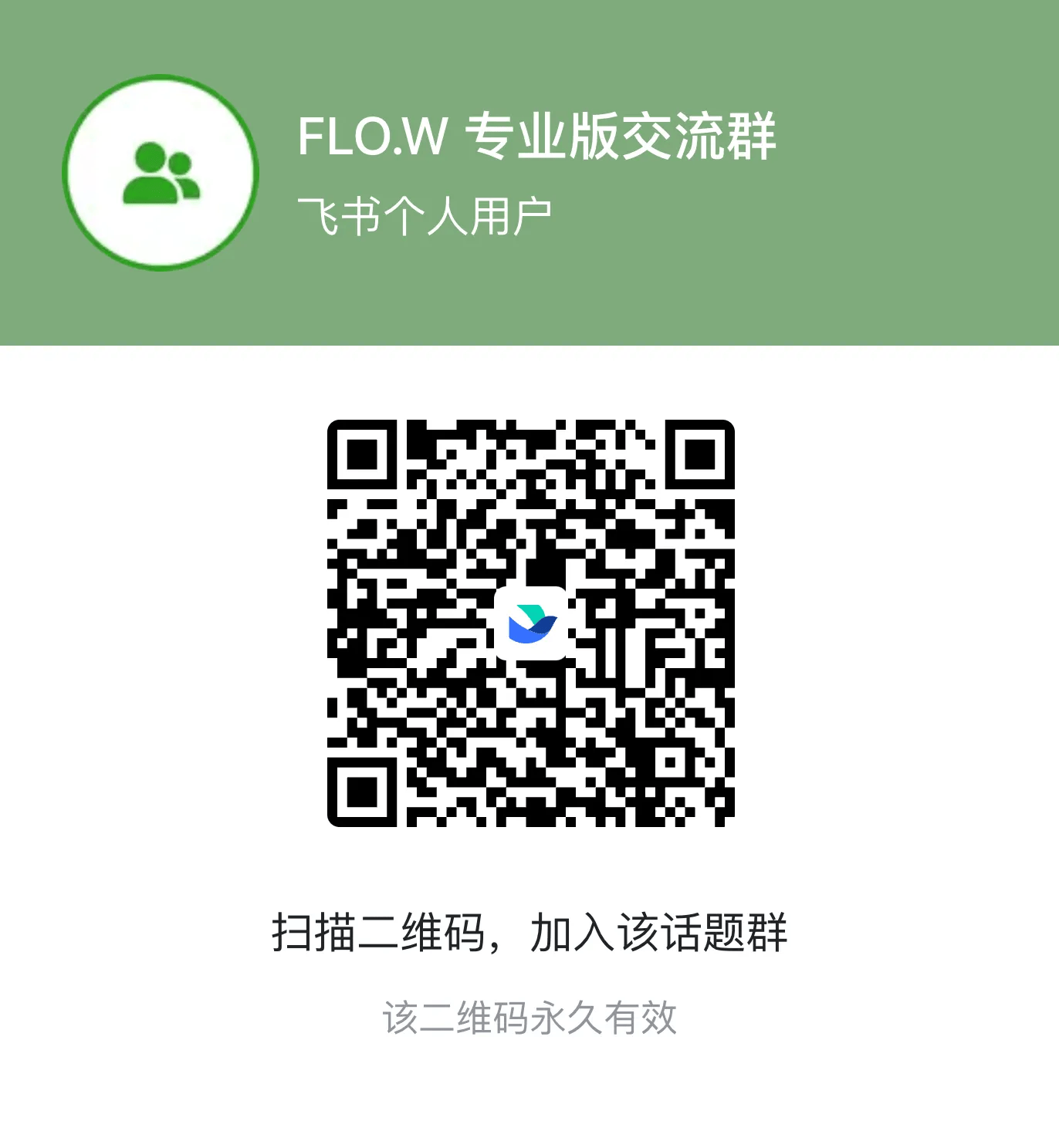
ℹ️ For group verification, please send \[Purchase Platform + Order Number]
**Scan QR Code in Lark App**
* Scan QR code in Lark App and enter verification answer
* Verification answer 👉 \[Purchase Platform + Order Number]
 **Click Link in Client**
* Group link 👉 [Click Me](https://applink.feishu.cn/client/chat/chatter/add_by_link?link_token=249m84a0-e299-45d4-ad5a-4c78c402d5a8), enter verification answer
* Verification answer 👉 \[Purchase Platform + Order Number]
**Scan QR Code in Lark App**
* Scan QR code in Lark App and enter verification answer
* Verification answer 👉 \[Purchase Platform + Order Number]
**Click Link in Client**
* Group link 👉 [Click Me](https://applink.feishu.cn/client/chat/chatter/add_by_link?link_token=249m84a0-e299-45d4-ad5a-4c78c402d5a8), enter verification answer
* Verification answer 👉 \[Purchase Platform + Order Number]
**Scan QR Code in Lark App**
* Scan QR code in Lark App and enter verification answer
* Verification answer 👉 \[Purchase Platform + Order Number]
 **Click Link in Client**
* Group link 👉 [Click Me](https://applink.feishu.cn/client/chat/chatter/add_by_link?link_token=11fka34d-2b35-4d5e-812f-f03b715323cd), enter verification answer
* Verification answer 👉 \[Purchase Platform + Order Number]
## Question Guidelines
To resolve your issue faster, please provide the following information when posting in the community:
* 🔍 **Issue Description**: Describe the issue in detail
* 📸 **Screenshots/Recordings**: Specific manifestation of the issue
* 🔄 **Steps to Reproduce**: How to reproduce this issue
## Official Notion Updates
The FLO.W template evolves alongside Notion's official feature updates. Visit the [Notion Updates Timeline](/notion-updates) to stay up to date with every noteworthy new feature and improvement.
**Click Link in Client**
* Group link 👉 [Click Me](https://applink.feishu.cn/client/chat/chatter/add_by_link?link_token=11fka34d-2b35-4d5e-812f-f03b715323cd), enter verification answer
* Verification answer 👉 \[Purchase Platform + Order Number]
## Question Guidelines
To resolve your issue faster, please provide the following information when posting in the community:
* 🔍 **Issue Description**: Describe the issue in detail
* 📸 **Screenshots/Recordings**: Specific manifestation of the issue
* 🔄 **Steps to Reproduce**: How to reproduce this issue
## Official Notion Updates
The FLO.W template evolves alongside Notion's official feature updates. Visit the [Notion Updates Timeline](/notion-updates) to stay up to date with every noteworthy new feature and improvement.